Playing files stored on usb memory device – Marantz SA8005 User Manual
Page 42
42
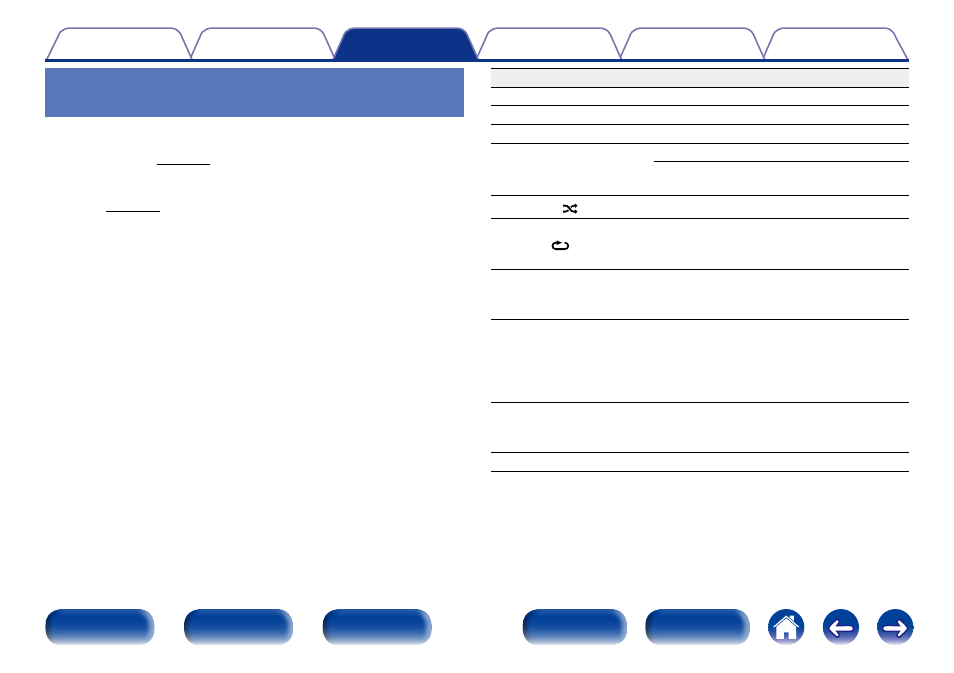
Operation buttons
Function
1
Playback
3
Pause
2
Stop
8 9
Skip to previous track / Skip to next track
(Press and hold)
Fast-reverse / Fast-forward
RANDOM
Random playback
REPEAT
Repeat playback
• Switching between Single-track repeat
and All-track repeat.
MODE
Switch to Folder playback mode
• Switching between “Folder” and “All
Files”.
TIME
Time display switching
• Switching between elapsed time of
the current track, remaining time of the
current track and remaining time of all
tracks.
INFO
Text information display
• Text information recorded on the media
is displayed.
uio p
Select the item
Playing files stored on USB memory
device
1
Press INPUT to select the playback media mode to
“USB” (vpage 29).
2
Connect the USB memory device to the USB port
3
Press MODE to select the “Folder” or “All Files”.
n About the display
• When “Folder” is selected
All the files in the selected folder are played.
• When “All Files” is selected
After the selected folder and files are played, all the files in all
the folders are played.
4
Use ui to select the folder, then press ENTER.
5
Use ui to select the file, then press ENTER.
Playback starts.