Function button – RGBLink DXP V1616 User Manual User Manual
Page 23
DXP V1616 User Manual 23
Function Button
【
0】~【9】Digital button: selection button for input and output
channel, used to set video signal input and output channel, also,
can be used to number choice of save or call saving modes.
Note
【
0】button can also be used to shut down
the channel output.
【
10+】、
【
20+】、
【
30+】+ system function button, means decimal;
e.g.: ―25‖, first push【20+】, then push【5】, it means input―25‖.
【
20+】、【30+】 function reuse button:
Push【Menu】to enter the menu, press【20+】UP arrow keys,【30+】
DOWN arrow keys, and select the menu option
.
Note
【
20+】can be used as UP arrow keys,
【
30+】can be used as DOWN arrow keys.
【
ALL】Used as distributor selection, can set a certain input to all
outputs.
e.g.: Push【ALL】→【5】→【Enter】, it means input 5 has be distributed
to all outputs.
【
F1】Fast call user save mode 1;
【
F2】Fast call user save mode 2;
【
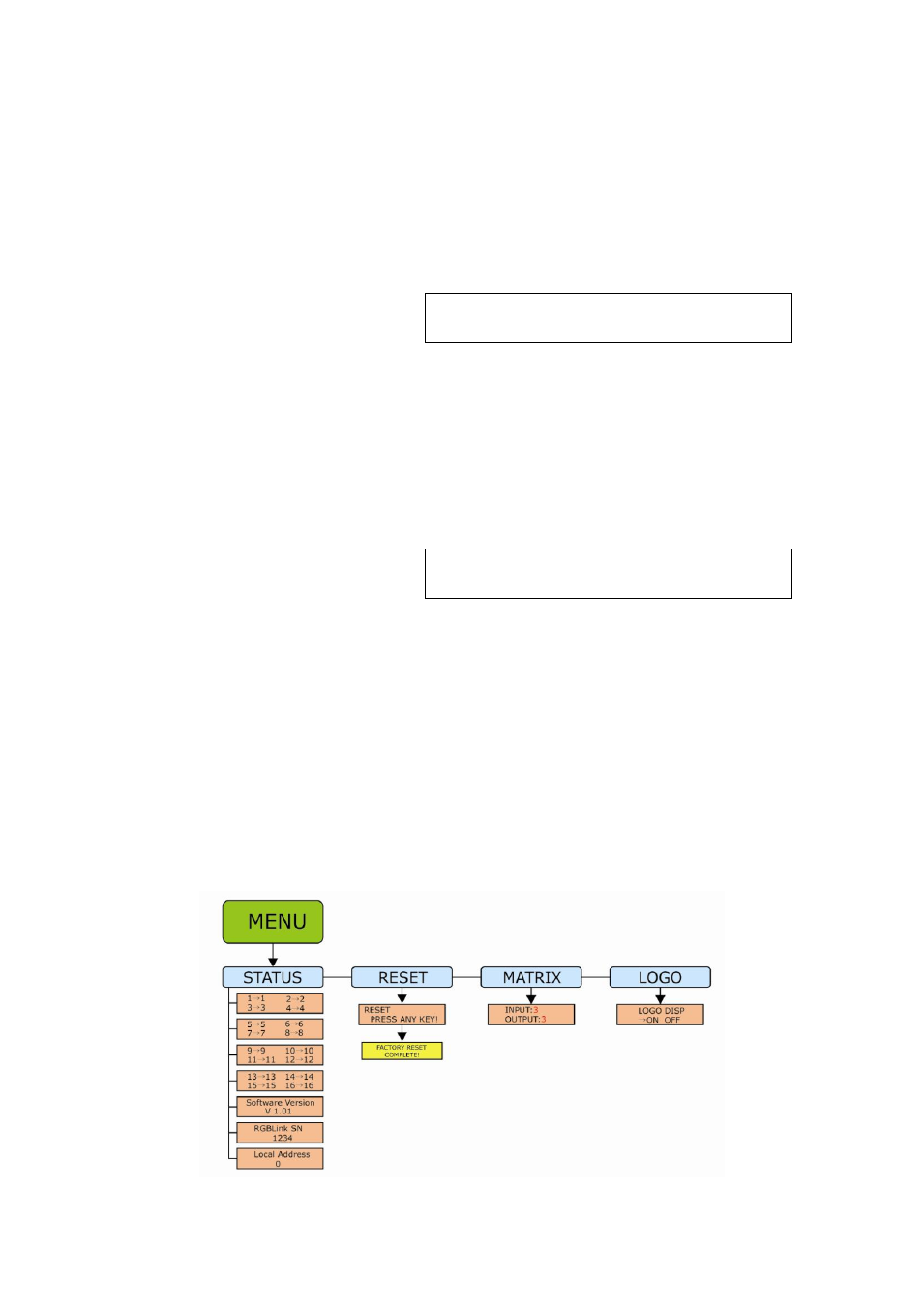
Menu】Related menu as follows: