Teac GigaStudio 4 User Manual
Page 191
GigaStudio 4 Reference Manual
191
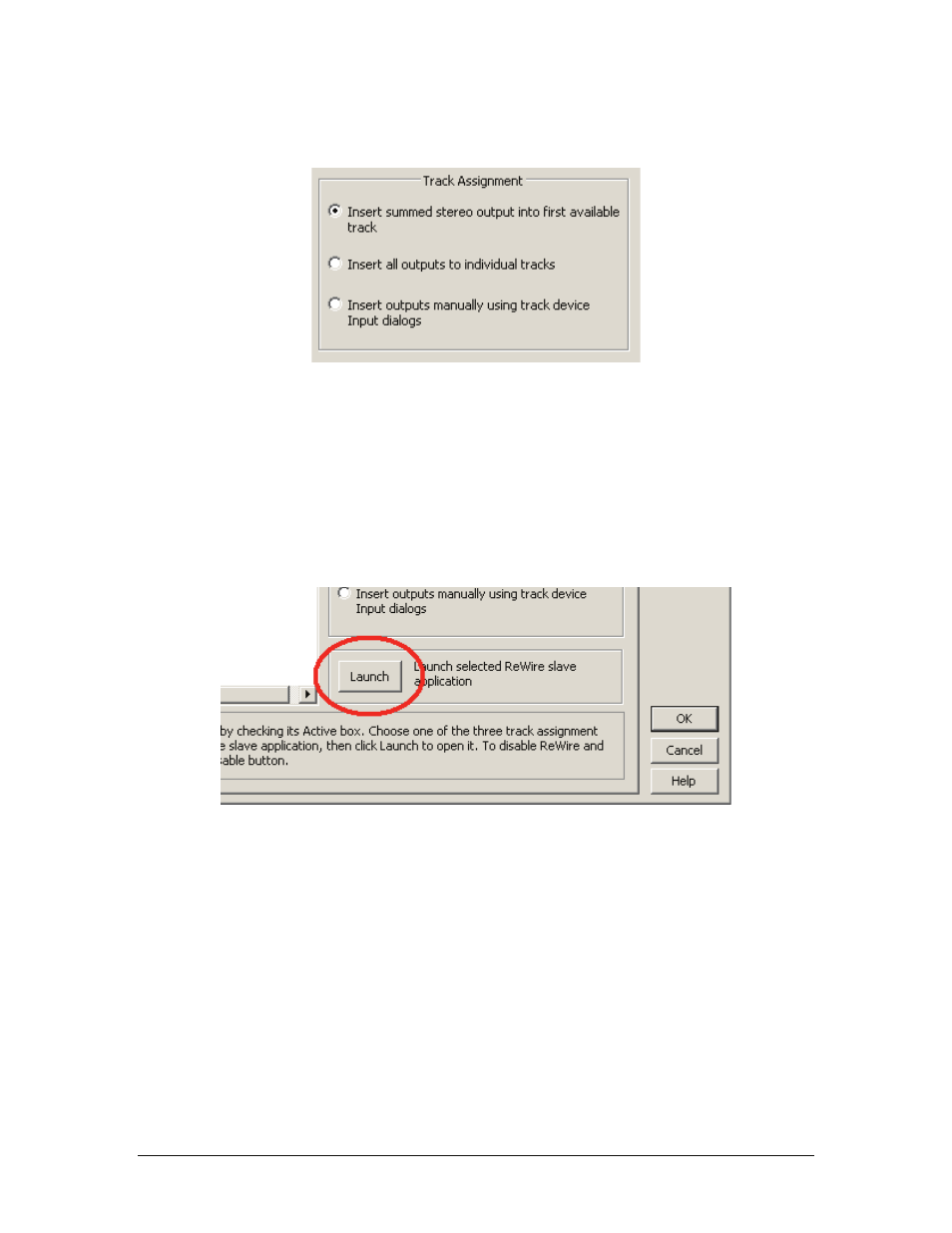
6. Choose one of the following track assignment options:
•
Insert Summed Stereo Output Into First Available Track:
All ReWire devices are summed to a stereo
output, which is routed into the first unoccupied track in the current session.
•
Insert All Outputs To Individual Tracks:
This option routes each available ReWire output to its own
track, starting with the first unoccupied track and following contiguously until all tracks are assigned.
•
Insert Outputs Manually Using Track Device Input Dialogs:
Choose this option if you want to assign
outputs manually by using track Input menus.
7. Click Launch to launch GigaStudio 4 and establish the ReWire connection. Adobe Audition assigns
outputs from GigaStudio 4 to one or more tracks, as specified by the previously-selected track
assignment.
Gigastudio 4 is now in ReWire Slave mode, and Audition 3 is the ReWire Master. (For more application-
specific information on ReWiring, see the Audition manual.)
To disconnect the ReWire connection from Audition, quit GigaStudio 4 first.