Teac GigaStudio 4 User Manual
Page 52
GigaStudio 4 Reference Manual
52
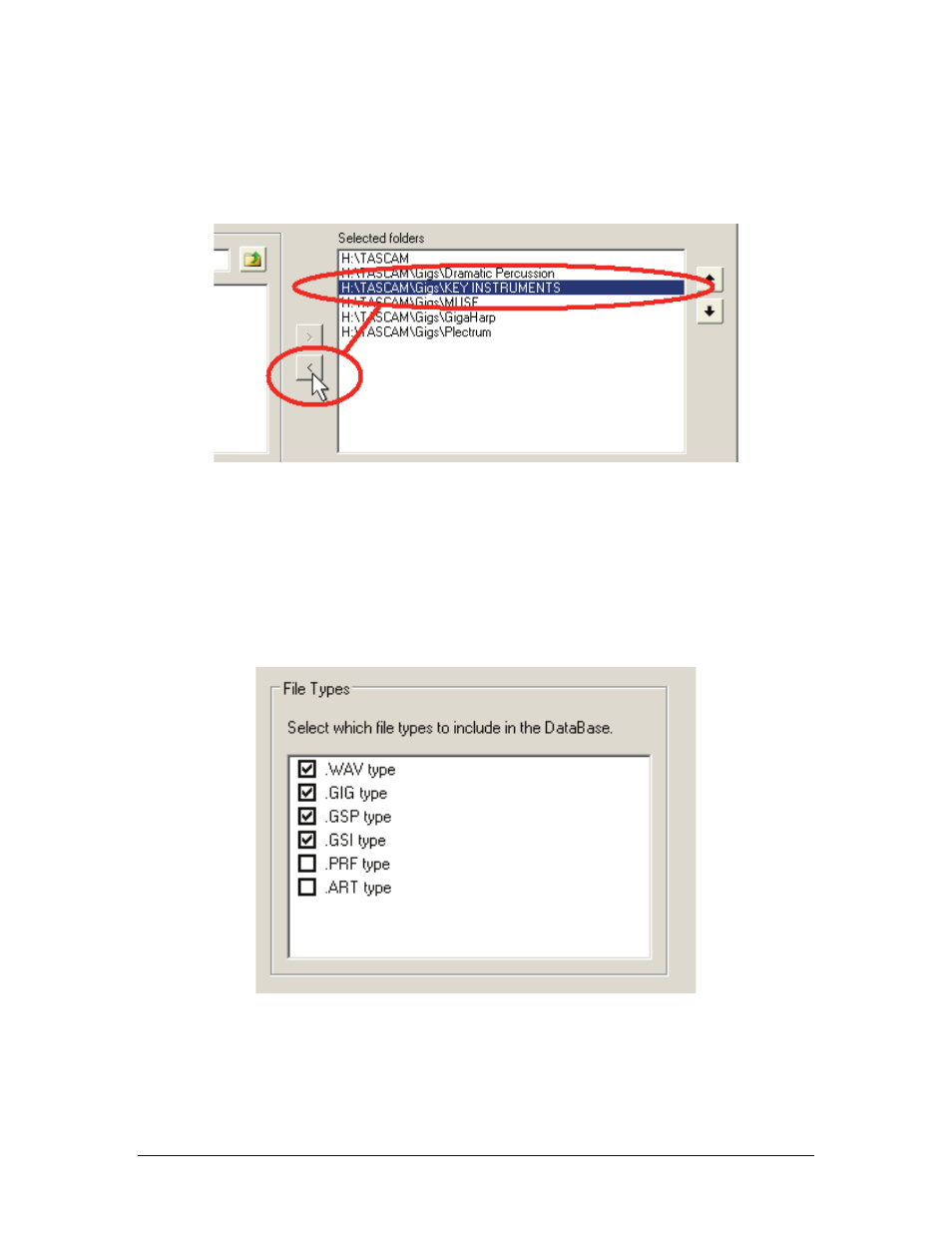
To remove a folder from the list of selected folders so that it is no longer monitored:
1. Under Selected Folders, click on the folder you want to remove to highlight it.
2. Click on the < button that points away from the Selected folders pane.
3. The folder you selected in Step 1 will no longer be monitored after the database is rebuilt.
File Types.
You can choose whether certain file types are ignored or included in a search. Check the box
corresponding to the file types you want included in a search. Available file types are:
•
WAV – Audio files
•
GIG – GigaStudio Content Files
•
GSP – GigaStudio Performances
•
GSI – GigaStudio Performance Instruments
•
PRF – GigaSampler Performance files
•
ART – GigaEditor Articulation files