10 zoom controls, Installation | zoom controls 2-11 – Grass Valley LDK 500 User Manual
Page 24
Installation | Zoom controls
2-11
2.10
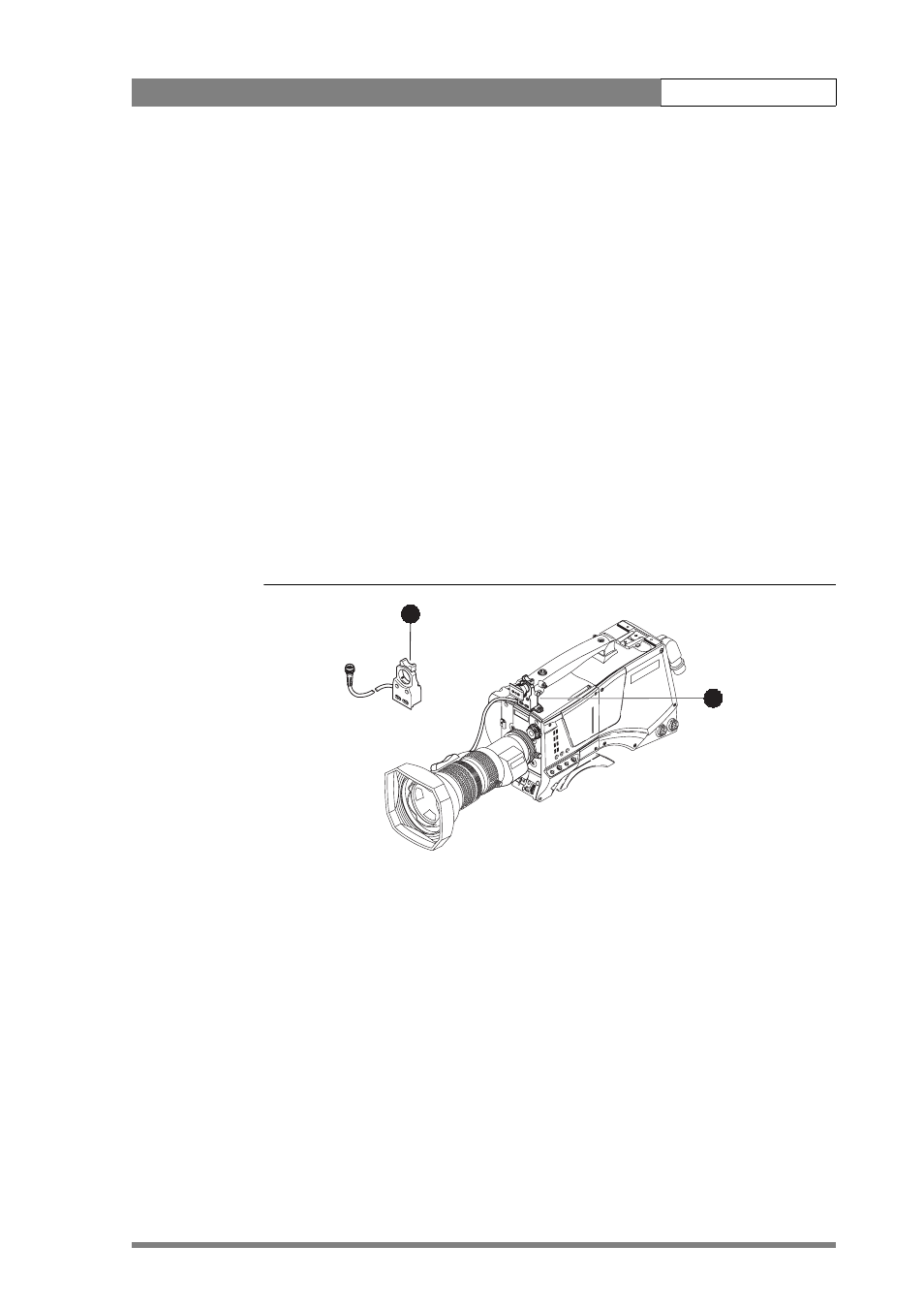
Zoom controls
The camera has a zoom control on the carrying handle for lenses with a digital
interface. If you wish to control a lens with an analog interface, an optional zoom
control unit (1) can be mounted on the carrying handle instead.
The three available versions for different types of lens are:
• LDK 6113 / 16 for Fujinon.
• LDK 6113 / 26 for Canon.
• LDK 6113 / 36 for Angenieux.
This control unit not only controls the zoom but also has mini-button controls for the
VTR start/stop function and the VTR Ret. function. These are located under the front of
the carrying handle (2).
The instructions for mounting the zoom control unit and the function of the controls
are supplied with the unit.
Figure 2-11. Zoom controls
Clea
r
Clear
A
1
Sta
r 4P
ND
1/4
B
2
Star 6P
ND
1/16
C
3
Soft focus
ND
1/6
4
D
4
2
1