5 colour temperature selection – Grass Valley LDK 500 User Manual
Page 55
Operating instructions | Video preferences
4-16
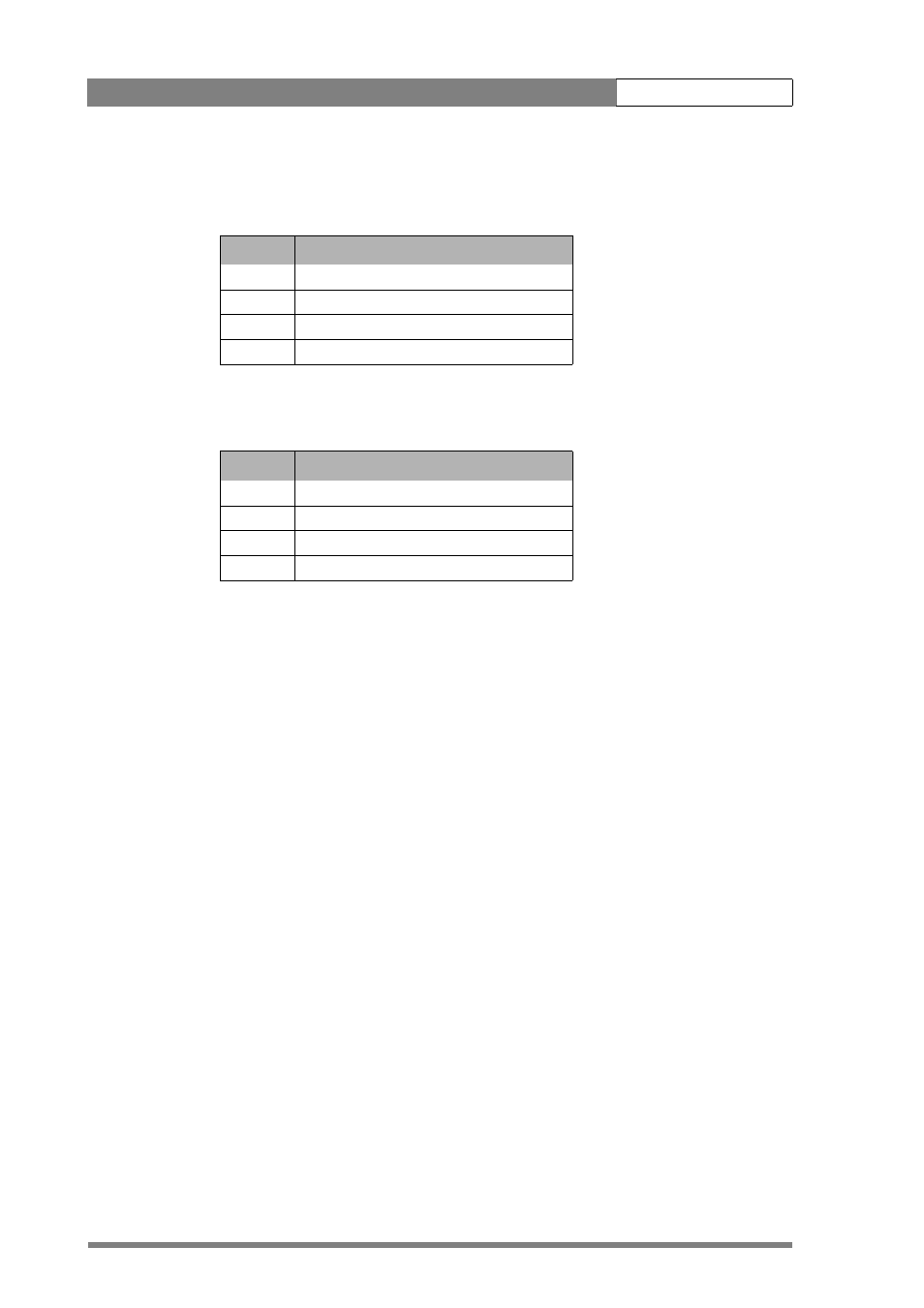
The outer (bigger) filter switch has four positions:
The inner (smaller) filter switch also has four positions:
The status of the filter wheels is displayed in the viewfinder for a few seconds. The ND/
RE indicator (29) in the viewfinder lights when an ND (Neutral Density) filter is
selected.
4.8.5
Colour temperature selection
For true colour reproduction the ambient lighting conditions must be compensated for
by selecting a value for the colour temperature. The standard file setting is 3200K
(normally used for tungsten light). Two other reference colour temperatures are
available; 5600K (for outdoors, clouded conditions) and 7500K (for outdoors, clear
blue skies).
Three memory positions (FL, AW1 and AW2) are available to store the results of the
auto-white measurement process. The memory positions are filled with measured
values using the automatic white balance switch at the front. The FL position is
recommended for shooting with fluorescent light.
A continuous automatic white balance position (AWC) is also available. This function
continuously measures the white balance and adjusts accordingly. It can be used when
a constant colour balance is required under changing lighting temperatures (sunsets,
indoors/outdoors use).
In the auto-white positions an electronic colour filter can be adjusted in the
VIDEO
menu. This varies the colour balance to obtain warmer or colder colour effects. When
an automatic white balance process is performed, the electronic colour filter is reset to
its default value.
Table 4-3. Filter wheel 1 values
Position
Filter
1
Clear
2
ND 1/4 filter (2 stops)
3
ND 1/16 filter (4 stops)
4
ND 1/64 filter (6 stops)
Table 4-4. Filter wheel 2 values
Position
Filter
1
Clear
2
4-point star
3
6-point star
4
Soft focus