Powering on the system – Grass Valley Network Attached Storage System Serial ATA Network User Guide v.1.0.06 User Manual
Page 23
Advertising
Chapter 1
Hardware
22
Digital News Production
Powering On the System
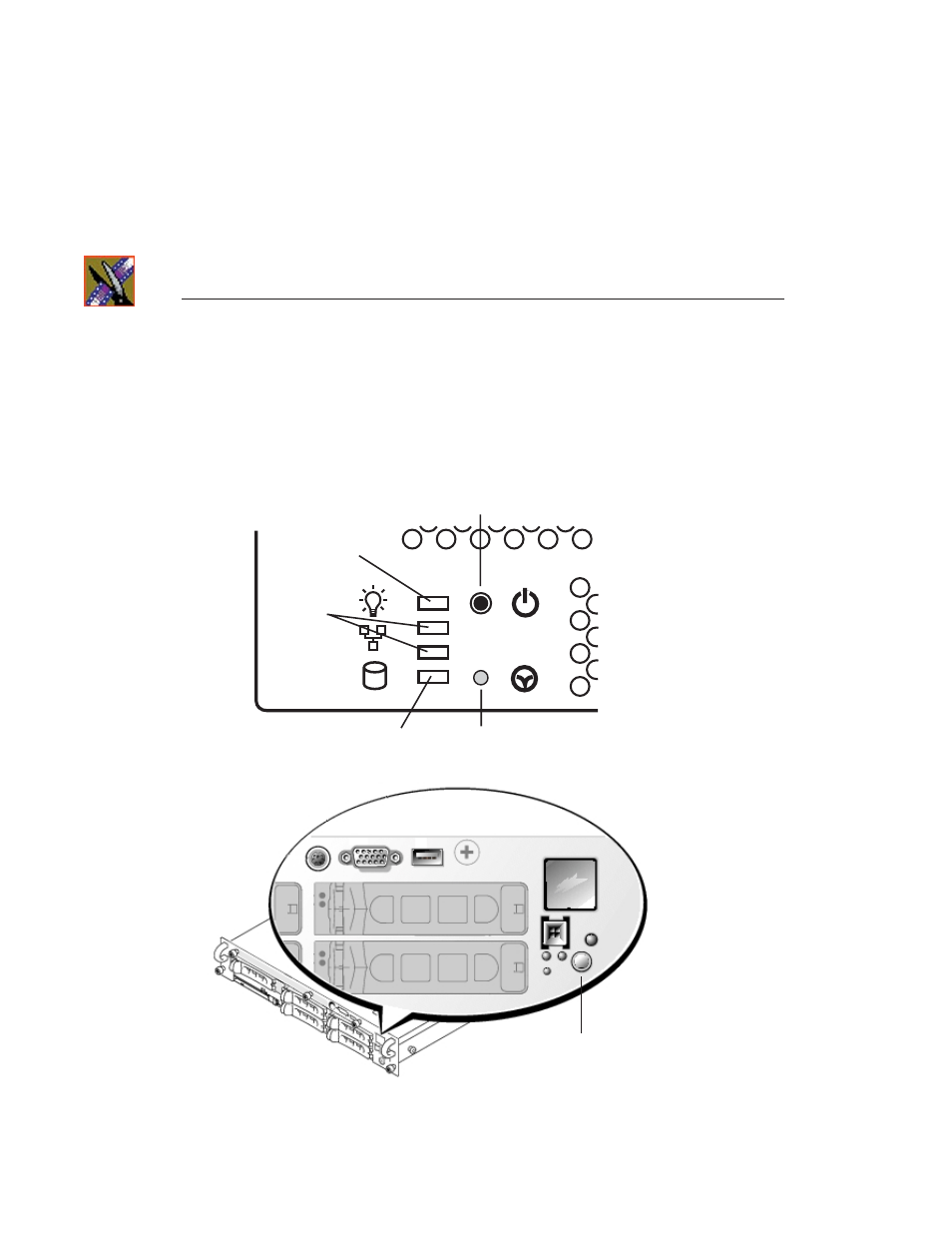
Once the NewsShare NAS system is cabled, power on the system:
1. Power up the Enclosure by pressing the small, round On/Standby switch
button on the front left of the machine:
2. Press the power switch on the front of the DSM to turn it on:
>>> CAUTION: Once the electrical cables are connected, the system has
electrical power. Turning the On/Standby switch to standby does not remove
power—you must disconnect the electrical cables to remove power.
1
2
On/Standby switch
Standby power
Hard Disk
Network ports
Reset
Power Switch
Advertising