4 icons, 5 keyboard – Sealey TS401 User Manual
Page 7
6
2) USB Cable -- Allows easy update through PC via internet
connection.
3) Carry Case – A case to store the tool when not in use.
4) Magnet -- Used to trigger magnetically activated sensors (early
model TPMS sensors)
5) Power Adapter – Charges the built-in battery.
6) CD – Includes user’s manual, MaxilinkII Kit, etc.
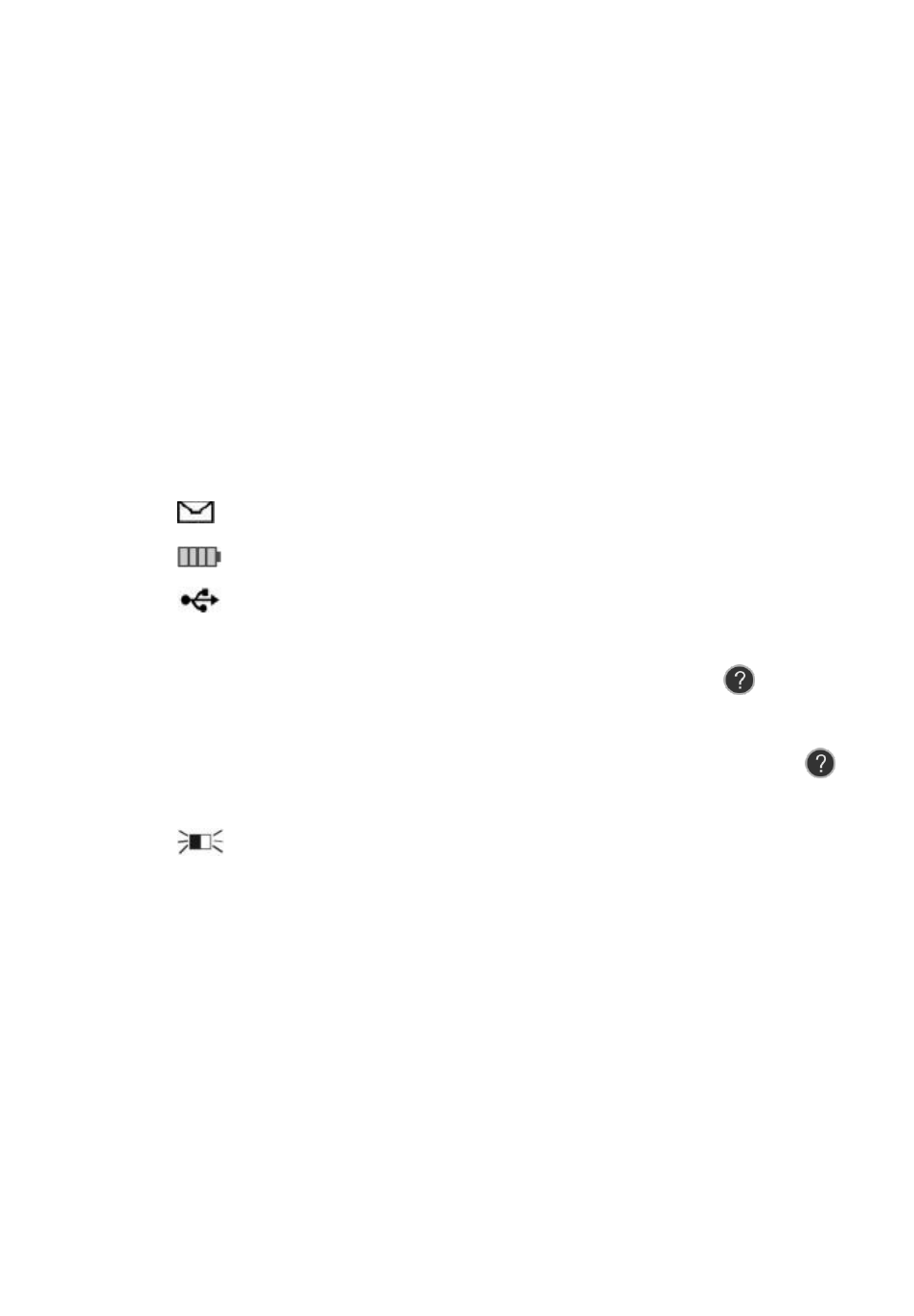
3.4 Icons
1) “
►
” -- Indicates current selection.
2) “
X/X
” --
Indicates total items in a menu and their sequence.
3) “
” -- Indicates there is data stored in the tool.
4) “
” -- Indicates battery volume.
5) “
” -- Indicates USB communication with the computer is
established.
6) “
?
” -- Indicates there is tip for relevant item. Press
HELP
BUTTON to view the details for help information.
7) “
…
”-- Indicates the item is too long for the display. Press
HELP BUTTON to view the full text.
8) “
” -- Indicates magnet is required to activate TPMS sensor.
9) “
P↓
”-- Indicates deflation is required to activate TPMS sensor.
10) “
” -- Indicates test mode One Wheel of Wheels to Test in
the system setting is selected.
11) “
” -- Indicates test mode ALL Wheels of Wheels to Test in
the system setting is selected.
12) “
” – Indicates the TPMS tool is sending signals to the tire
sensor for activation and test.
3.5 Keyboard