Chapter 4. system operation, 1 starting and exiting the system, 2 monitoring – Rugged Cams Vertex & Vertex RTH User Manual
Page 21
20
Chapter 4. System Operation
4-1 Starting and Exiting the System
4-1-1 Starting the System
①
With the power connected to the player, press the Power button on the remote controller.
②
After the system has booted, images of all connected channels will be displayed.
4-1-2 Exiting the System
The default password for the local administrator is “00000.”
※
To change the password, select {Main Setup} {System} {Local
Administrator’s Password}.
①
Press the Power button on the remote controller.
②
On the password input screen, enter a new password using the numeric buttons and the
arrow keys.
③
After authentication is completed, the alarm will sound for 20 seconds, and the system
will be terminated.
4-2 Monitoring
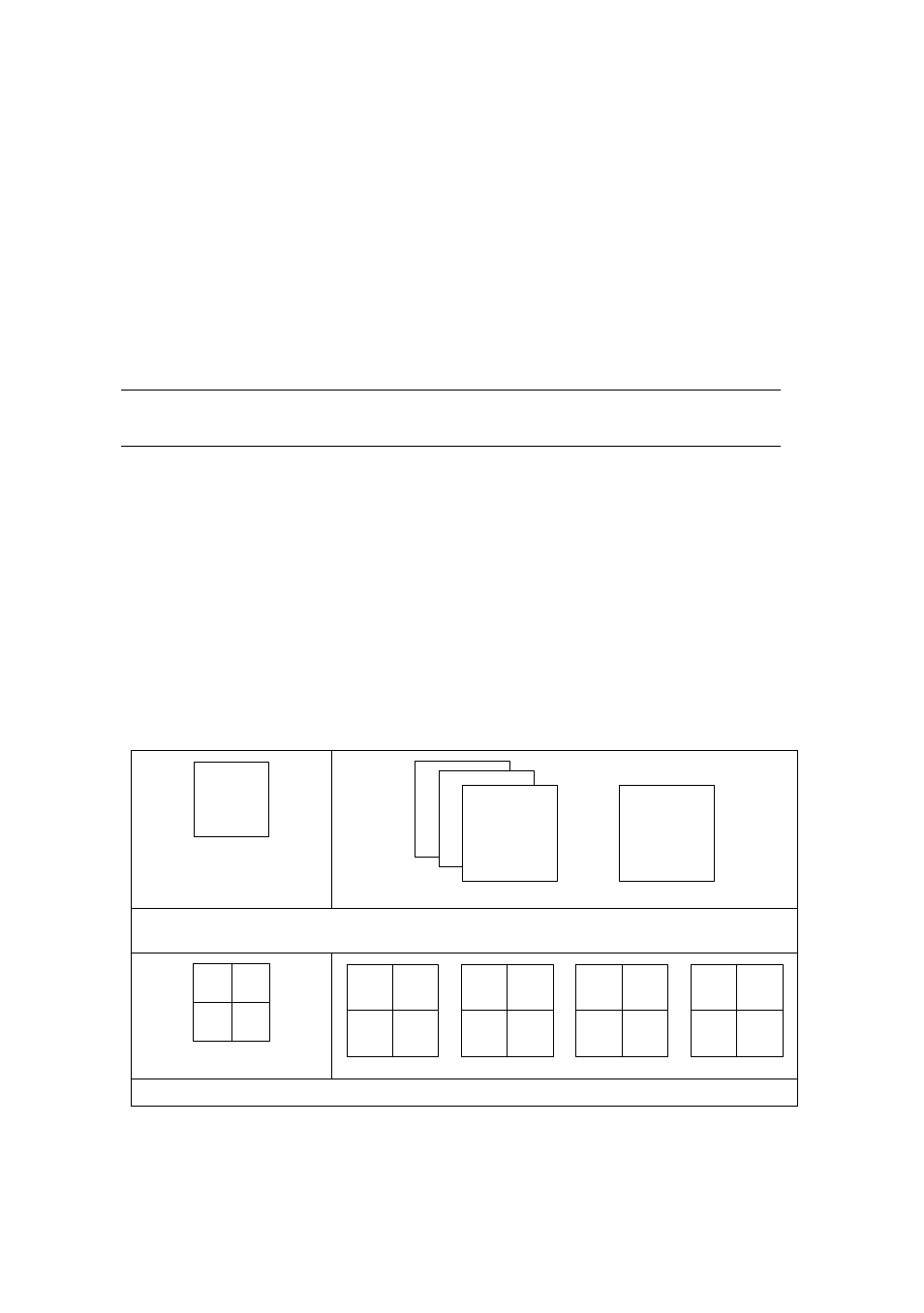
After the system is booted, images will be displayed on a screen divided into 16 sub-screens
(in the case of 16-channel DVR). The screen can be divided into 1, 4, 9, and 16 sub-screens.
Auto-sequencing is possible in each mode.
4-2-1 Screen Division and Automatic Screen Conversion
Full Screen (16 groups)
●●●
1
16
2 3
Use the Full Screen mode.
To view a certain channel, select the desired channel using the numeric buttons.
4 Sub-Screens
(4 groups)
1
2
3
4
5
6
7
8
9
10
11
12
13
14
15
16
Use the 4 Sub-Screen button.