Rugged Cams Vertex & Vertex RTH User Manual
Page 79
78
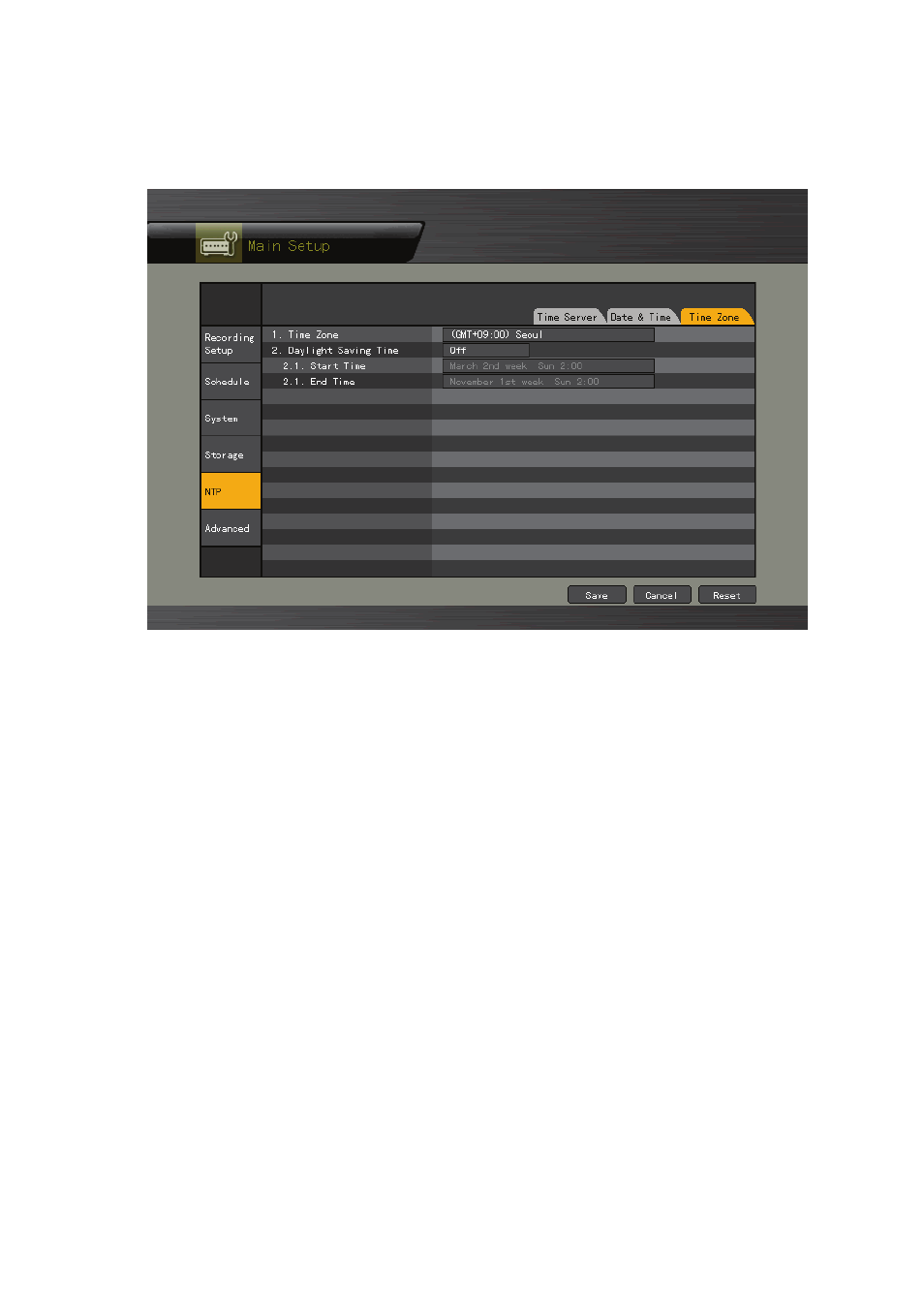
6) Standard Time Zone
①
Select {Standard Time Zone} using the arrow keys and the Select button.
②
On the selection window, select the standard time zone you want to set.
7) Daylight Saving Zone (Summer Time)
①
Select {Daylight Saving Zone} using the arrow keys and the Select button.
②
On the selection window, select whether to use this function or not using the arrow keys
and the Select button.
(1) Start Time
①
Select {Start Time} using the arrow keys and the Select button.
②
On the selection window, select the start time using the arrow keys and the Select
button.
(2) End Time
①
Select {End Time} using the arrow keys and the Select button.
②
On the selection window, select the end time using the arrow keys and the Select button.
※
For a weekly setting in the {Start Time} and {End Time} fields, set Day to 0.
※
After the DST is selected, the existing data will be displayed as “OLD_” in the search and
log list.