Rugged Cams Vertex & Vertex RTH User Manual
Page 85
84
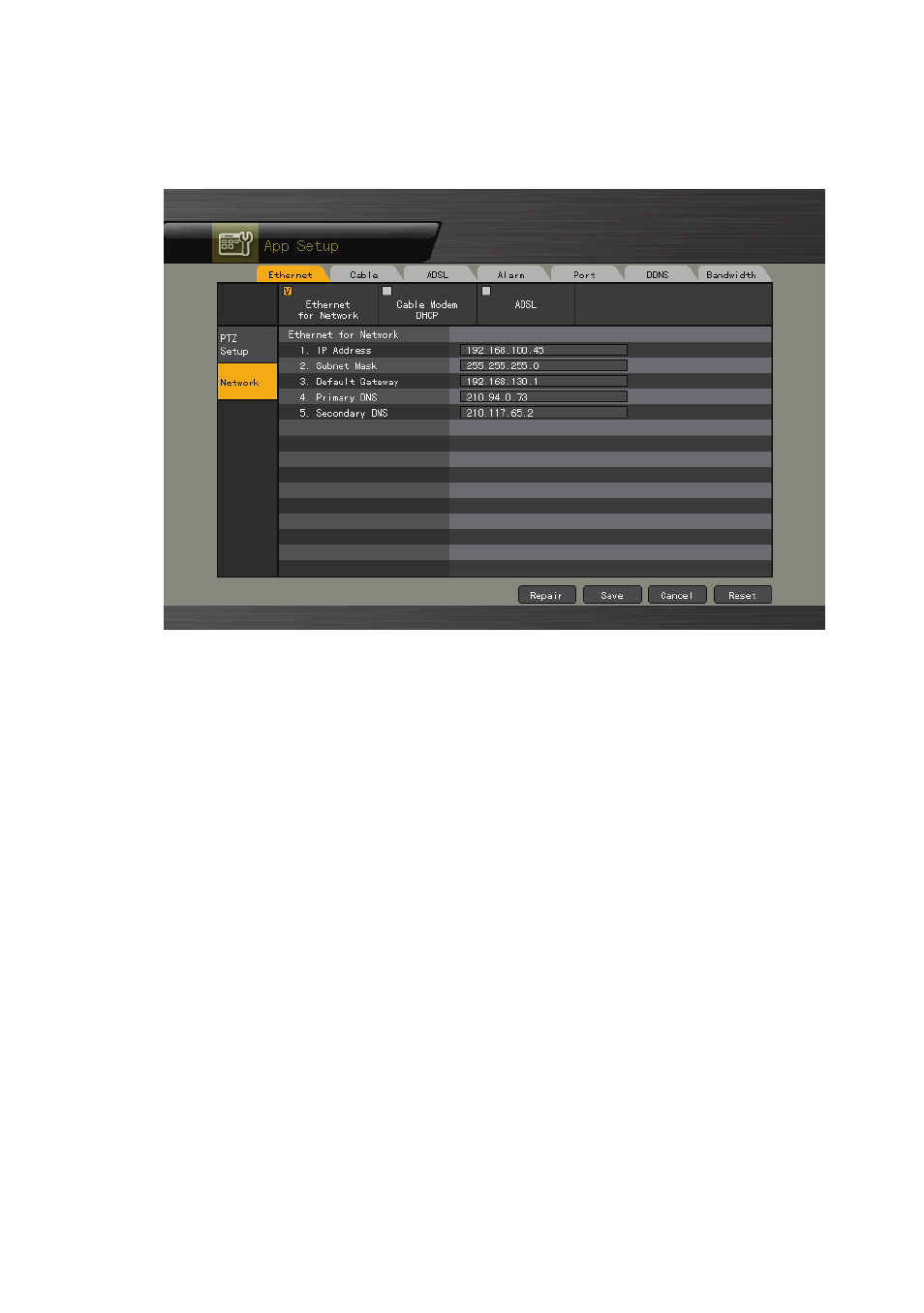
1) Selecting the Network Setup Menu
①
In {Additional Setup} mode, select {Network} using the arrow keys.
[Figure 5-14. Network Setup Window]
2) Ethernet
Setup is performed to use a fixed IP in the local area network environment.
①
From the Network Setup menu, select {Ethernet} using the arrow keys and the Select
button.
②
Enter the IP address, subnet mask, default gateway, default DNS, and auxiliary DNS
using the arrow keys, numeric buttons, and Select button.
③
Set and store an Ethernet network using the arrow keys and the Select button.
3) Cable
Setup is executed to use the automatic access ADSL or a dynamic IP.
①
From the Network Setup menu, select {Cable} using the arrow keys and the Select
button.
②
Set as Cable Modem DHCP using the arrow keys and the Select button.
4) ADSL
This feature is used in the user authentication-type ADSL communication environment.