11gb, 덮어쓰기 – Rugged Cams Vertex & Vertex RTH User Manual
Page 38
37
▶
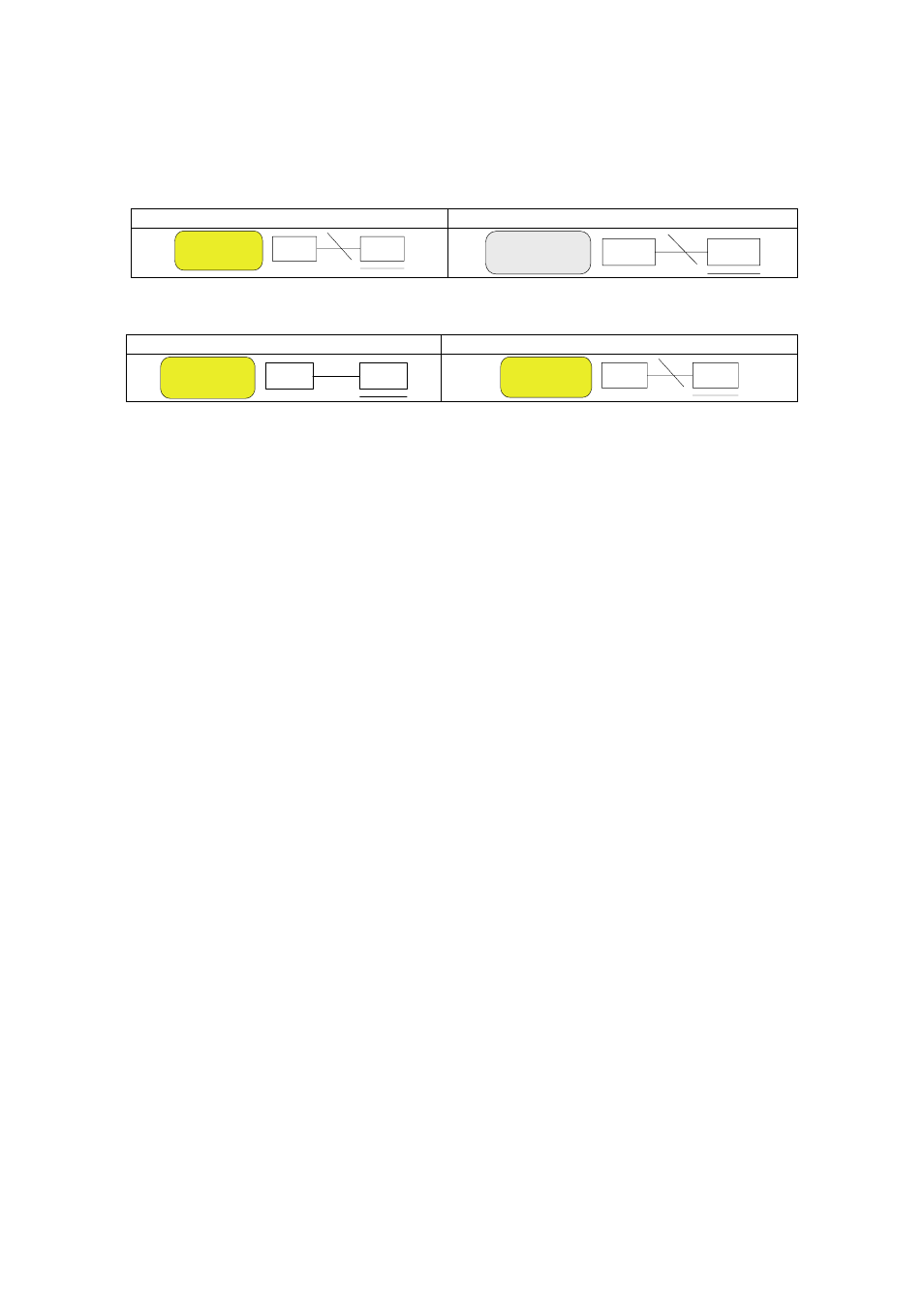
Hard Disk Status
※
To turn on/off HDD Overwrite, select {Main Setup} -> {Storage Device}.
Overwrite on Hard Disk
Do Not Overwrite on Hard Disk
덮어쓰기
11GB
▶
Network Access Status
Network Connected
Network Disconnected
덮어쓰기
덮어쓰기
4-10-4 Starting and Stopping Record All
In real-time monitoring mode, the user can start or stop the recording of all channels by
selecting {Live Menu} {Recording}.
1) Stopping Record All
①
In real-time monitoring mode, select {Live Menu} {Recording}.
②
Enter the password of the local system administrator.
③
On the recording stop confirmation window, select the Yes button.
④
Any channel recording in progress will then stop, and the corresponding status will be
displayed on the recording status window.
2) Starting Record All
①
In real-time monitoring mode, select {Live Menu} {Recording}.
②
On the login window, enter the password of the local system administrator.
③
The recording of all channels will then start based on the previous setting, and the
recording status will be displayed.
Overwrite
Overwrite
Overwrite