PLANET GS-4210-8P2S User Manual
Page 30
User’s Manual of GS-4210 Series
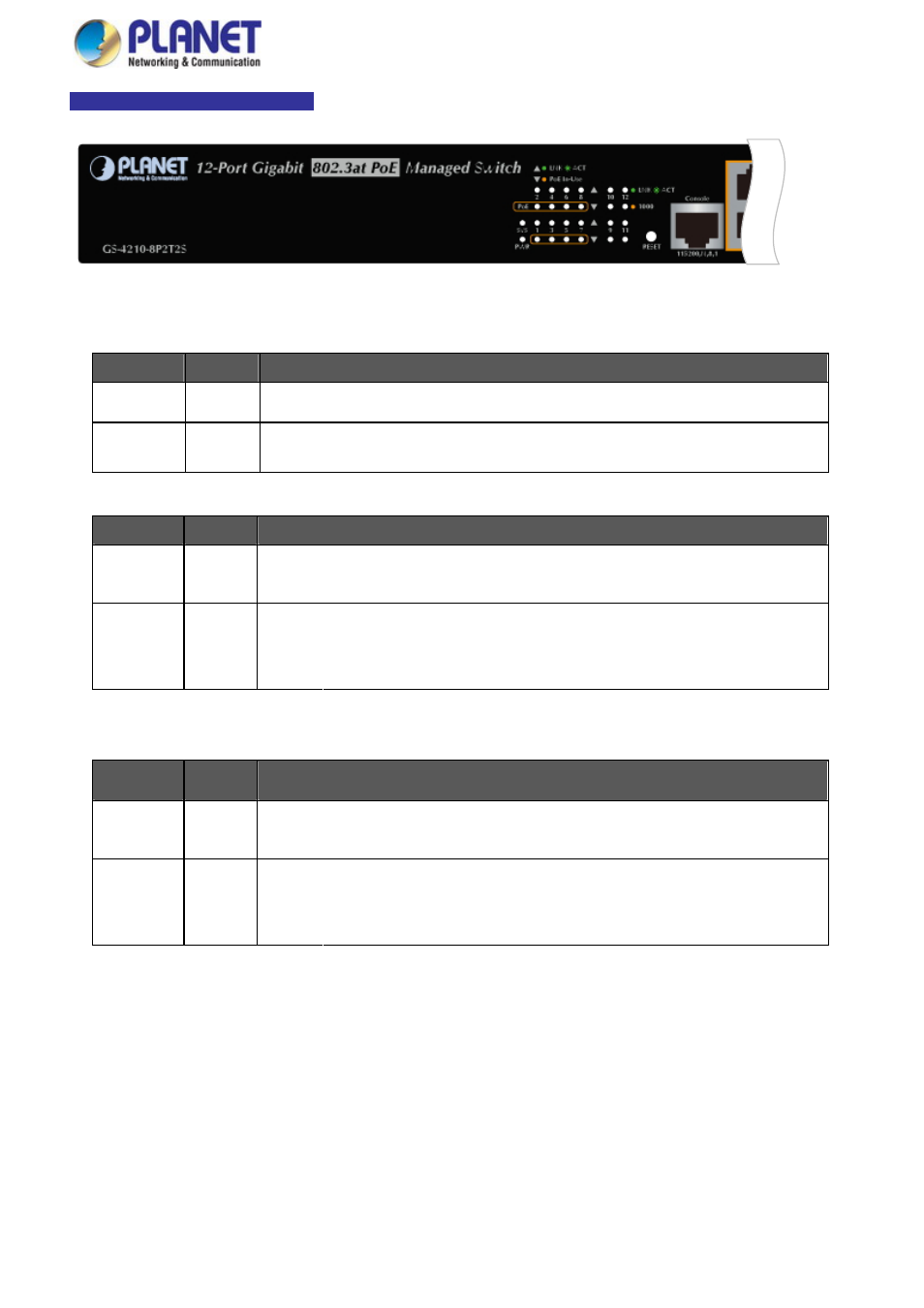
GS-4210-8P2T2S LED Indication
Figure 2-1-2b GS-4210-8P2T2S LED Panel
■
System
LED
Color
Function
PWR
Green
Lights to indicate that the Switch has power.
SYS
Green
Lights to indicate the system is working.
Blinks to indicate the system is booting.
■
10/100/1000BASE-T interfaces
LED
Color
Function
Lights: To indicate the link through that port is successfully established.
LNK/ACT
Green
Blinks: To indicate that the switch is actively sending or receiving data over that port.
Lights: To indicate that the port is operating at 1000Mbps.
1000
Orange
Off:
If LNK/ACT LED light-> indicate that the port is operating at 10/100Mbps
If LNK/ACT LED Off -> indicate that the port is link down
■
100 / 1000BASE-X SFP interfaces
LED
Color
Function
Lights: To indicate the link through that port is successfully established.
LNK/ACT
Green
Blinks: To indicate that the switch is actively sending or receiving data over that port.
Lights: To indicate that the port is operating at 1000Mbps.
1000
Orange
Off:
If LNK/ACT LED is lit, it indicates that the port is operating at 100Mbps
If LNK/ACT LED is off, it indicates that the port is link down
30