Blink proof, A105) – Nikon Coolpix A300 User Manual
Page 120
Advertising
105
The Smart Portrait Menu
Blink Proof
B
Notes About Blink Proof
This function may not be available to use in combination with other functions (
Enter shooting mode
M A (shooting mode) button M F Smart portrait mode
M k button M d button M Blink proof M k button
Option
Description
y On
The camera automatically
releases the shutter twice with
every shot and saves one image
in which the subject’s eyes are
open.
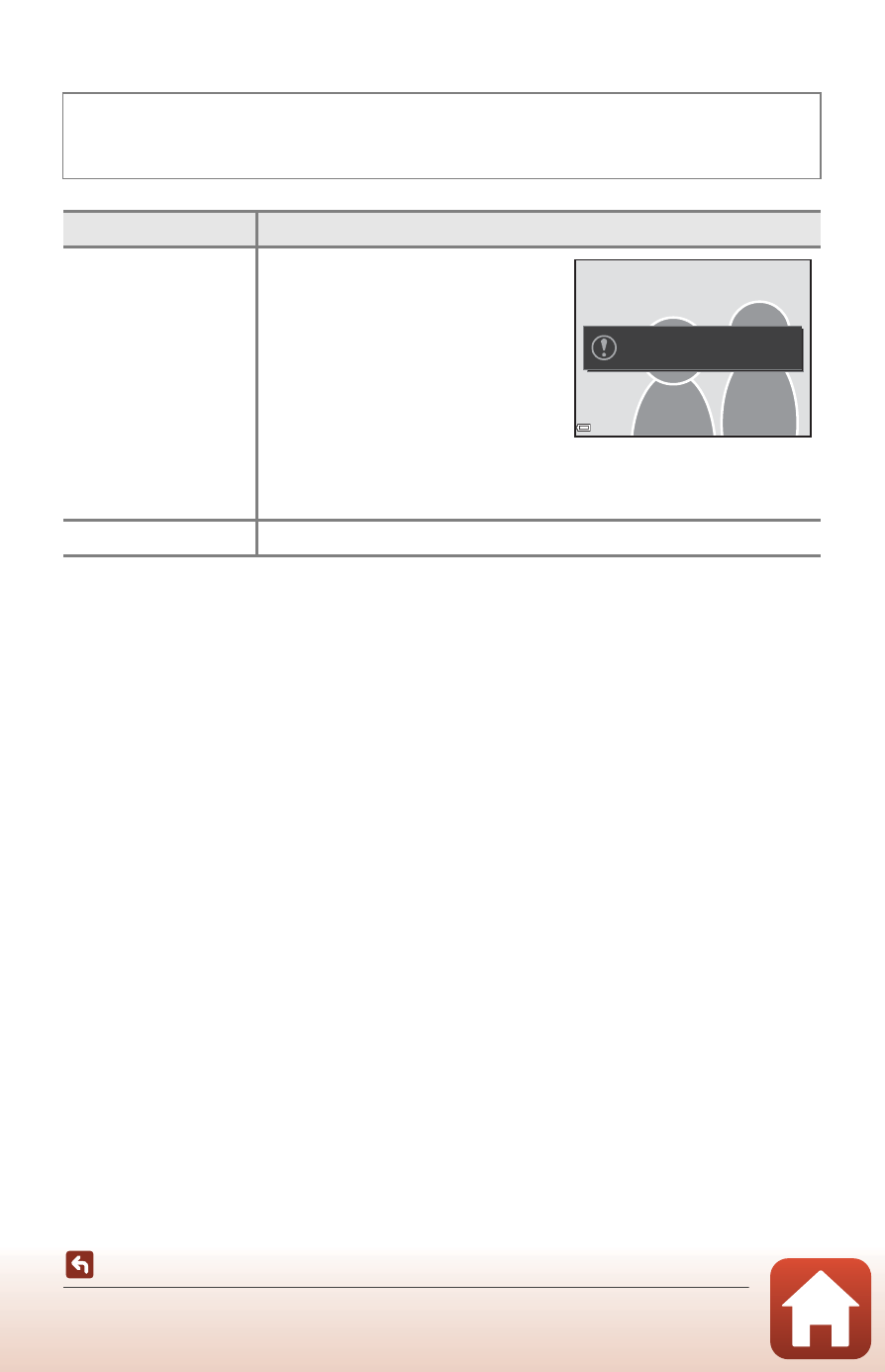
• If the camera saved an image
in which the subject’s eyes
may have been closed, the
dialog shown on the right is
displayed for a few seconds.
• The flash cannot be used.
Off (default setting)
Turns the blink proof off.
A blink was detected in the
picture just taken.
Advertising