Viewing – Canon PowerShot SX720 HS User Manual
Page 23
23
Before Use
Basic Guide
Advanced Guide
Camera Basics
Index
Auto Mode /
Hybrid Auto Mode
Other Shooting Modes
P Mode
Tv, Av, and M Mode
Playback Mode
Wi-Fi Functions
Setting Menu
Accessories
Appendix
Viewing
After shooting images or movies, you can view them on the screen as
follows.
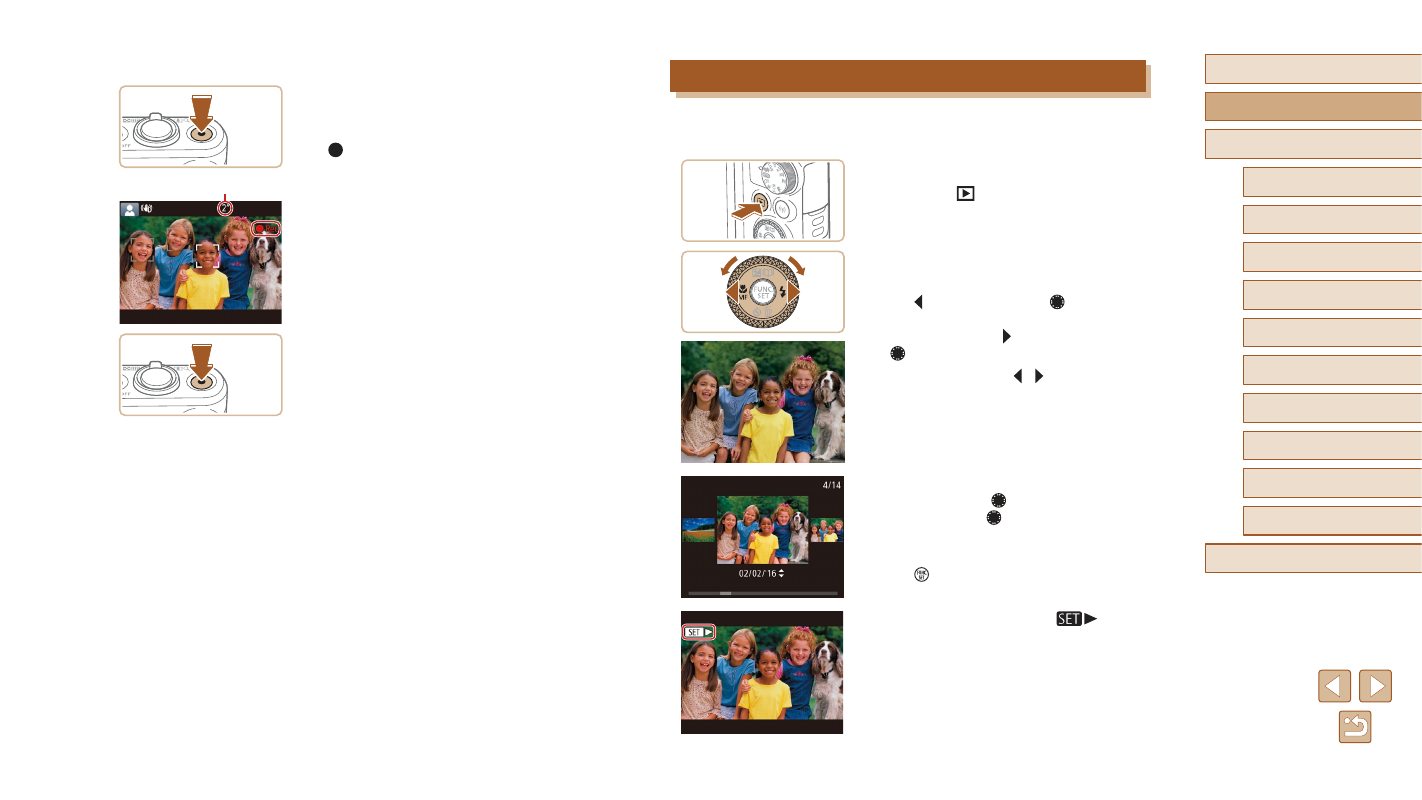
1
Enter Playback mode.
●
Press the [
] button.
●
Your last shot is displayed.
2
Choose an image.
●
To view the previous image, press
the [ ] button or turn the [ ] dial
counterclockwise. To view the next
image, press the [ ] button or turn the
[ ] dial clockwise.
●
Press and hold the [ ][ ] buttons to
browse through images quickly.
●
To access this screen (Scroll Display
mode), turn the [ ] dial rapidly. In this
mode, turn the [ ] dial to browse through
images.
●
To return to single-image display, press
the [ ] button.
●
Movies are identified by a [
] icon.
To play movies, go to step 3.
Recording Movies
1) Start recording.
●
Press the movie button. The camera
beeps once as recording begins, and
[ Rec] is displayed with the elapsed
time (1).
●
Black bars are displayed on the top and
bottom edges of the screen, and the
subject is slightly enlarged. The black
bars indicate image areas not recorded.
●
Frames displayed around any detected
faces indicate that they are in focus.
●
Once recording begins, take your finger
off the movie button.
2) Finish recording.
●
Press the movie button again to stop
recording. The camera beeps twice as
recording stops.
(1)