Shooting modes shooting display options, Shooting display options, Shooting modes – Canon PowerShot SX720 HS User Manual
Page 27
27
Before Use
Basic Guide
Advanced Guide
Camera Basics
Index
Auto Mode /
Hybrid Auto Mode
Other Shooting Modes
P Mode
Tv, Av, and M Mode
Playback Mode
Wi-Fi Functions
Setting Menu
Accessories
Appendix
Shooting Display Options
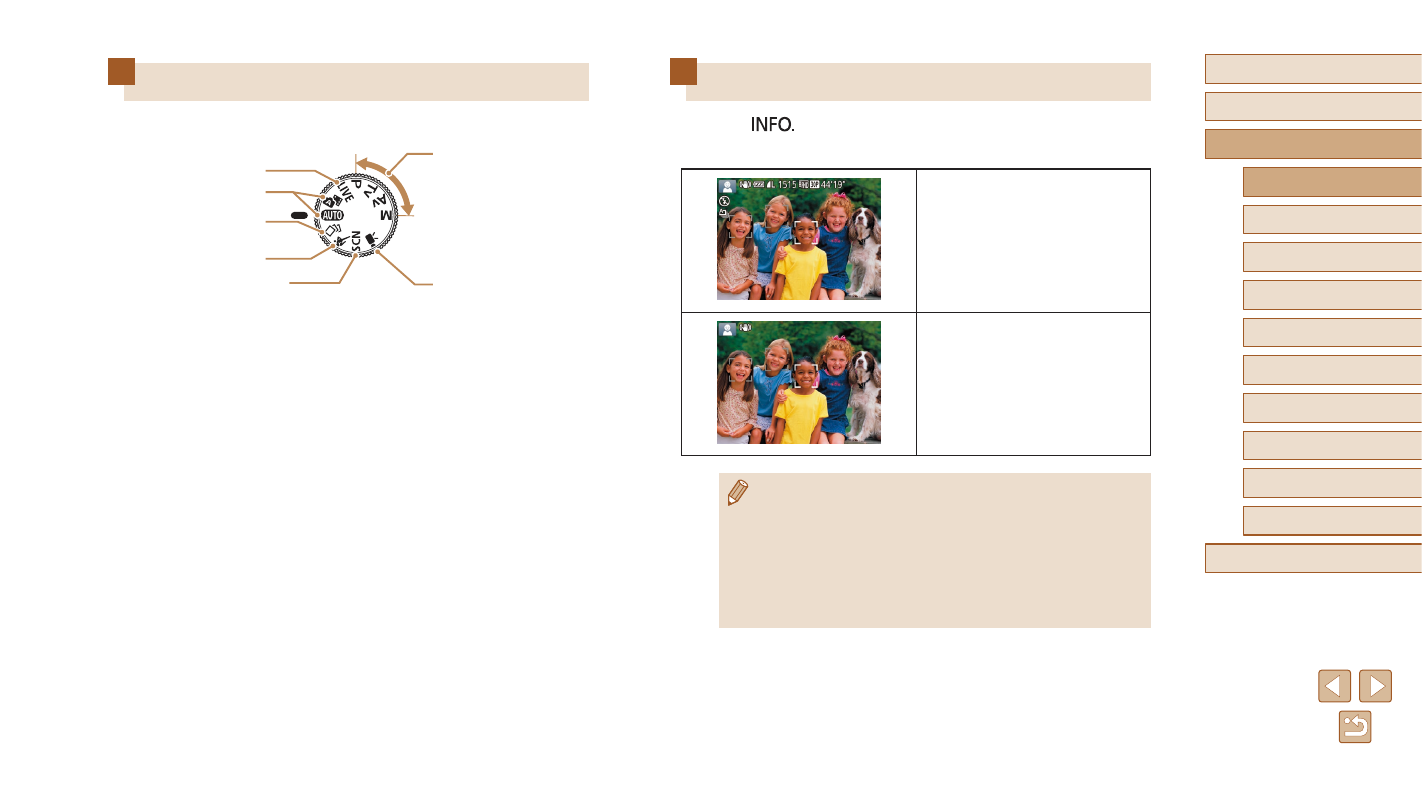
Press the [
] button to view other information on the screen,
or to hide the information. For details on the information displayed,
see “On-Screen Information” (= 166).
Information Display
No Information Display
●
Screen brightness is automatically increased by the night view
function when you are shooting under low light, making it easier
to check how shots are composed. However, on-screen image
brightness may not match the brightness of your shots. Note that
any on-screen image distortion or jerky subject motion will not
affect recorded images.
●
For playback display options, see “Switching Display Modes”
(= 88).
Shooting Modes
Use the mode dial to access each shooting mode.
(2)
(1)
(3)
(4)
(5)
(6)
(7)
(1) Live View Control Mode
Customize image brightness or
colors when shooting (= 56).
(2) Auto Mode / Hybrid Auto Mode
Fully automatic shooting, with
camera-determined settings
(= 22, = 32, = 34).
(3) Creative Shot Mode
You can capture multiple images
with effects using camera-
determined settings (= 57).
(4) Sports Mode
Shoot continuously as the camera
focuses on moving subjects
(= 58).
(5) Special Scene Mode
Shoot with settings designed for
specific scenes, or add a variety of
effects (= 59).
(6) Movie Mode
For shooting movies (= 66).
You can also shoot movies when
the mode dial is not set to Movie
mode, simply by pressing the
movie button.
(7) P, Tv, Av, and M Modes
Take a variety of shots using
your preferred settings (= 70,