Native Instruments KOMPLETE KONTROL S88 MK2 88-Key Controller for KOMPLETE User Manual
Page 109
Advertising
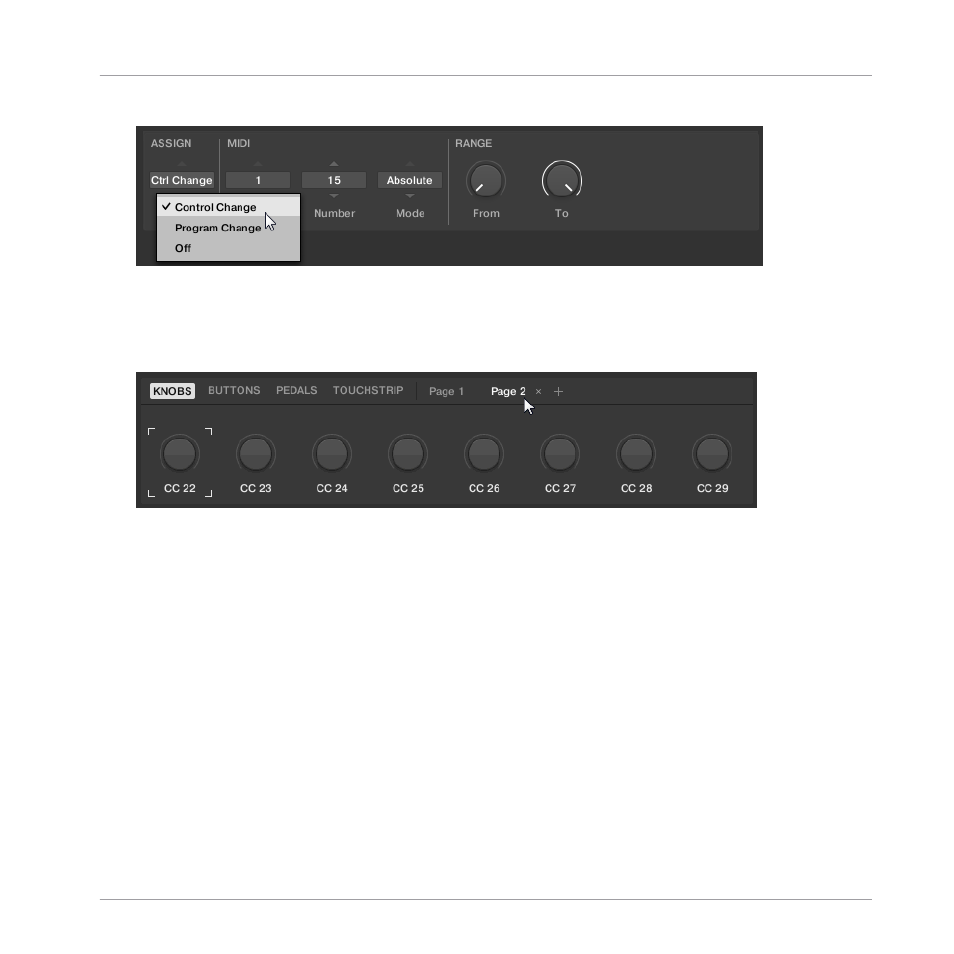
5.
Select the MIDI message using the drop-down menus and options in the Definition area.
⇨
The available drop-down menus and options in the Definition area vary depending on the
selected type of control element as well as from the selections in the Definition area it-
self.
6.
If required select or create another page for making multiple assignments.
7.
When you have finished assigning MIDI messages, close the MIDI Assignment editor.
→
Your edits are saved to the MIDI Template.
For more information on MIDI message types and assignments, refer to
Using the MIDI Assignment Editor
Assigning MIDI Messages to Control Elements
KOMPLETE KONTROL S-Series - Manual - 109
Advertising