Native Instruments KOMPLETE KONTROL S88 MK2 88-Key Controller for KOMPLETE User Manual
Page 180
Advertising
1.
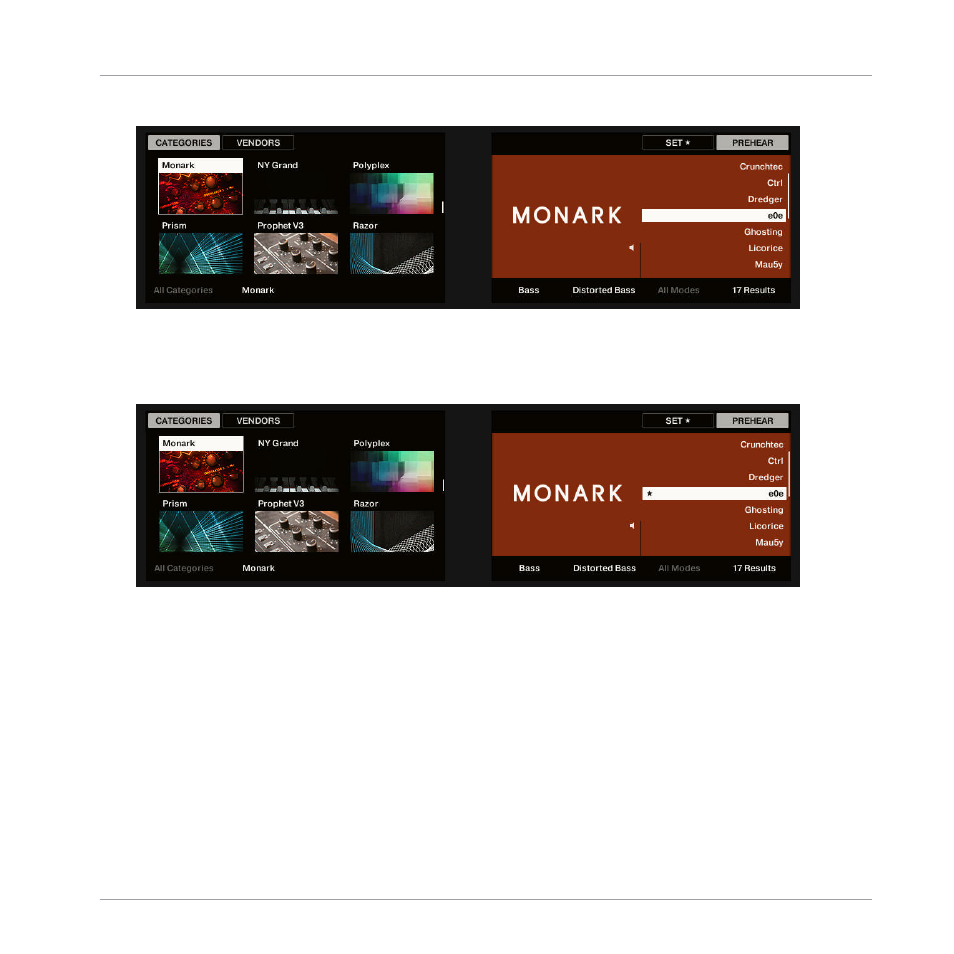
Turn Knob 8 to select the Preset File you want to add to the Favorites in the Results list.
2.
Press Button 7.
→
The Preset File is added to the Favorites, indicated by the lit Set Favorite icon next to its
name.
Browsing the Library
Working with Favorites
KOMPLETE KONTROL S-Series - Manual - 180
Advertising