Switching instances, 2, switching instances, 2 switching instances – Native Instruments KOMPLETE KONTROL S88 MK2 88-Key Controller for KOMPLETE User Manual
Page 74: Switching to an instance from the software, Automatic switching in a host
7.2
Switching Instances
When two or more instances of the KOMPLETE KONTROL software are running (e.g. as a plug-
in on different tracks of the host), you can choose which instance you want to control from the
KOMPLETE KONTROL keyboard.
Switching to an Instance from the Software
►
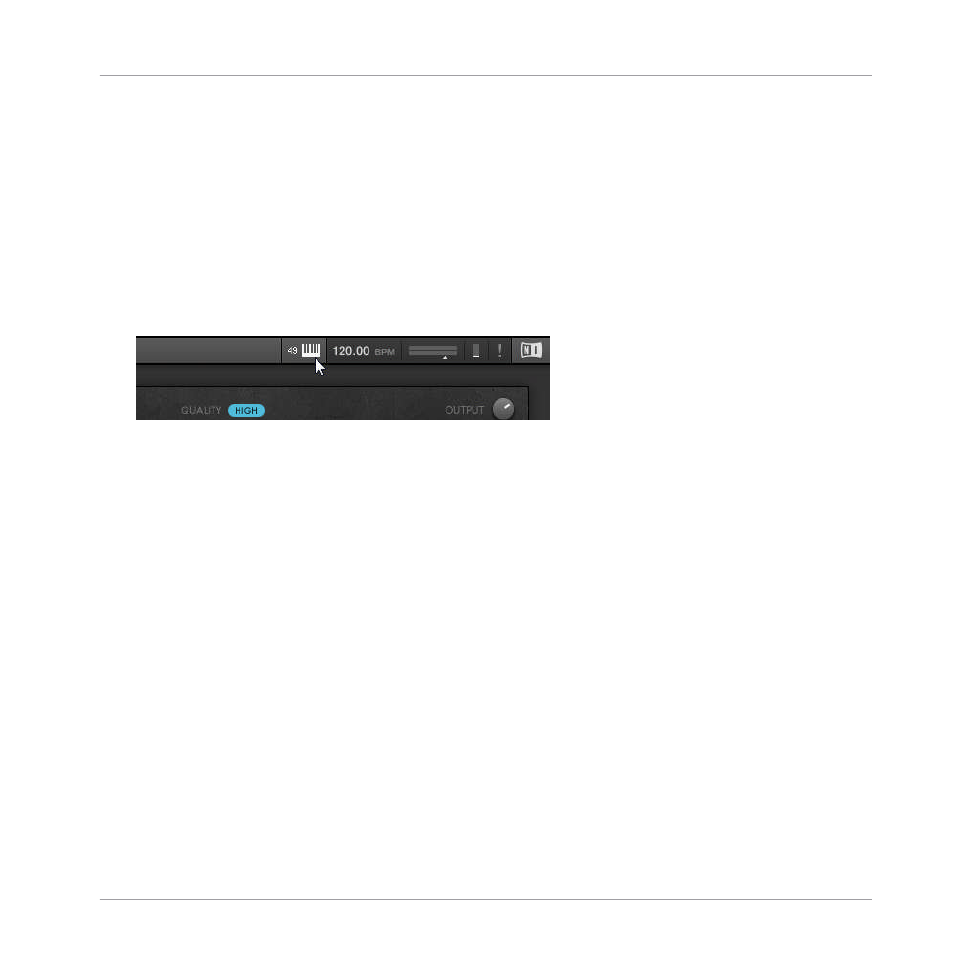
To switch the keyboard to a particular instance of the KOMPLETE KONTROL software,
click the Connect button (keyboard icon) in the header of that instance.
Automatic Switching in a Host
When using KOMPLETE KONTROL as a plug-in in a host with advanced integration, the key-
board automatically switches between controlling the KOMPLETE KONTROL software and
MIDI mode, depending on the content of the selected track.
▪
If you select a track that hosts the KOMPLETE KONTROL plug-in, the keyboard automati-
cally switches to this instance of the KOMPLETE KONTROL software. This allows you to
immediately control all of your Product’s parameters from the keyboard.
▪
If you select a track that does not host the KOMPLETE KONTROL plug-in, the keyboard
automatically switches to MIDI mode. This allows you to assign the available controls on
the keyboard to parameters in the host or in an inserted plug-in via MIDI learn (if support-
ed).
►
To select a track in a supported host from the keyboard, push the 4-D encoder up or down
until the track is highlighted.
Global Controls and Preferences
Switching Instances
KOMPLETE KONTROL S-Series - Manual - 74