Native Instruments MASCHINE MK3 Groove Production Studio (Black) User Manual
Page 143
►
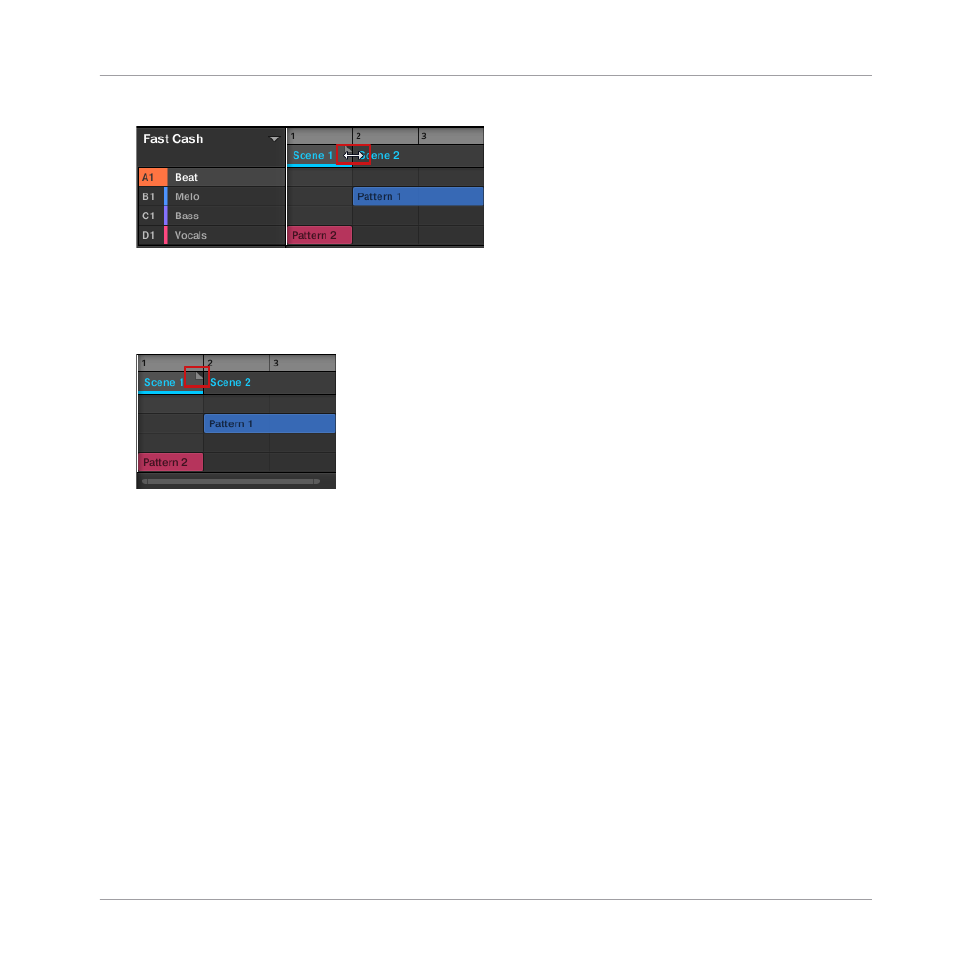
Click and drag the end marker of the Section to the left.
→
The Scene will be shortened, and if the adjustment is shorter than the referenced Pattern
a small Truncated Clip marker will appear on the right-hand side of the Section to indi-
cate that a part of the Scene is hidden. Only the visible part of the Scene will be audible
during playback.
When adjusting the size of a Section the following rules apply:
▪
The value set in the Arrange Grid is used for length increments.
▪
When [Shift] is pressed while changing the length, the value set in the Step Grid is used.
▪
The minimum length a Section marker can be dragged without modifier is one Arrange Grid
increment.
▪
When [Shift] is pressed, the minimum length a Section marker can be dragged is one Step
Grid increment.
▪
The minimum length of a Section equals the minimum Scene length. This can only be ach-
ieved if Arrange Grid or Step Grid is set to
Off
.
10.2.1.2 Adjusting the Length of a Section Using the Controller
To adjust the length of a Section using your hardware controller:
Creating an Arrangement
Managing Sections
MASCHINE - Getting Started - 143