Doremi DCP-2000 User Manual
Page 28
Advertising
•
Select Control Panel.
•
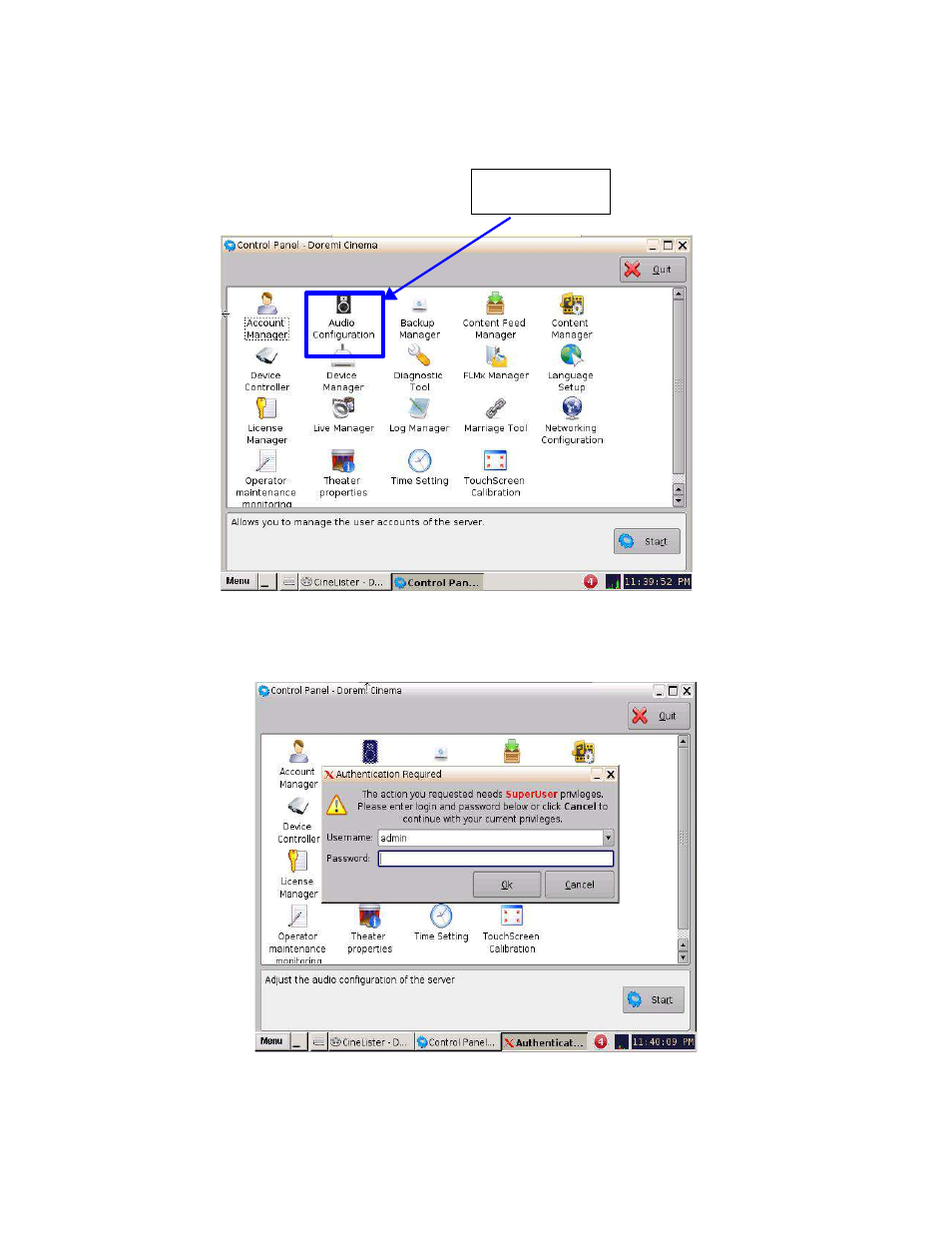
Select Audio Configuration.
•
Input the proper credentials in order to access the Audio Configuration menu then click OK.
D2K.OM.003651.DRM Page 28 of 33 Version 1.1
Doremi Labs
Figure 33: Control Panel Window
Audio
Configuration
Figure 34: Authentication Window
Advertising
This manual is related to the following products: