Mechanical buttons – ATEIS PSS-G2-xx User Manual
Page 20
Advertising
PSSG2, CD-Touch series
Page 20 of 33
•
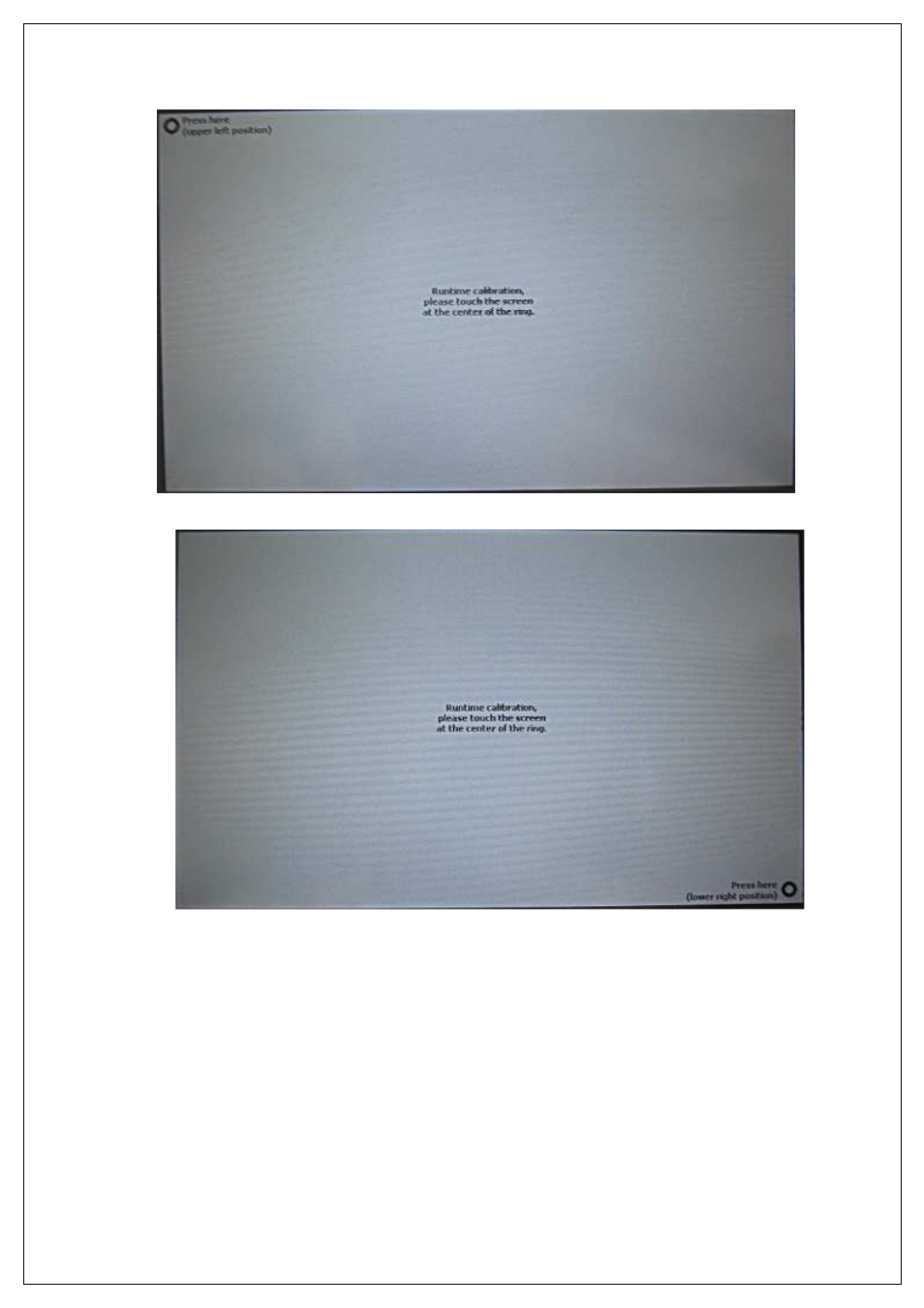
The on bottom right of the screen.
•
This will end the calibration process. The main configuration page will be automatically
displayed.
8.4.
Mechanical Buttons
In the PSSG2, CD-TOUCH configuration page, you have the possibility to enable or disable the three
mechanical buttons. In order to do so, follow the next steps.
•
Access the config page.
Advertising