Playing discs 5 – Marantz DV4001N User Manual
Page 30
Playing Discs
5
30
Playing a DivX disc
This DVD system supports the playback of
DivX movies which you can copy from your
computer onto a CD-R/RW, DVD
±
R/
±
RW
disc (see page 9 for more information).
1 Insert a DivX disc.
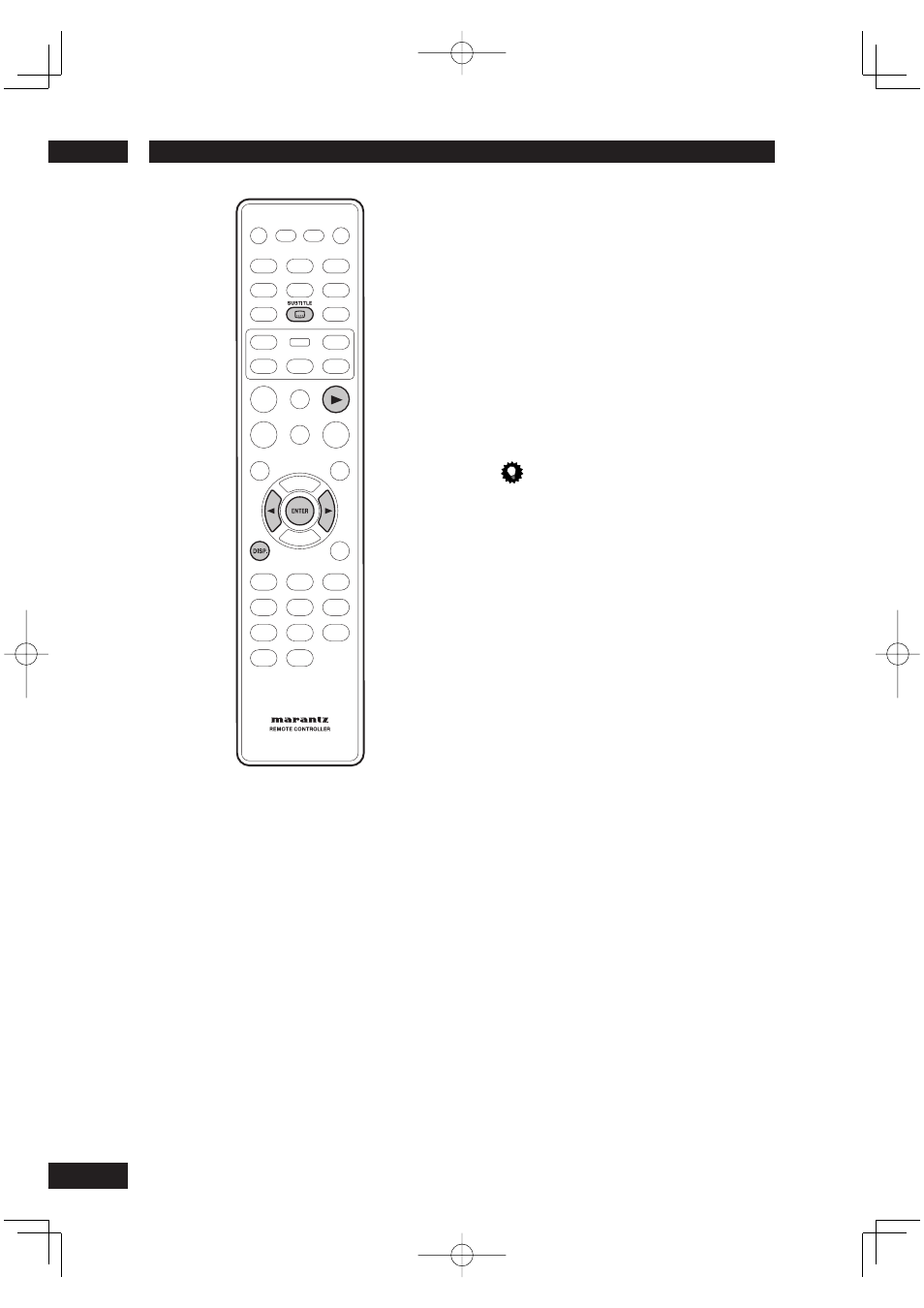
2 Press PLAY
3
to start playback.
During playback, you can;
• If multilingual subtitles are embedded on
the DivX disc, you can press SUBTITLE
to change the subtitle language while
playing.
Tip
• Subtitle fi les with the following fi le name extensions
(.srt, .smi, .sub, .ssa, .ass) are supported but do not
appear on the fi le navigation menu.
• The subtitle fi le name has to be the same as the fi le
name of the movie.
• The subtitle can only be displayed up to an average
of 42 characters.
• The time search feature is not available during DivX
movie playback.
Advanced features of the DivX Ultra
• XSUB
™
subtitles let you author movies
with multiple language subtitle sets.
• Interactive video menus offer
unprecedented convenience and control
so you can quickly navigate between
various scenes or bonus features, and
select from audio track and subtitle
options.
• Alternate audio tracks enable audio
tracks in multiple language versions or
separate audio tracks for specifi c speaker
confi gurations.
• Chapter points provide fl exibility, allowing
you to jump straight to the scene you
want to watch from anywhere within the
video.
DviX compatibility information
• Support for DivX 3.11, 4.x, 5.x, 6.x and Ultra.
• Q-pel accurate motion compensation.
• Global Motion Compensation (GMC) Playback.