Viewing the job status and cancelling jobs – QuickLabel 200 Kiaro! User Manual
Page 59
Advertising
Designing and Printing Labels
Kiaro! 200 User Guide
45
Viewing the Job Status and Cancelling Jobs
1
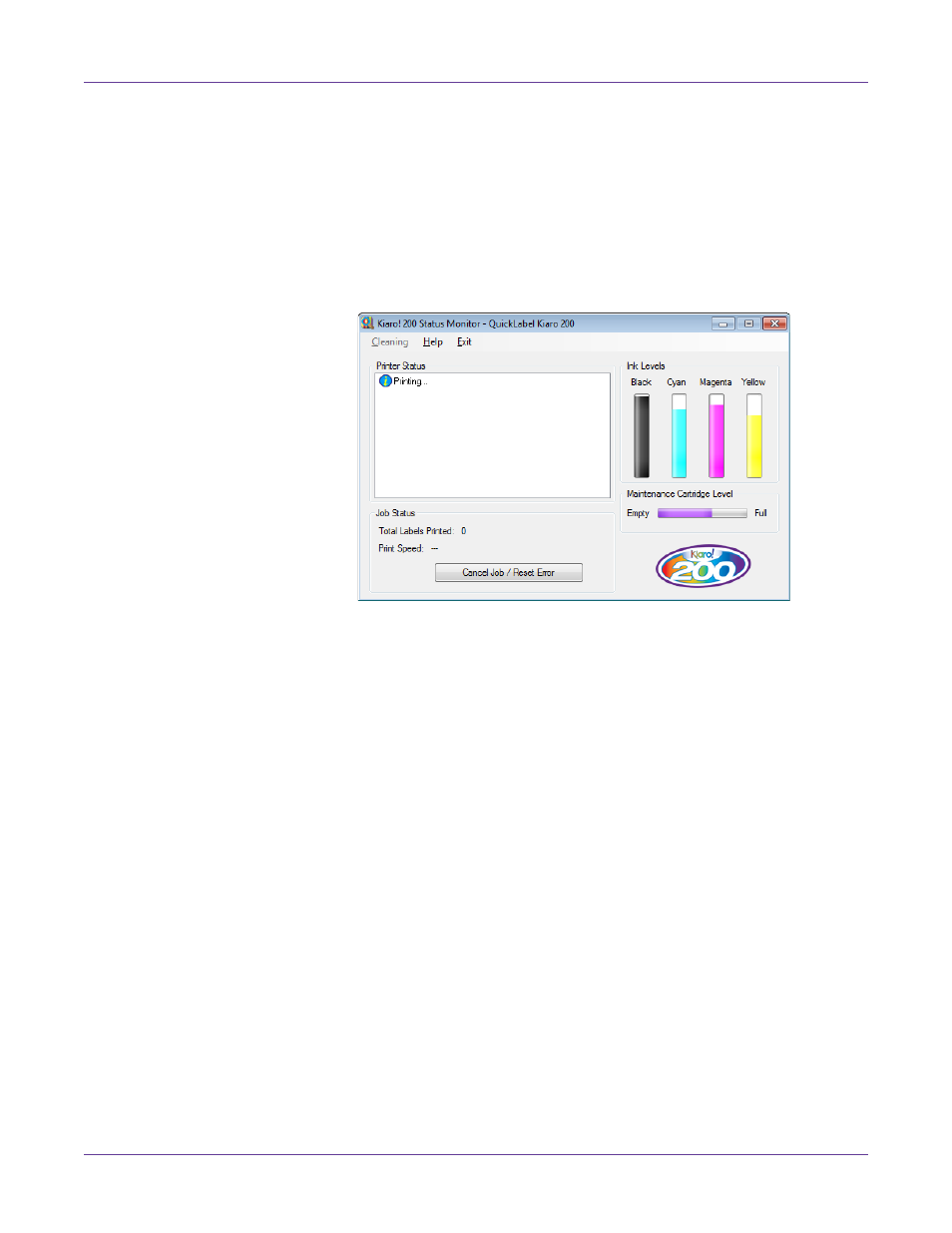
Open the Kiaro! 200 Status Monitor. You can access the Status Monitor from the
Windows Start Menu, Kiaro! 200 Maintenance Utility, or the printer driver.
•
From the Windows Start Menu, choose
Start > All Programs > QuickLabel
Kiaro! 200 > Kiaro! 200 Status Monitor
.
•
In the Kiaro! 200 Maintenance Utility, choose
Status Monitor
.
•
In the Kiaro! 200 printer driver, choose
Status Monitor
from the
Status
tab.
2
You can view print job information in the Job Status area.
3
If necessary, you can cancel an in-progress job by choosing
Cancel Job
.
Advertising
This manual is related to the following products: