Control and monitoring, Control options, Front panel – Grass Valley Imagestore 750 v.3.0.1 User Manual
Page 165: 7 control and monitoring, Chapter 7, Topics
149
Control and Monitoring
Chapter 7 provides information about controlling the Imagestore 750 and monitoring its status.
Topics
Control Options
The Imagestore 750 can be controlled in several different ways:
•
From the front panel.
•
By automation.
•
From iMC panels.
•
From PresStation or Presmaster.
•
By GPI events.
•
By the Emergency Alert System
Front Panel
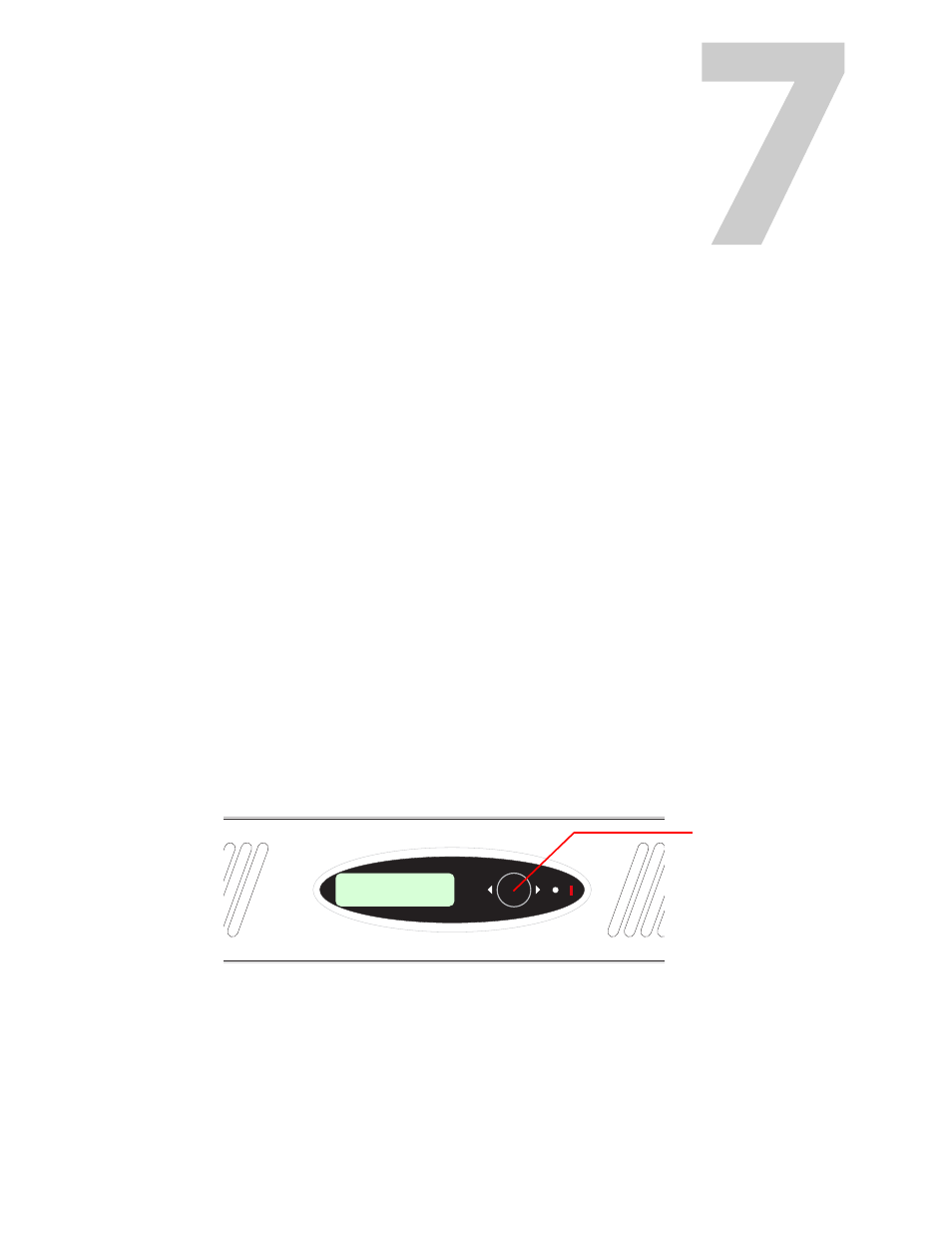
The front panel and its joystick are for local, manual control and can be used to navigate
through a menu of parameters to adjust parameter values.
A full list of menu items available is listed in Appendix A,
Front panel control of the Imagestore 750 is performed using a four-position joystick in conjunc-
tion with prompts from the display.
Fig. 7-1: Imagestore 750 Front Panel
Where this user manual discusses joystick input, it represents the 4 positions of the joystick with
the terms ‘[esc]’, ‘[enter]’ or the arrow icons
and
.
ENTER
ESC
Imagestore 750
Imagestore 750
< Operate >
Joystick