System backup – Grass Valley Imagestore 750 v.3.0.1 User Manual
Page 199
Advertising
183
Imagestore 750
User Manual
System Backup
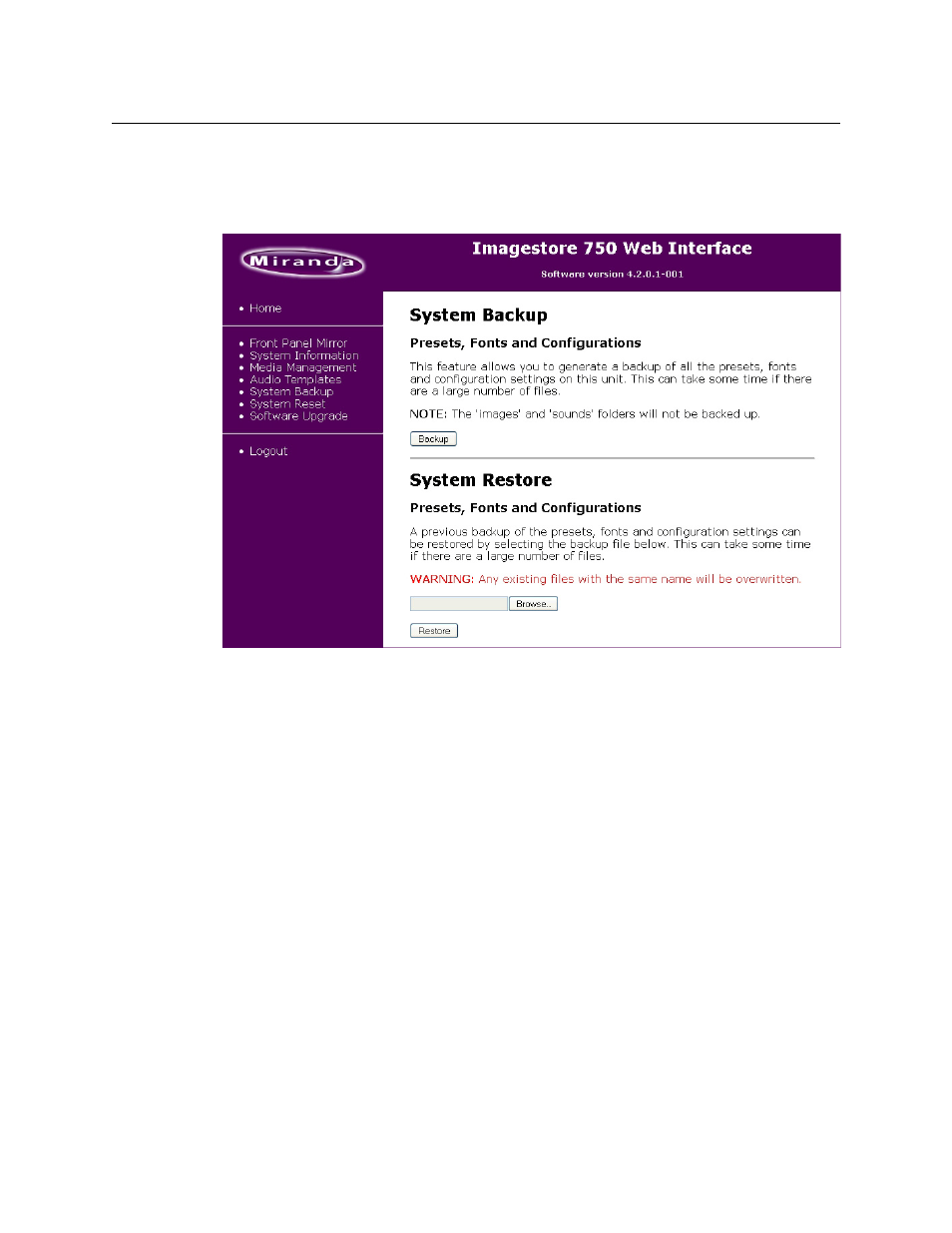
This page allows you to back up all presets, fonts, and configurations of the Imagestore 750 or
to restore files to the Imagestore 750. A backup is generated in a
.tar
file.
Fig. 9-8: Imagestore 750 Web Interface - System Backup
To create a backup, click the ‘Backup’ button. The backup file generated is named backup.tar
and is saved in a location on your PC (or its network) that you specify.
To restore a file, click the ‘Browse’ button, navigate to select a backup file, and then click the
‘Restore’ button.
Note: System backups do not include media or sound files. Those should be backed up using
FTP instead.
Advertising