Epson AcuLaser MX20DNF User Manual
Page 38
Advertising
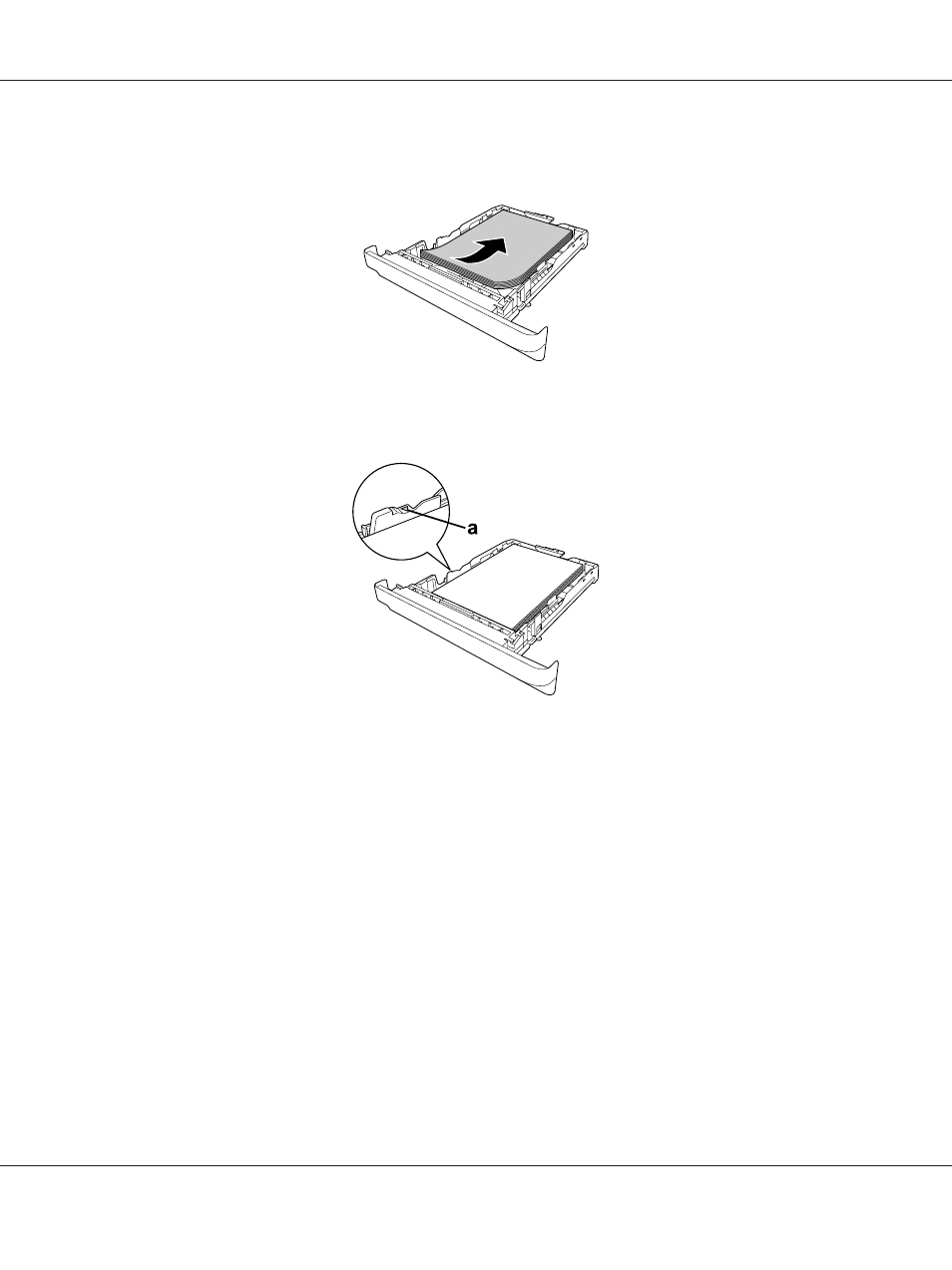
3. Load a stack of the desired paper on the center of the paper cassette with the printable surface
facing down.
Note:
❏ Make sure that you do not load paper beyond the limit mark.
a. limit mark
❏ Load letterheads with the printable side facing down and with the letterhead portion at the top.
Epson AcuLaser MX21/MX20 Series User's Guide
Paper Handling 38
Advertising
This manual is related to the following products: