2 system, 1 system information, Ystem – PLANET VC-810S User Manual
Page 25
User’s Manual of VC-810S / VC-810S48
25
4.2 System
4.2.1 System Information
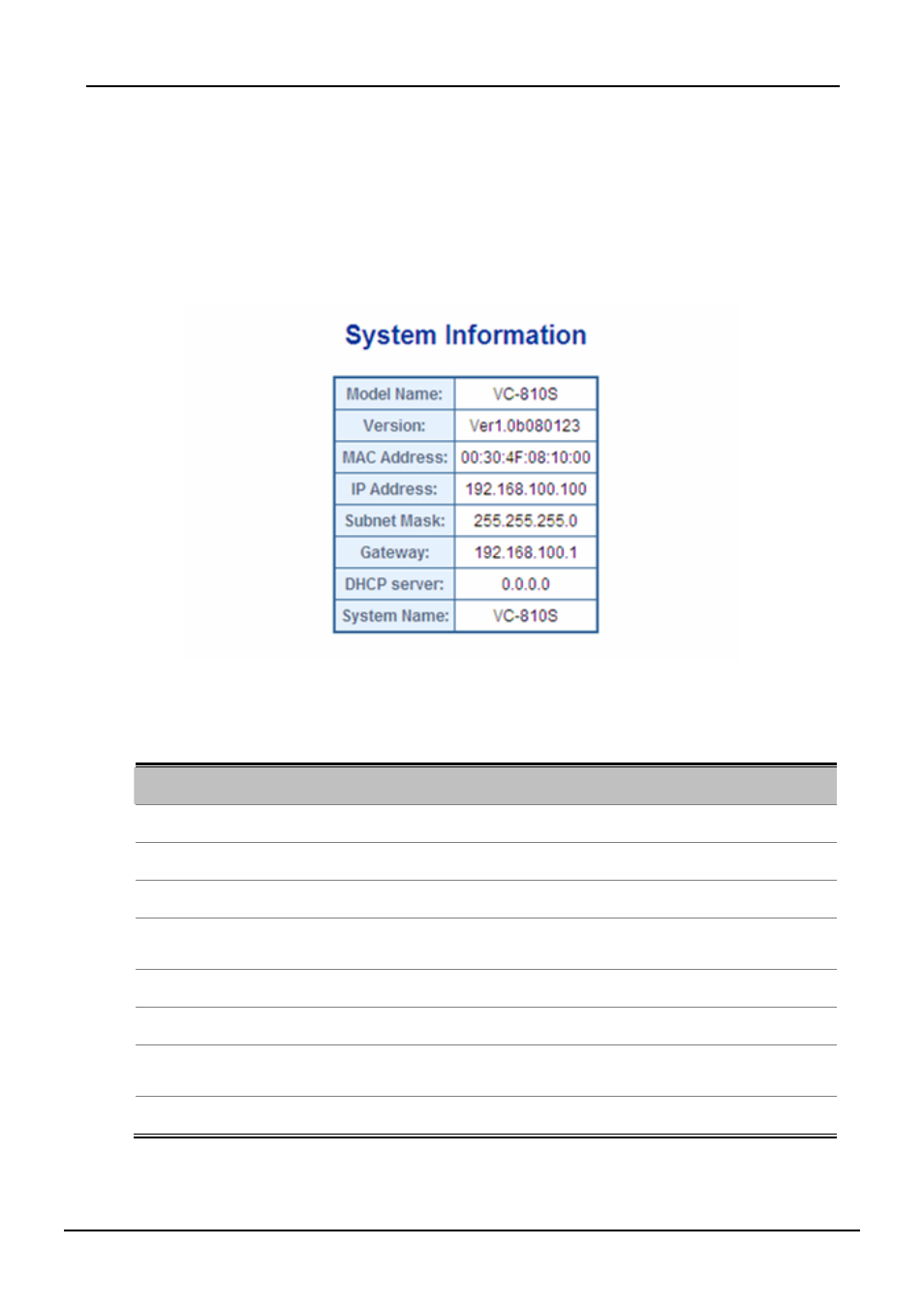
The System Info page provides information for the current device information. System Info page helps a switch
administrator to identify the Model Name / firmware version / MAC Address and IP subnet address / DHCP server IP
address / System Name. The screen in
Figure 4-2
appears.
Figure 4-2 System Information screen
The page includes the following fields:
Object
Description
• Model Name
The product name of this VDSL2 Switch.
• Version
The current software version running on the device.
• MAC Address
Specifies the device MAC address.
• IP Address
The current IP Address of the device. The IP Address could be manual assigned
or get via DHCP server.
• Subnet Mask
The current IP Subnet Mask setting on the device.
• Gateway
The current IP Gateway of the device.
• DHCP Server
If the IP address is got and assigned via a DHCP server, the field shows the IP
Address of the DHCP server.
• System Name
Display the user-defined device name.