2 internet explorer 7 for windows xp – PLANET ICA-HM830 User Manual
Page 18
Advertising
2.6.2 Internet Explorer 7 for Windows XP
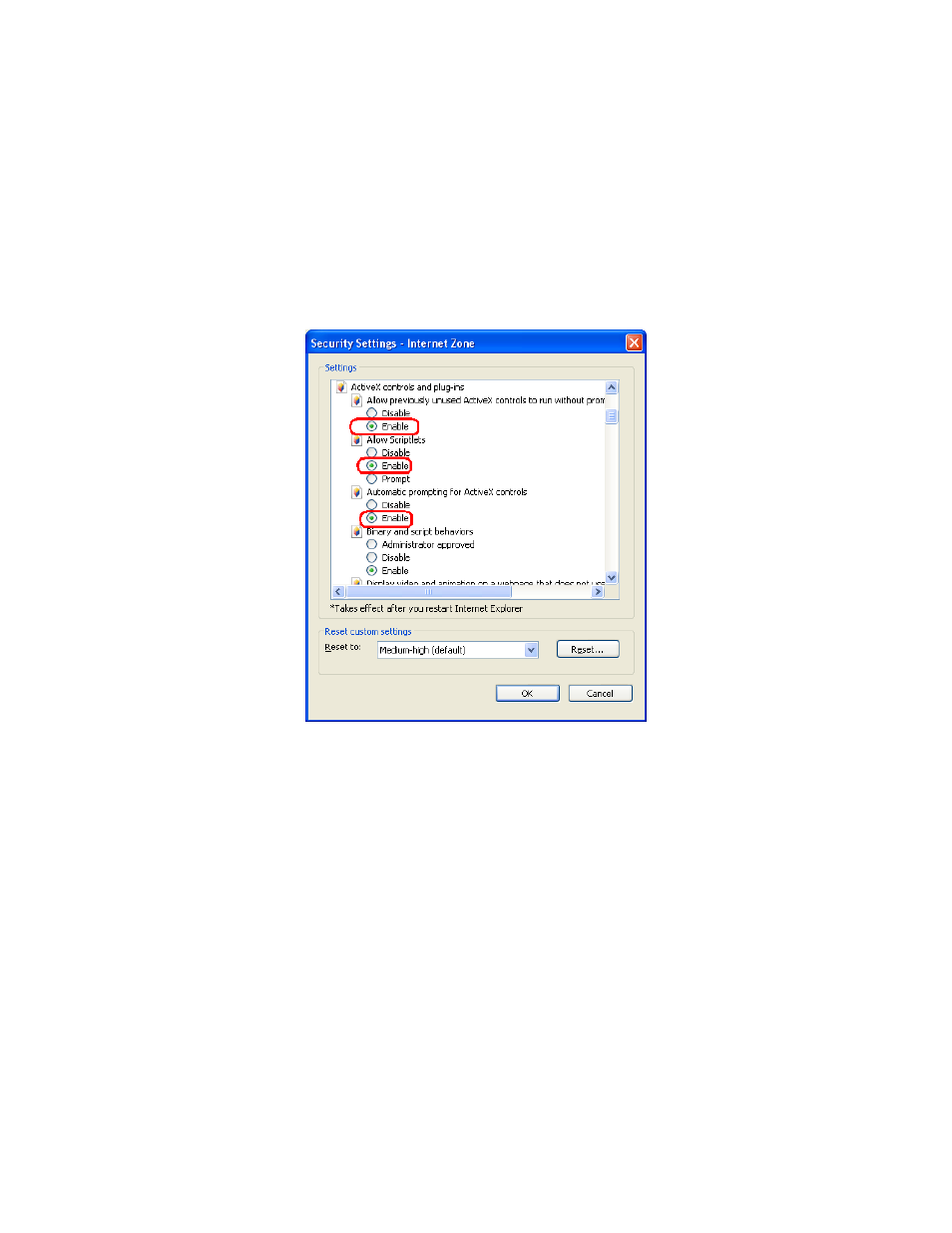
From your IE browse
Î ”Tools” Î ”Internet Options…” Î ”Security” ΔCustom Level…”, please
setup your “Settings” as follow.
Set the first 3 items
• Allow previously unused ActiveX control to run…
• Allows Script lets
• Automatic prompting for ActiveX controls
By now, you have finished your entire PC configuration for Internet Camera.
18
Advertising
This manual is related to the following products: