Example 5 – PLANET CS-2000 User Manual
Page 297
Advertising
CS-2000 UTM Content Security Gateway User’s Manual
- 291 -
Example 5
Sets a FTP server in the DMZ by NAT mode, and to limit the external user’s downstream
bandwidth, MAX.concurrent sessions and quota per day.
Step1
In DMZ, to set up a FTP server and the server virtual IP is 192.168.3.2.(The DMZ interface
address is 192.168.3.1/24)
Step2
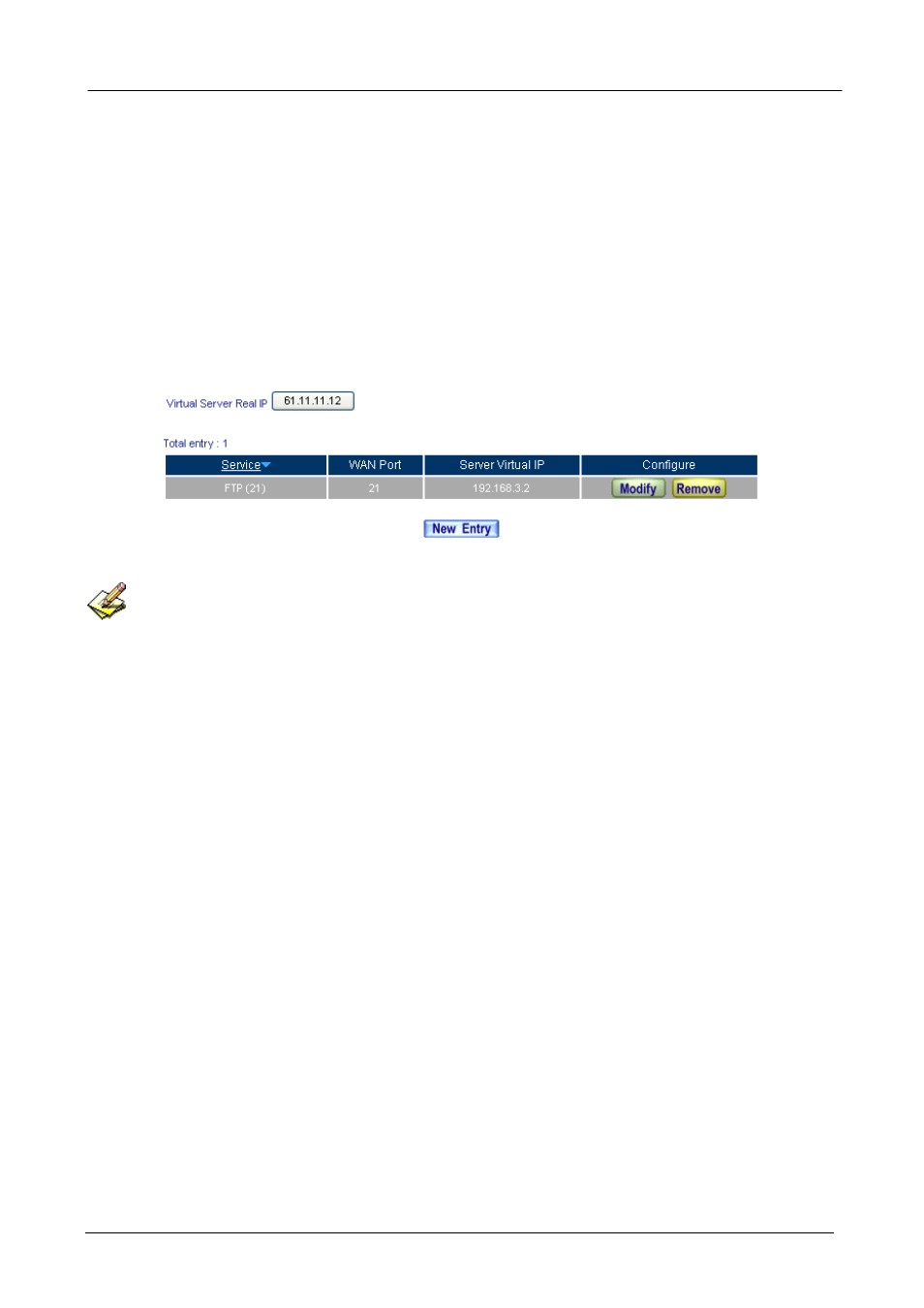
In Virtual Server Æ Server 1 , add the following settings:
Set the virtual server correspond to FTP server
In Policy Æ Incoming or WAN To DMZ, it is strongly recommended not to select the Service to be ANY,
to avoid the internal PC be attacked.
Advertising