Applying special effects (effects on the, Overall signal), Defocus settings – Sony GP-X1EM Grip Extension User Manual
Page 243
243
Modifying the combination pattern
For details about modifying patterns, see the following
pages.
•
“Setting the aspect ratio of the wipe crop pattern
(Aspect)” (page 241)
•
“Replicating the wipe crop pattern (Multi)” (page 241)
•
“Rotating the wipe crop pattern (Rotation)” (page 241)
•
“Applying modulation to the wipe crop pattern
(Modulation)” (page 241)
Applying Special Effects
(Effects on the Overall
Signal)
Defocus Settings
Applying the Defocus effect
1
Open the DME >Video Modify >Defocus/Blur menu
(4121).
2
Press [Defocus], turning it on.
3
In the <Defocus Mode> group, select the signal to
which to apply the defocus effect.
Video/Key:
Video signal and key signal
Video:
Video signal only
4
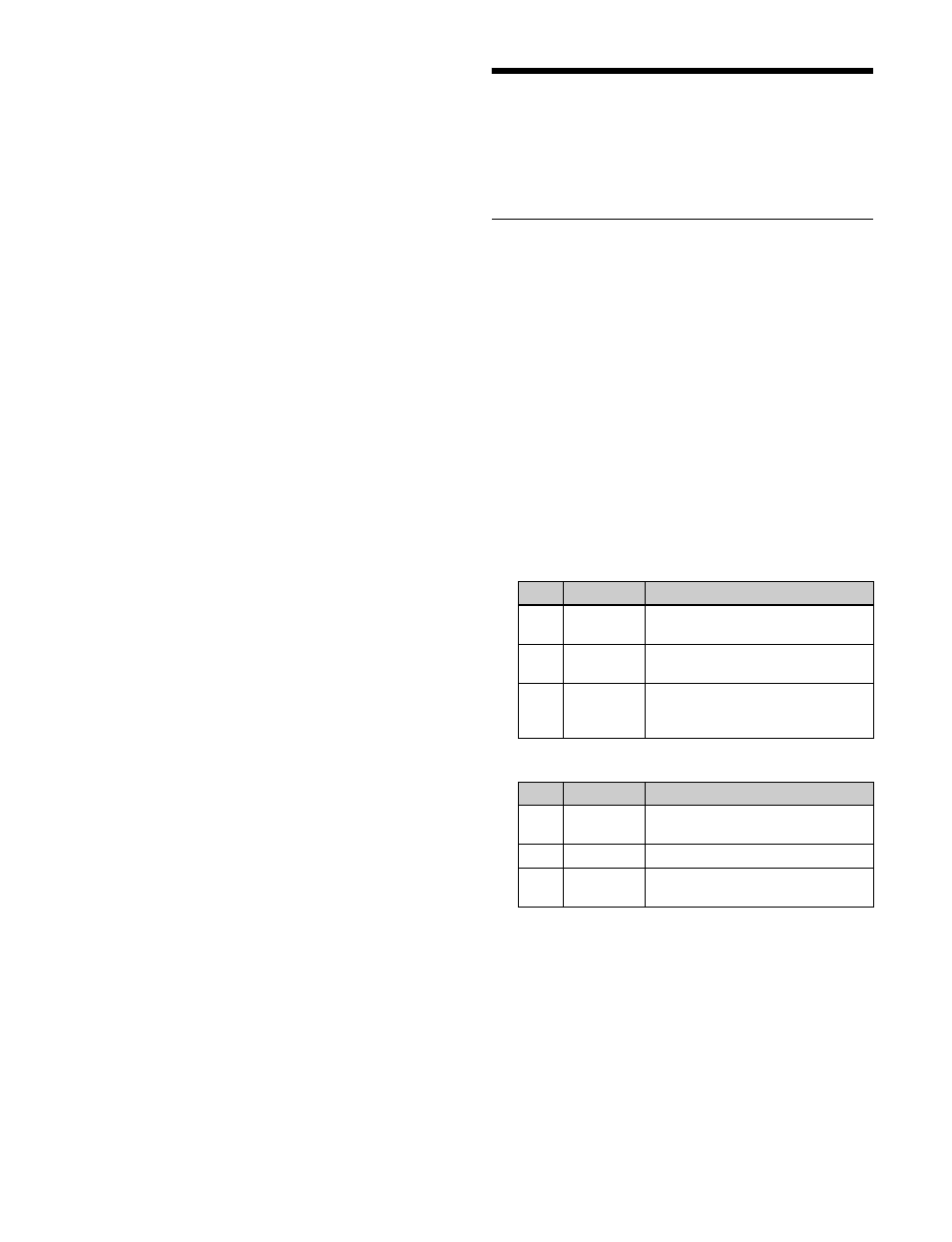
Set the following parameters.
When [Video/Key] is selected
When [Video] is selected
5
To cancel black level leaking that can occur at the edge
of the screen when the Defocus effect is enabled, press
[Clean Defocus], turning it on.
To mask the Defocus effect with a selected
pattern
Press [Mask] to open the DME >Video Modify >Mask
menu (4127), and set the type of pattern and modifiers
.
No.
Parameter
Adjustment
1
H
Simultaneous horizontal
defocusing of video and key signals
2
V
Simultaneous vertical defocusing
of video and key signals
3
All
Simultaneous horizontal and
vertical defocusing of video and
key signals
No.
Parameter
Adjustment
1
H
Horizontal defocusing of video
signal
2
V
Vertical defocusing of video signal
3
All
Horizontal and vertical defocusing
of video signal