Load paper to tray 2, Load paper tray 2 – HP LaserJet Pro 4001dw Monochrome Wireless Printer User Manual
Page 25
Advertising
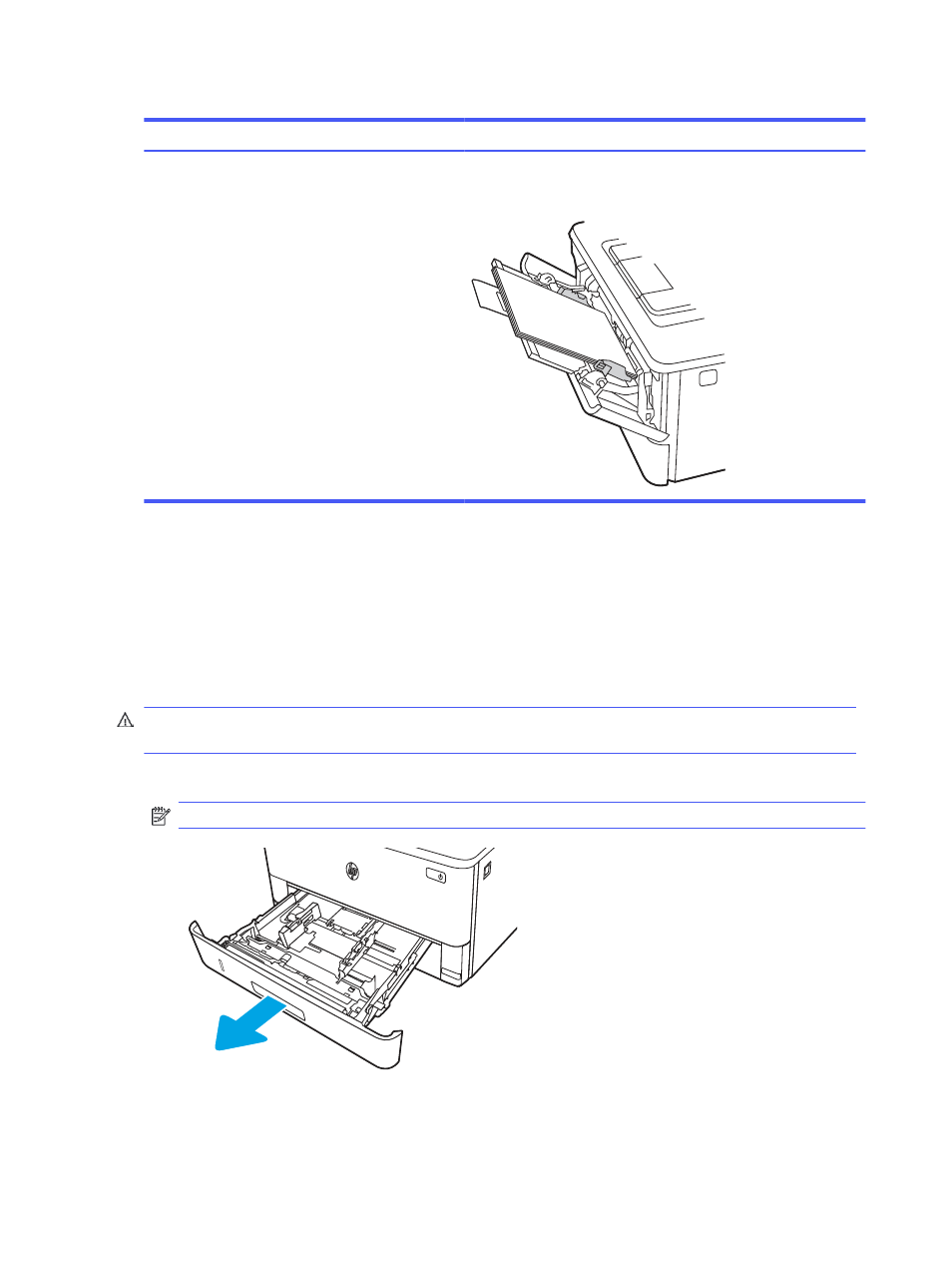
Table 2-1
Tray 1 paper orientation (continued)
Paper type
Output
How to load paper
Letterhead or preprinted
2-sided printing
Face-down
Bottom edge leading into the printer
12
3
Load paper to Tray 2
Review the following information about loading paper to Tray 2.
Load Paper Tray 2
This tray holds up to 250 sheets of 75 g/m
2
(20 lb) paper.
CAUTION:
Do not print envelopes, labels, or unsupported sizes of paper from Tray 2. Print these types
of paper only from Tray 1.
1.
Pull the tray out and lift up slightly to remove it completely from the printer.
NOTE:
Do not open this tray while it is in use.
2
1
16
Chapter 2 Paper trays
Advertising