7 media players – NewTek TriCaster TC1 (2 RU) User Manual
Page 263
P a g e | 247
•
PST CALL
–
Hold this button down and press button
1-11
in the
KEY
row at left to recall the
designated
PTZ
preset for the currently selected
PTZ
camera.
U
TILITY
K
NOBS
(A,
B,
&
C)
•
Knob A
o
With the
COMP
button pressed down, twist
knob A
to:
▪
Pop up the
Comp bin
for the current
M/E
(if multi-delegated, the bin for the first
delegate only)
▪
Advance through the selections in the bin as you continue to twist the knob
▪
Apply the highlighted Comp by pushing the knob.
o
With the
PTZ SEL
button pressed down, twist
knob A
to:
▪
Pop up the
PTZ Preset bin
for the currently delegated PTZ camera
▪
Advance through the PTZ presets in the bin as you continue to twist the knob
▪
Apply the highlighted PTZ preset by pushing the knob.
•
Knob B
- Cycle through the color link assignments for the
A
or
C
row (depending on the
M/E Layers
buttons state) for the currently delegated
M/E.
Knob C
- Cycle through the color link assignments for the
B
or
D
row (depending on the
M/E Layers
buttons state
above) for the currently delegated
M/E
.
23.3.7
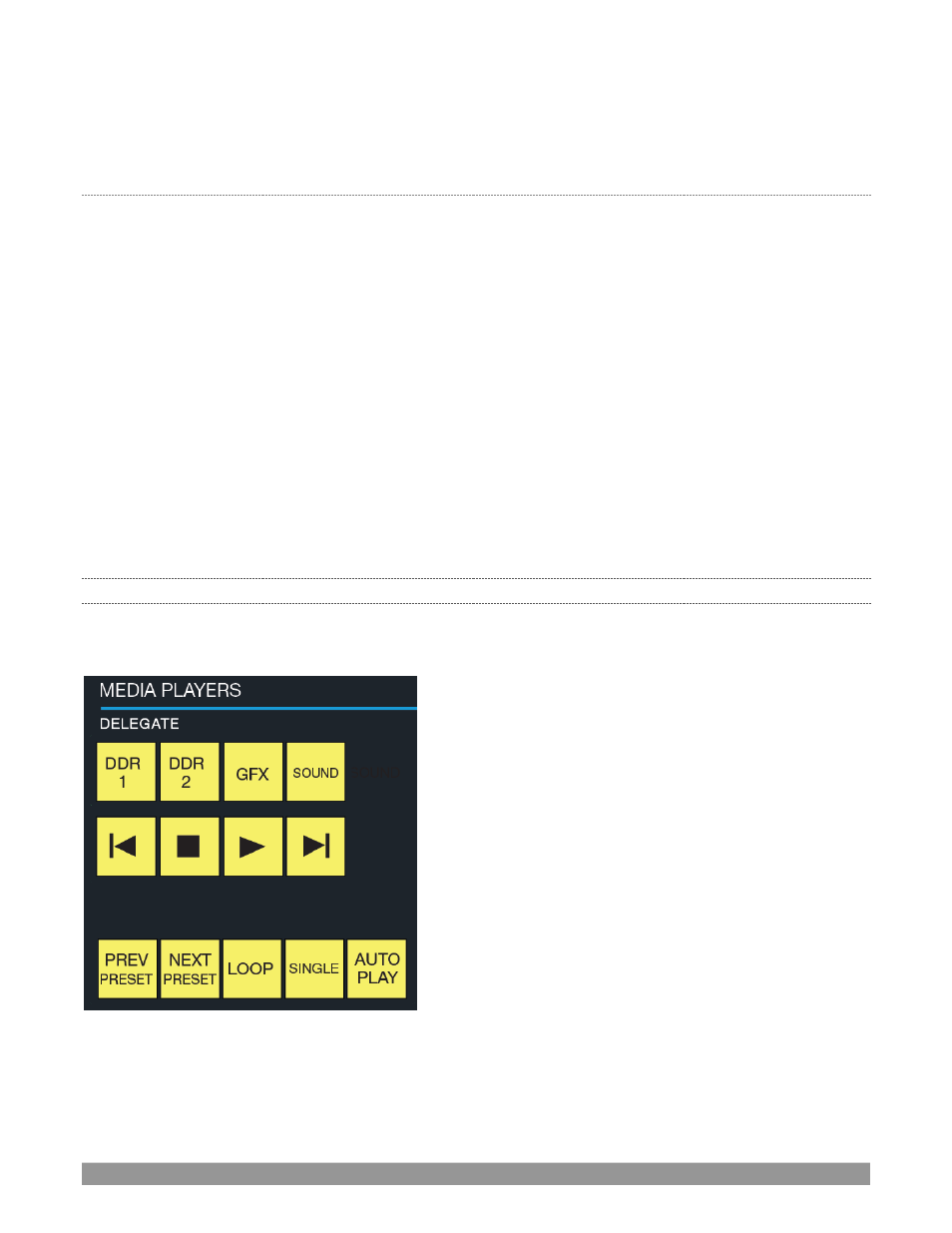
MEDIA PLAYERS
Let’s explore the details of the
MEDIA PLAYER
control group (depending on your control surface model, there
may be one or two such control groups).
FIGURE 299