NewTek TriCaster TC1 (2 RU) User Manual
Page 322
P a g e | 306
These names are editable, allowing you a convenient way to identify the output of specific units to
downstream NDI-enabled devices and systems.
Hint: The default name includes the unit serial number, which is also provided on a sticker on the chassis to
help you identify a specific device.
A
UDIO
FIGURE 372
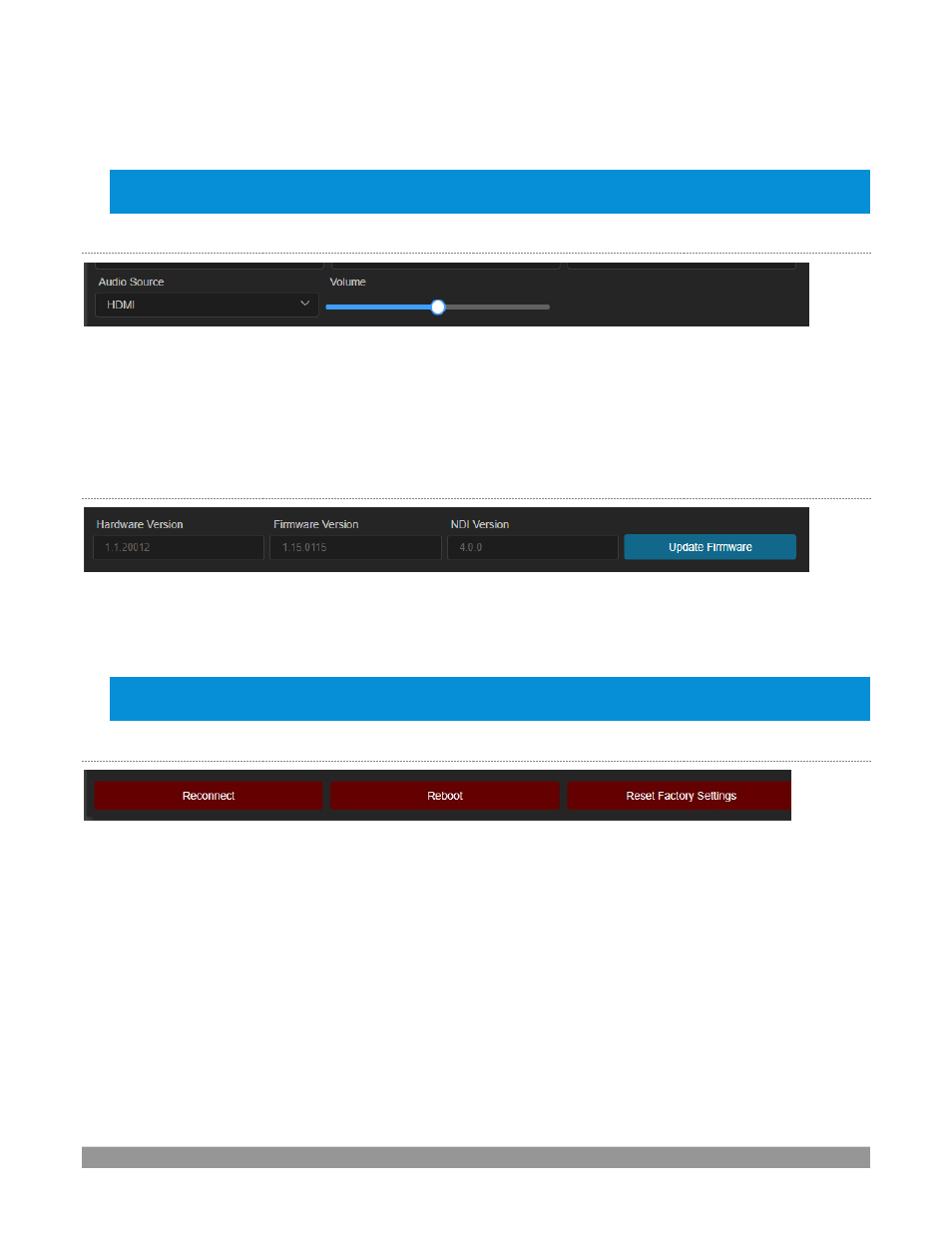
Just below, you will see the
Audio Source
menu (Figure 372). It offers two options, labeled
Line In
and
HDMI
.
These determine whether device supplies TriCaster with the embedded audio source (digital audio included
with an HDMI video source) or analog audio supplied to its
1/8” line l
evel stereo input connector. The nearby
volume control governs the audio output level. The device
’
s nominal audio level is +4dBu.
V
ERSION AND
U
PDATE
FIGURE 373
The control group below
Audio
settings lists
Hardware
,
Firmware
, and
NDI Version
details, which can be
helpful if you need support or wish to confirm you have the latest firmware update installed.
Hint: The firmware update process is detailed in
Error! Reference source not found.
,
Error! Reference source
not found.
.
U
TILITIES
FIGURE 374
Completing our discussion of the
Basic Settings
control group, we find
Reset
,
Reboot
and
Restore
buttons at
the bottom of this pane.
•
Reconnect
–
breaks and re-establishes the connection between the source and TriCaster.
•
Reboot
–
restarts the device (a
‘
warm
’
reboot)
•
Reset Factory Settings
–
has the same effect as pressing the recessed
Reset
pin near the RJ-45 NDI
connector on the back of the device for a few seconds. This resets all settings to their as-shipped
default states. (On selection, the tally LEDs on the front of the unit progressively cycle to off, then on
again a short while later after defaults have been restored and the unit has rebooted.)