NewTek TriCaster TC1 (2 RU) User Manual
Page 308
P a g e | 292
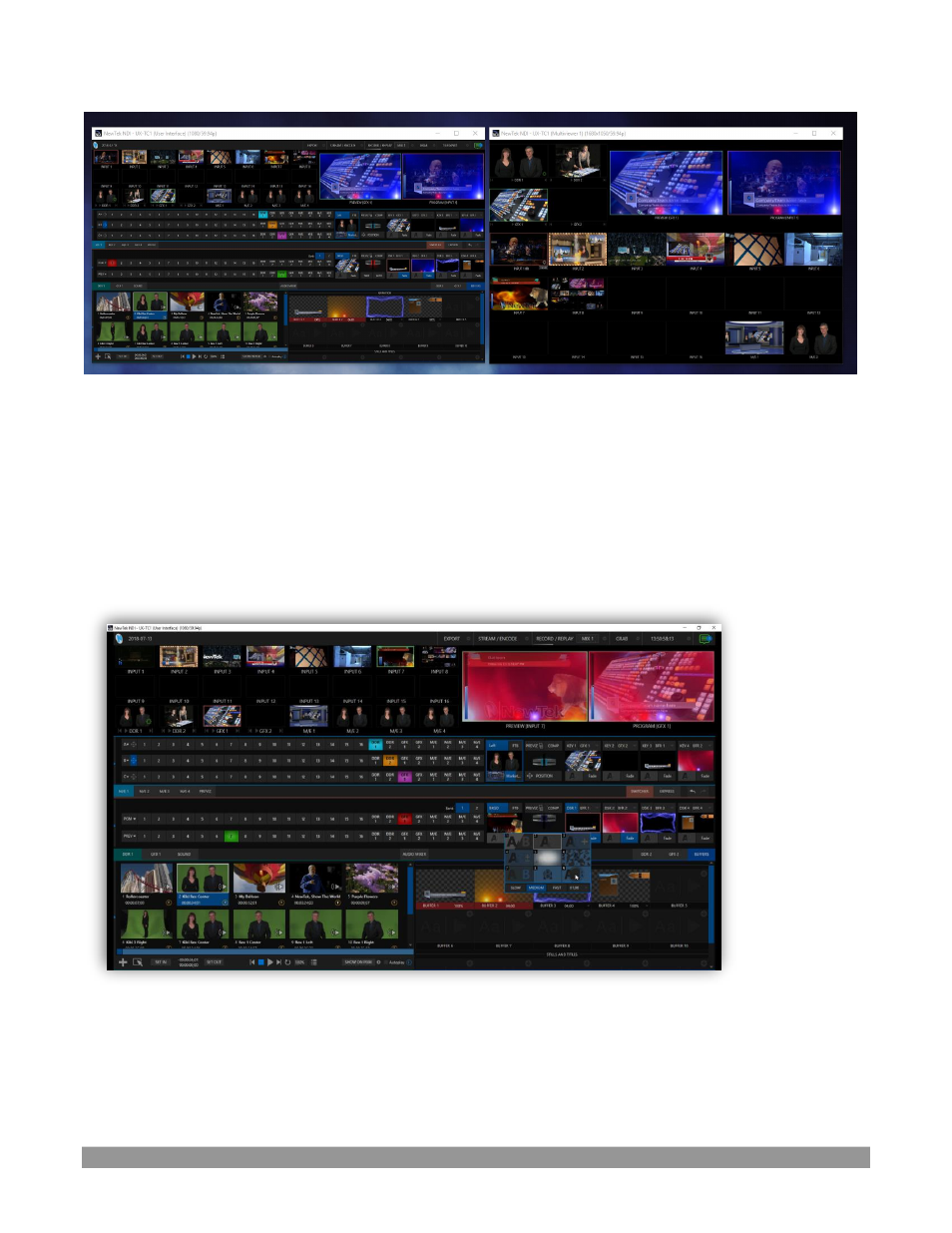
FIGURE 354
Note, too, that this feature gives you a great way to multiple your
Multiviews
around your studio or campus.
You can even use these displays as video sources for another NDI-enabled system. System audio will also
pass to the receiver, and you can even copy and paste text between the two systems.
With the User Interface running full-screen in
Studio Monitor
on a receiving system, it’s really hard to
reme
mber that you’re actually controlling a remote system. Even touch is supported, meaning you can run
the U
ser Interface output on a Microsoft Surface™ system for portable touch control over your entire live
production system.
FIGURE 355
(Actually, many of the interface screengrabs shown in this manual
–
including those in this section
–
were
grabbed from
NDI
Studio Monitor
while controlling the remote system in the manner described above.)