9 m/es – NewTek TriCaster TC1 (2 RU) User Manual
Page 27
P a g e | 11
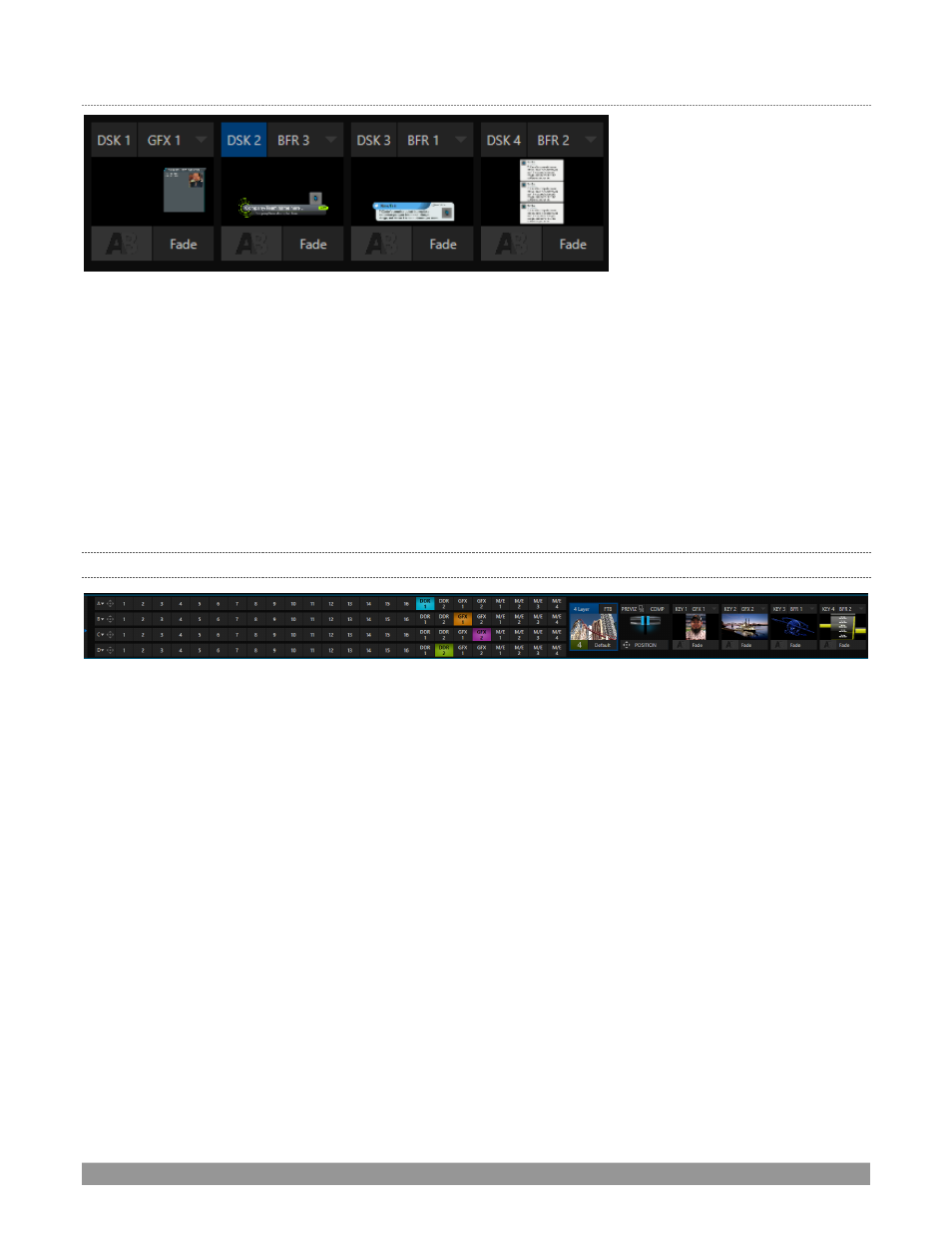
DSK
C
HANNELS
FIGURE 7 (TC1 SHOWN)
DSK
layers support downstream overlays (
M/E
Keys
are
upstream
overlays, i.e., ahead of the main
Switcher
).
•
Display
DSK
channels independently, and swap them during a switch with custom transitions.
•
Use
Media
Players to overlay title pages, including scrolls, crawls and lower-thirds, or assign a
Camera
feed or
Network
source to an overlay channel.
•
Alternatively, use the
Buffer
channels to assign a specific title, still image or animation effect to any
overlay channel.
•
Independent
Crop
,
Position,
3D Rotation
, and
Scale
controls for each
DSK
channel permit you (for
example) to configure multiple
sources as ‘Picture in Picture’ elements, revealing them with
individual custom effects.
2.4.9
M/ES
FIGURE 8
Color-coded
M/E
(Mix/Effect) banks provide stunning effects.
These include secondary video mixing capabilities, switching (with traditional wipes or
Animation Stor
e
transitions with
TransWarp
capabilities), full alpha channel support and best in class
LiveMatte
™
real-time
keying technology for green/blue screen effects, jaw-dropping dynamic virtual sets, and much more.
Each
M/E
bank supports:
•
Up to four (varies by model) primary video sources per effect.
•
KEY
(overlay) channels with individual transition capabilities.
•
S
ub-mix functionality, with individual transitions for A/B
Background
layers and
KEY
channels.
•
Individual
Scale
,
Position
,
Crop
and
Rotation
controls and motion
Tracker
support for all channels.
•
Powerful
Comp
(composition) preset features let you animate layer and overlay position, rotation
and other attributes in full motion.
•
Convenient
MEM
system allows instant access to pre-configured
M/E
setups.