CIRCUTOR PowerStudio Series User Manual
Page 226
PowerStudio PowerStudio
226 User Manual
Enables the trigger delay time to be selected from one of the following values:
Instantaneous:
Selective
20 ms
100 ms
200 ms
300 ms
400 ms
500 ms
750 ms
1 s
3 s
5 s
10 s
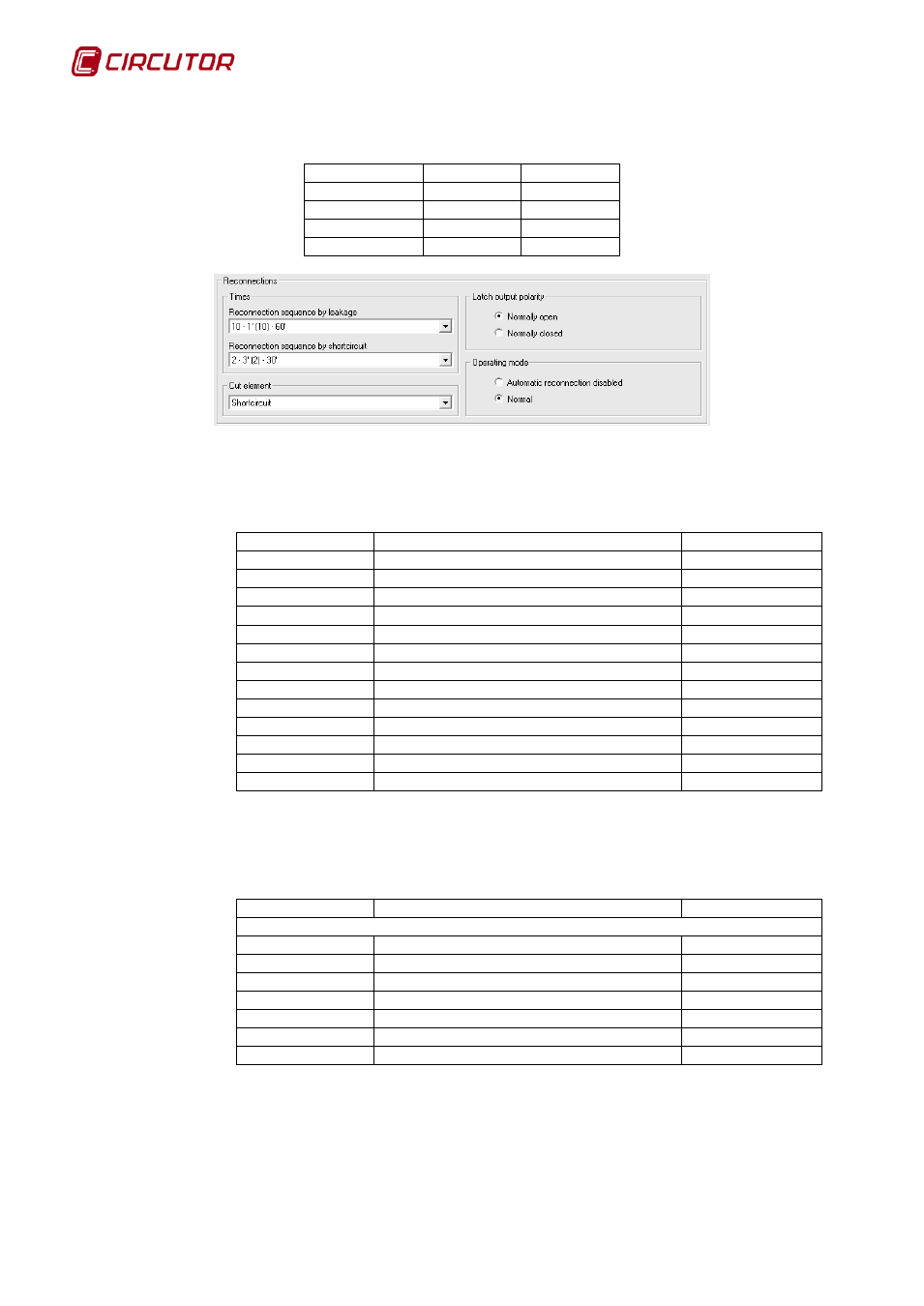
It will be possible to set the following reconnection parameters:
• Residual current device reconnection Sequence. Enables one of the following values
to be selected
No.reconnection
Sequence times
Reset time
6
8, 16, 30, 59, 115 and 224 seconds
15 minutes
30
20, 40 seconds and 5 minutes for the rest
15 minutes
8
30 seconds, 1, 2, 3, 4, 5, 6 and 7 minutes
15 minutes
6
10,20,30,60,130 and 600 seconds
5 minutes
6
2, 4 and 8 minutes for the rest
15 minutes
6
30 seconds, 1, 2, 3, 4, 8 and 16 minutes
15 minutes
10
1 minute interconnections
30 minutes
10
90 seconds interconnections
30 minutes
6
2, 4, 6, 6, 6 and 6 minutes
15 minutes
10
3 minutes interconnections
30 minutes
10
1 minute interconnections
60 minutes
10
90 seconds interconnections
60 minutes
6
8 seconds interconnections
15 minutes
The information shown will be xx – yy – zz, where xx corresponds to the number
reconnection, yy to the sequence of time and zz to the reset time.
• Circuit breaker reconnection. Allows one of the following values to be selected.
No.reconnection
Sequence times
Reset time
Reclosure disabled
2
1 minute interconnections
30 minutes
2
1 minute interconnections
60 minutes
2
90 seconds interconnections
30 minutes
2
90 seconds interconnections
60 minutes
2
3 minutes interconnections
30 minutes
2
30 seconds interconnections
30 minutes
6
30 seconds interconnections
30 minutes
The information shown will be xx – yy – zz where xx corresponds to the number
reconnection, yy to the sequence of time and zz to the reset time.
• Cut-off element. Lets the type of cut off element be selected from one of the following
values: