3 serial port, Serial port – IDK MSD-54 Series User Manual
Page 21
21
6.3 Serial Port
External control via RS-232C is available. The MSD controls peripheral devices externally by serial
communication with RS-232C connector. Connect control devices such as PCs and the MSD with a serial
communication cable, and then control the MSD and acquire status using commands. For character notations
of commands and configuring communication of serial terminal, see sections “9 ASCII codes” and “8.10
Serial (COM) Port Settings”, respectively.
[Table 6.3] Spec of serial communication
Compliance standard
RS-232C
Baud rate
4800, 9600, 19200, 38400 [bps]
Data bits
8, 7 [bit]
Parity check
None, even, odd
Stop bit
1, 2 [bit]
X parameter
Invalid
Flow control
None
Delimiter
CR LF (Carriage return and line feed, 0D and 0A in hex)
Communication pattern Full duplex
D-sub9 pin (male)
1
5
RS-232C
connector
6
9
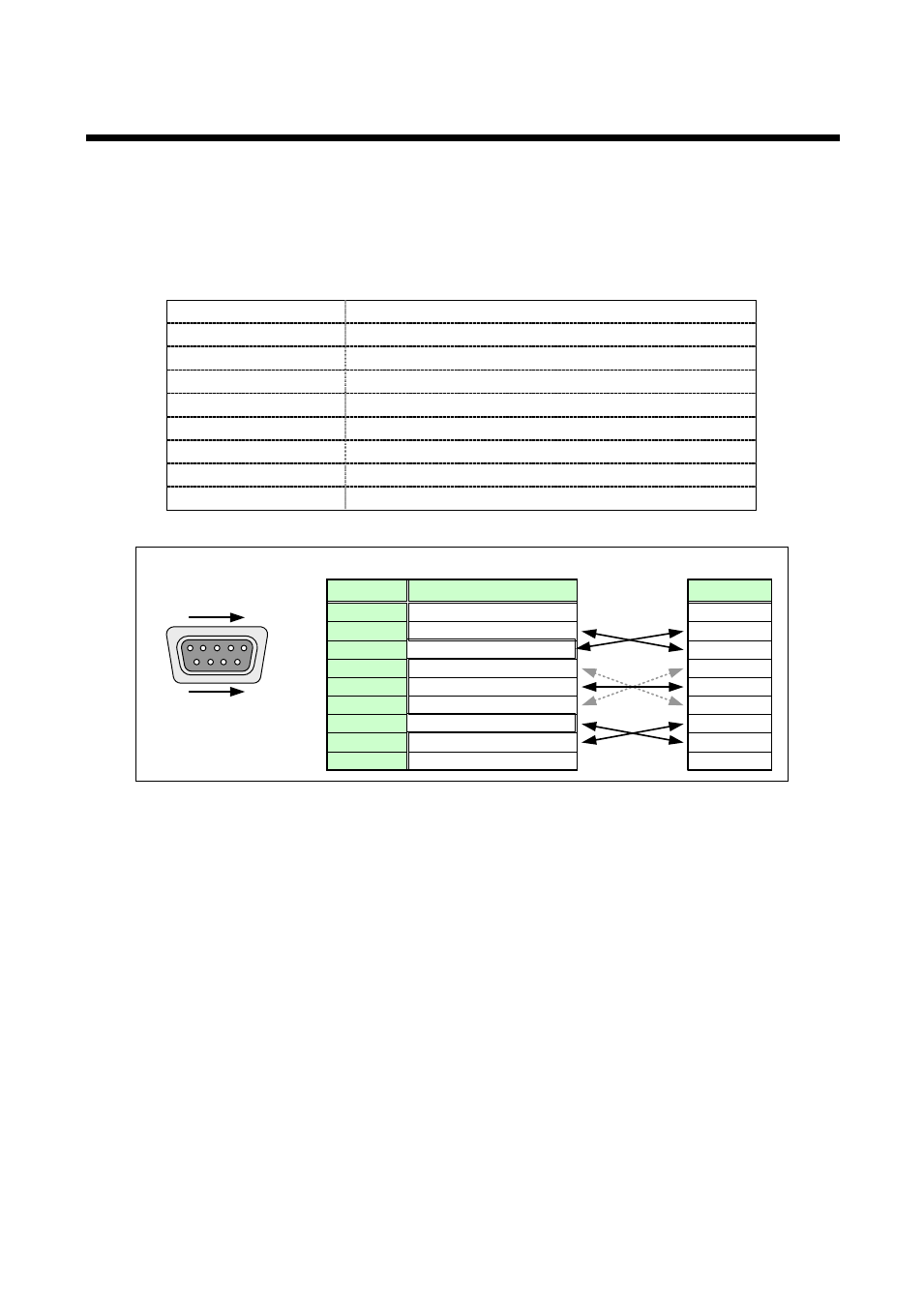
RD: Received Data
TD: Transmitted Data
NC: No connection
NC: No connection
NC: No connection
NC: No connection
GND: Ground
RTS: Request to Send
CTS: Clear to Send
Pin#
1
3
2
4
6
5
7
9
8
Signal
RD
TD
NC
NC
NC
NC
GND
RTS
CTS
Signal
MSD-5404
Cross
cable
Control unit
(MSD-5404 rear panel)
[Figure 6.4] RS-232C connectors and cables