Common operations, Navigating a list – H3C Technologies H3C Intelligent Management Center User Manual
Page 38
22
Operator Management rights
Operator C
The operator has the following management rights:
•
EAD > User > User Security Policy > Security Policy > View/Modify security
policy C.
•
EAD > User > User Security Policy > Registry Control >
View/Modify/Delete registry control policy C.
•
EAD > User > User Security Policy > Registry Control > Add new registry
control policies to service group C.
•
Viewing all registry control policies in service group C and ungrouped
registry control policies when modifying security policy C.
Common operations
Navigating a list
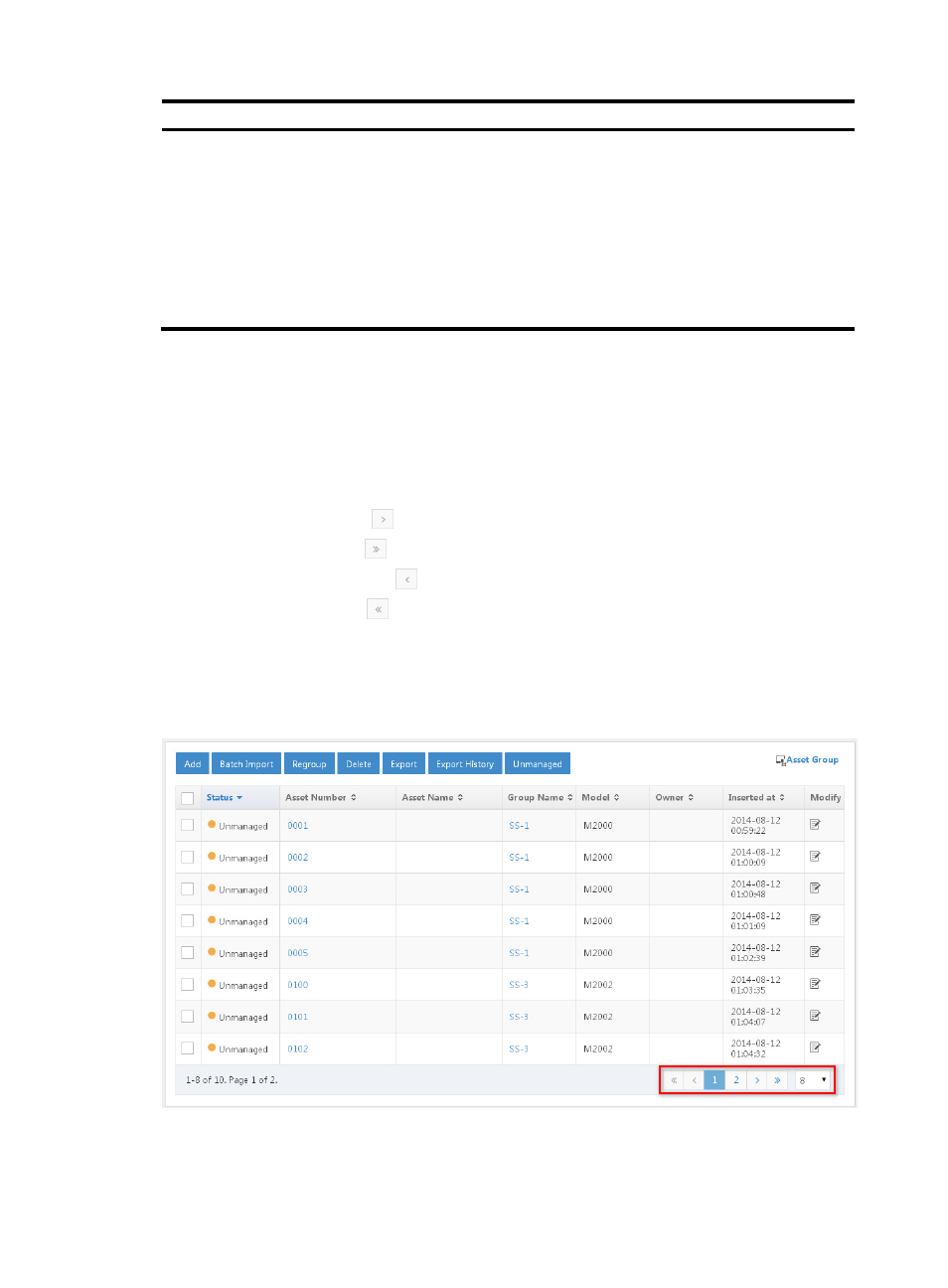
If a list contains enough entries, use the following aids to navigate the list:
•
Click the Next Page icon
to page forward in the list.
•
Click the Last Page icon
to page forward to the end of the list.
•
Click the Previous Page icon
to page backward in the list.
•
Click the First Page icon
to page backward to the front of the list.
•
Click a page number to display the page in the list. The list can display up to 10 page numbers.
•
Select 8, 15, 50, 100, 200, or 1000 at the bottom of the list to configure how many items per page
you want to display.
Figure 7 List navigation aids