Amprobe AT-5000 Underground-Wire-Tracer User Manual
Page 12
10
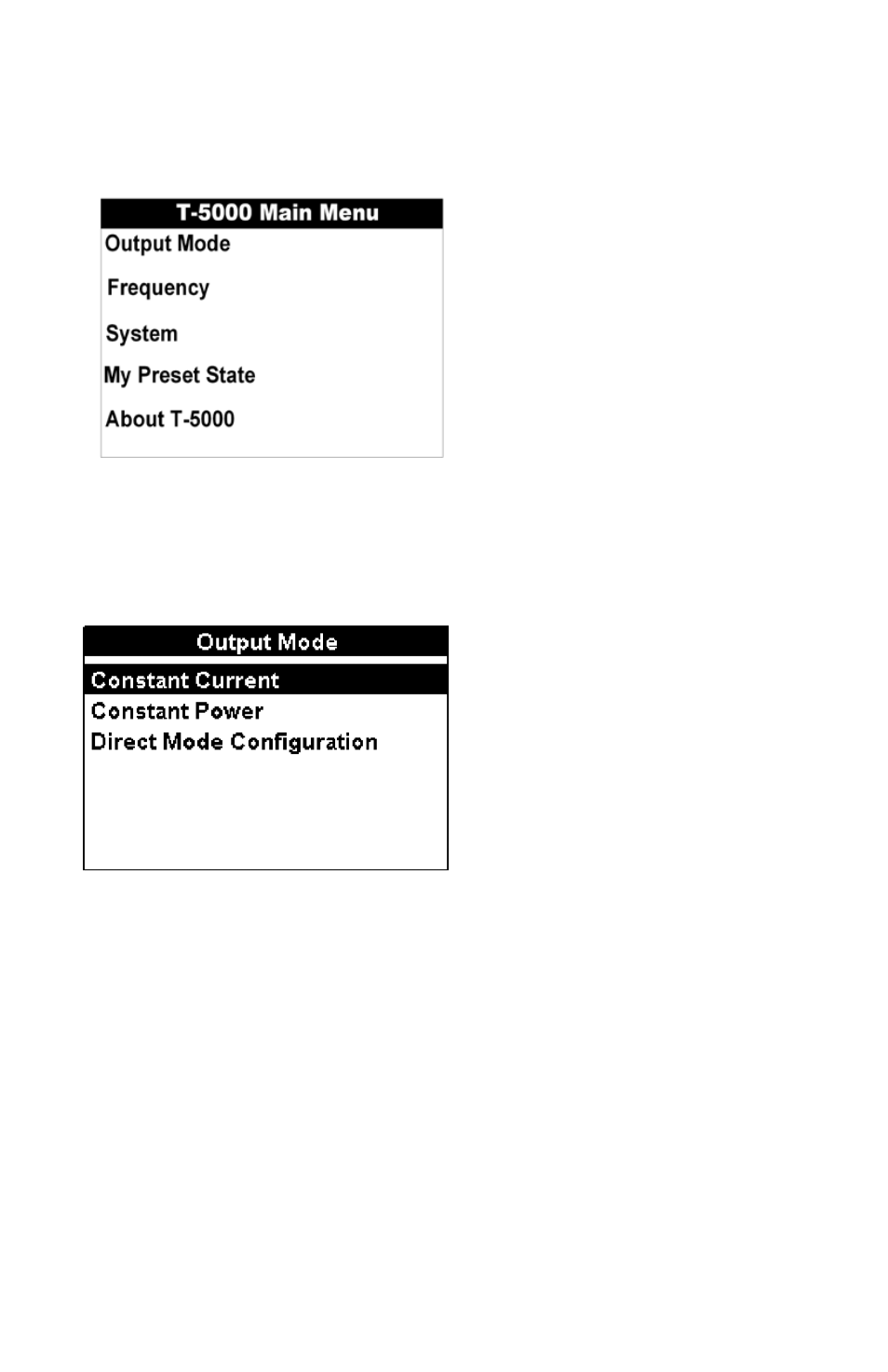
T-5000 Transmitter Main Menu
The Transmitter includes five (5) selectable menus for operation.
The desired menu is selected using the three-button navigational keypad.
Push Menu.
•
Push the up/down arrows to select the desired menu option.
•
Push Select to open the desired menu screen.
•
Push Menu to return to the operational display screen.
•
output Mode Menu
The T-5000 Transmitter output mode menu allows the operator to configure the desired output settings – constant current,
constant power, or direct mode.
The desired output mode is configured using the three-button navigational keypad.
Push the
•
up/down arrows to select the desired output.
Push
•
Select to activate the desired output. The transmitter automatically returns to the operational display screen and the
selected display indicator icon is visible.
output Mode Menu – direct (Conductive) Mode Configuration
The T-5000 Transmitter allows the operator to configure up to three active frequencies simultaneously in direct (conductive)
connection mode.
The desired direct mode is configured using the three-button navigational keypad.
Push the left/right arrows to select the desired quantity of active frequencies available for use simultaneously.