Amprobe AT-5000 Underground-Wire-Tracer User Manual
Page 15
13
Push
•
Menu to return to the previous screen.
The desired frequency is configured using the three-button navigational keypad.
Push the up/down arrows to select the desired frequency.
•
Push Select to activate the desired frequency.
•
Repeatedly pushing the output level control
•
button allows the operator to configure the output power of the selected
frequency. The applied output can be increased incrementally by 10%, 25%, 50%, 75%, or 100% of maximum power.
Push Select to return to the inductive frequency menu screen.
•
Push
•
Menu to return to the operational display screen.
System Settings Menu
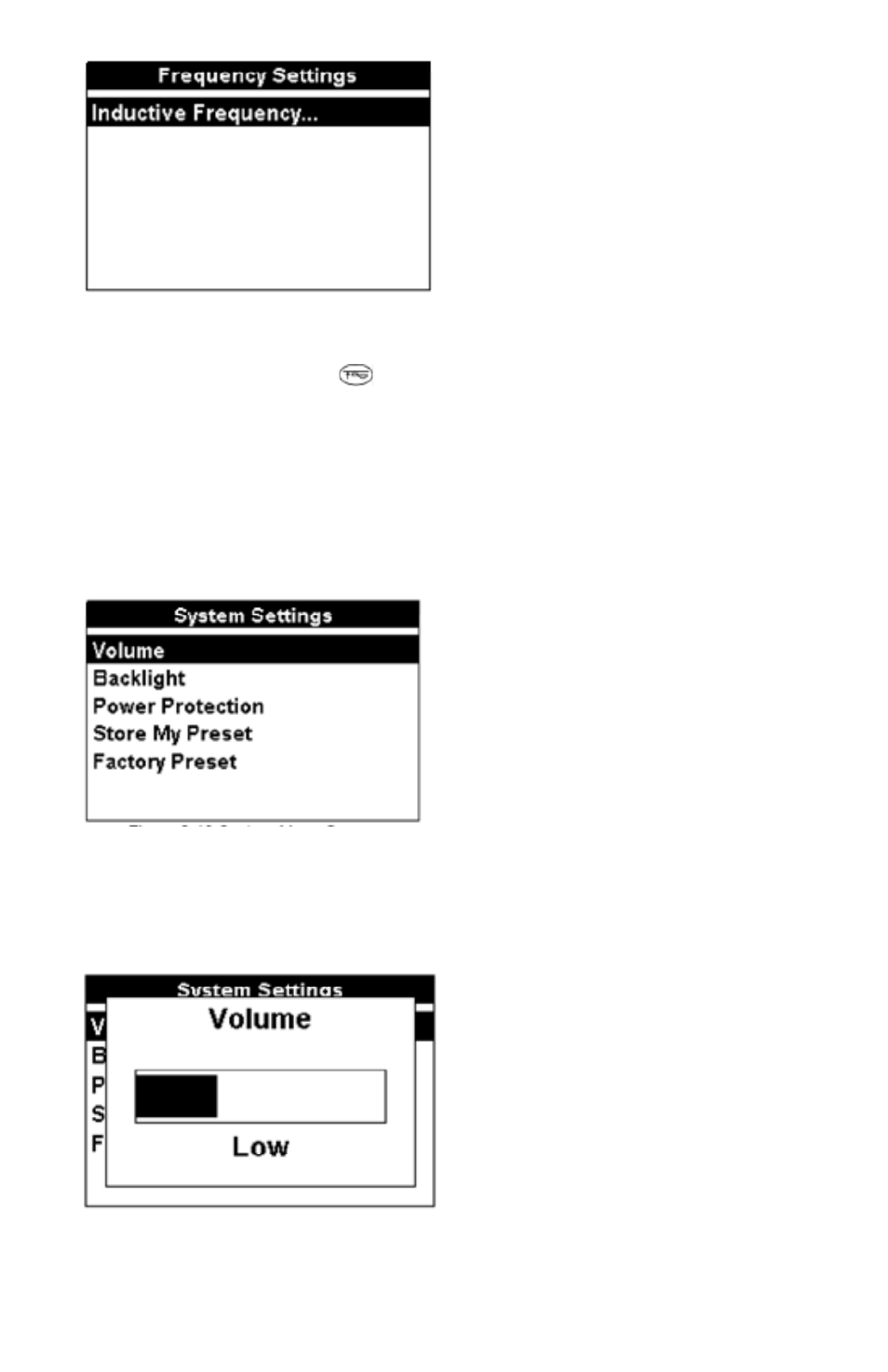
The T-5000 Transmitter system menu allows the operator to configure the desired system settings.
The desired system settings menu is configured using the three-button navigational keypad.
Push the
•
up/down arrows to select the desired option.
Push
•
Select to open the system settings menu option.
Push
•
Menu to return to the previous screen.
System Settings Menu – Volume
Selecting Volume allows the operator to set the transmitter volume level: OFF, low, medium, or high.
The desired volume level is configured using the three-button navigational keypad.
Push the left/right arrows to select the desired volume level.
•
Push Select to activate the desired volume level. The transmitter automatically returns to the operational display screen and
•
the selected display indicator icon is visible.
System Settings Menu – Backlight
Selecting Backlight allows the operator to set the transmitter operational display backlight ON – always oN or Auto (during
configuration or pressing control buttons).
The backlight is configured using the three-button navigational keypad.