2 system, 1 system information, Ystem – PLANET ICS-2100 User Manual
Page 23
User’s Manual of ICS-210x
-19-
4.2 System
4.2.1 System Information
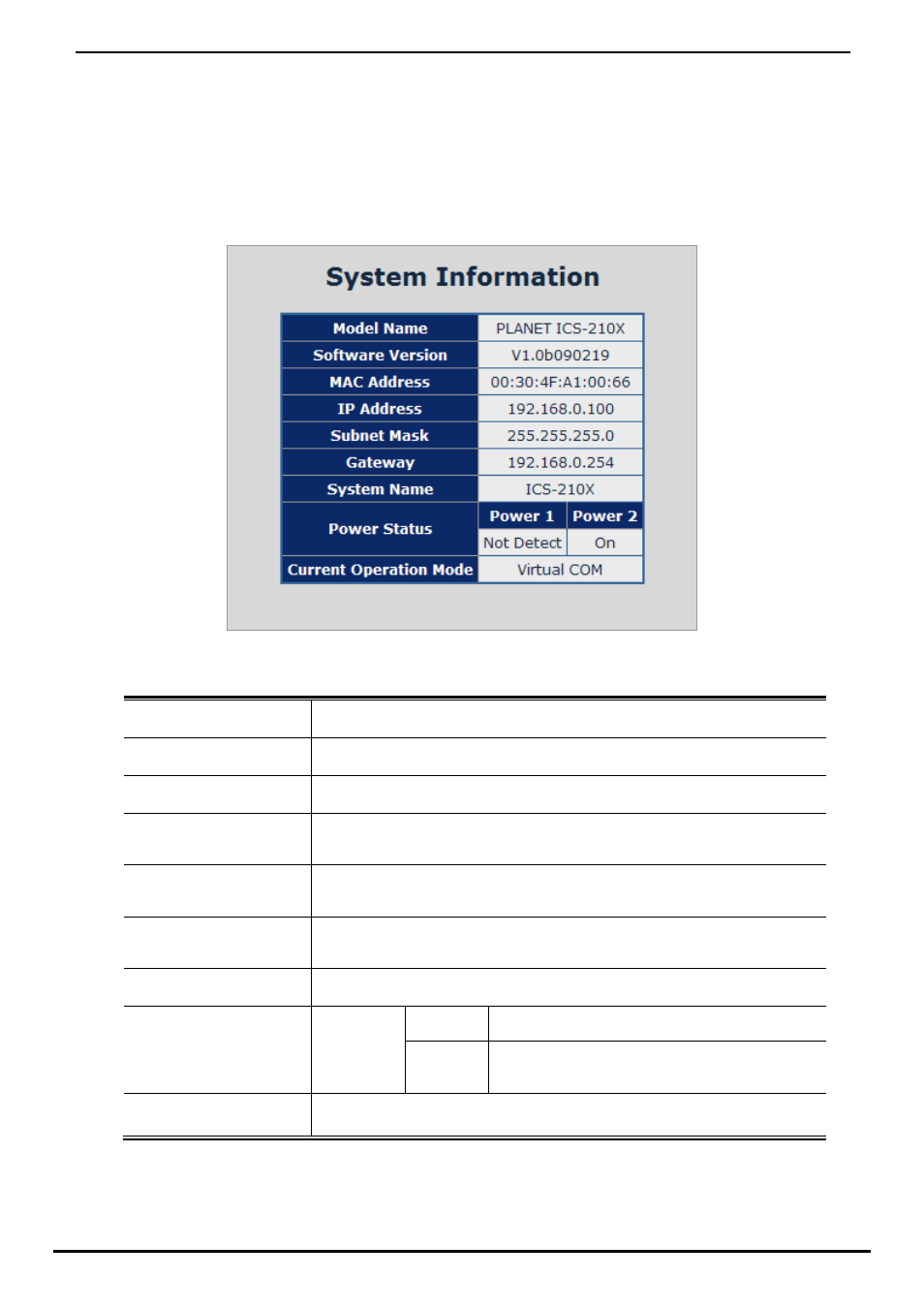
The System Information page provides information for the current device. System Info page helps a network manager to
identify the versions and IP Address etc. The screen in Figure 4-2 appears.
Figure 4-2 System Information screen
The page includes the following fields:
• Model Name
Specifies the device Model Name.
• Software Version
The current software version running on the device.
• MAC Address
Specifies the device MAC address.
• IP Address
The current IP Address of the device. The IP Address could be manual assigned.
The factory default value is 192.168.0.100.
• Subnet Mask
The current IP Subnet Mask setting on the device. The factory default value is
255.255.255.0.
• Gateway
The default gateway for the IP interface. The factory default value is
192.168.0.254.
• System Name
The current IP Subnet Mask setting on the device.
On
Indicate the DC power install into the terminal block.
• Power Status
Power 1 & 2
Not Detect
Indicate the DC power not install into the terminal
block.
• Current Operation
Mode
Show the current serial port operation mode.