Smtp setup, Log-fail warning, Op change warning – PLANET ICS-2100 User Manual
Page 56: Reboot warning, Logout
User’s Manual of ICS-210x
-52-
The page includes the following fields:
SMTP Setup
• Enable SMTP
To Enable SMTP function. The default value is “Disable”.
• SMTP Port
Set port number of SMTP service.
The default number is “25”.
• SMTP Server Address
Type the SMTP server name or the IP address of the SMTP server address
.
Enable
If authentication is required when an e-mail is sent
Username
Enter your login name for the SMTP Server.
• SMTP Login Information
Password
Enter your password for the SMTP Server.
• Mail to
Enter the receiver’s e-mail address.
• Mail from
Enter the sender’s e-mail address. This address is used for reply e-mails.
Log-Fail Warning
• Subject
Enter the subject/title of the e-mail.
The default subject is
“[ICS-210x]Login Fail Warming”.
• Message Body
Enter the message of the e-mail.
The default subject is
“ICS-210x web Login Fail.”.
OP Change Warning
• Subject
Enter the subject/title of the e-mail.
The default subject is
“[ICS-210x]Operation Mode Change Warming”.
• Message Body
Enter the message of the e-mail.
The default subject is
“ICS-210x Operation Mode Change.”.
Reboot Warning
• Subject
Enter the subject/title of the e-mail.
The default subject is
“[ICS-210x]Device Reboot Warming”.
• Message Body
Enter the message of the e-mail.
The default subject is
“ICS-210x Device Reboot.”.
■
Logout
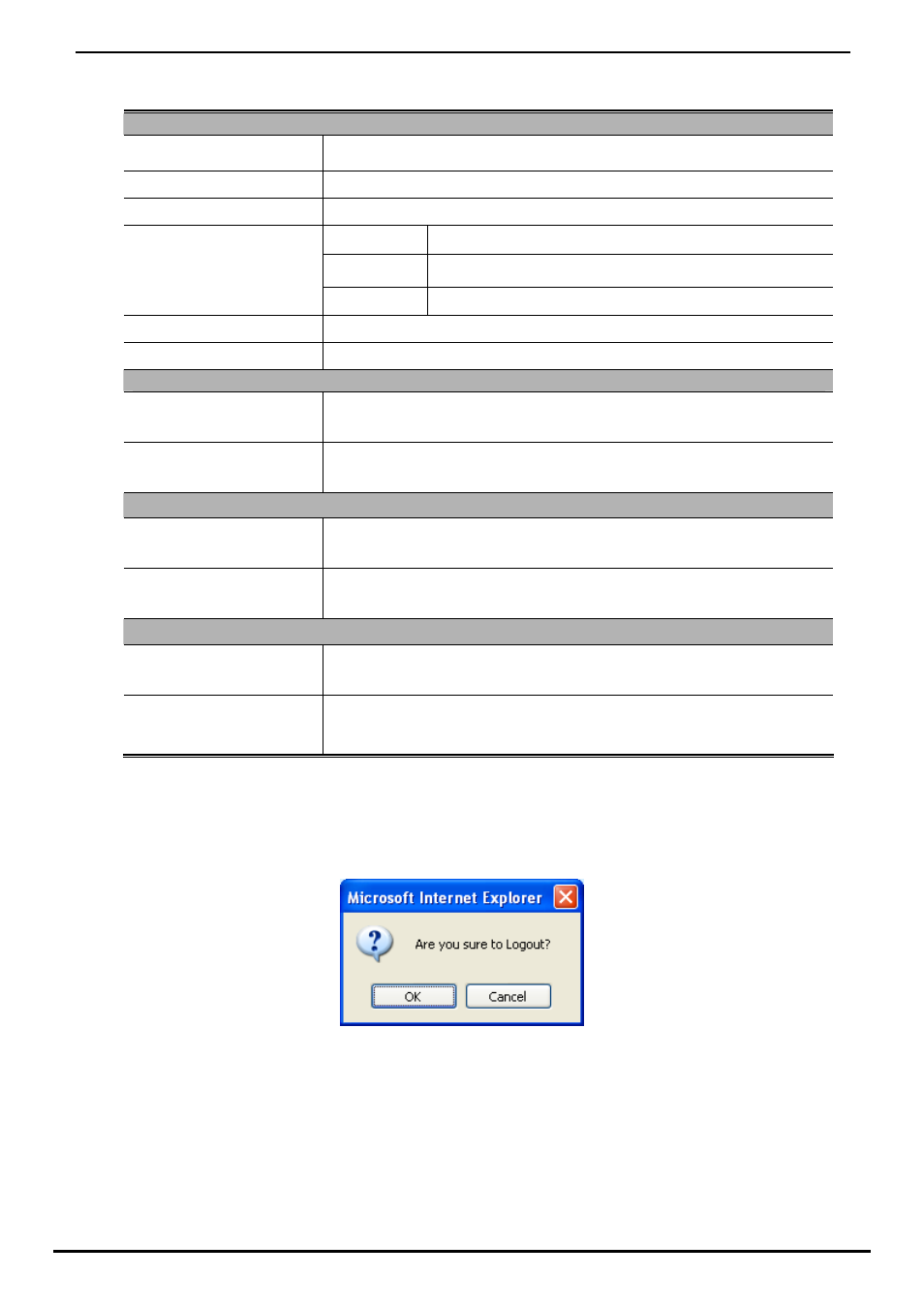
Press this function; the web interface will go back to login screen. The screens in Figure 4-57 and Figure 4-58 appear.
Figure 4-57 Logout dialogues screen