Panasonic Lumix GX80 User Manual
Page 31
Recording
31
(ENG) SQT1310
Recording Mode:
1
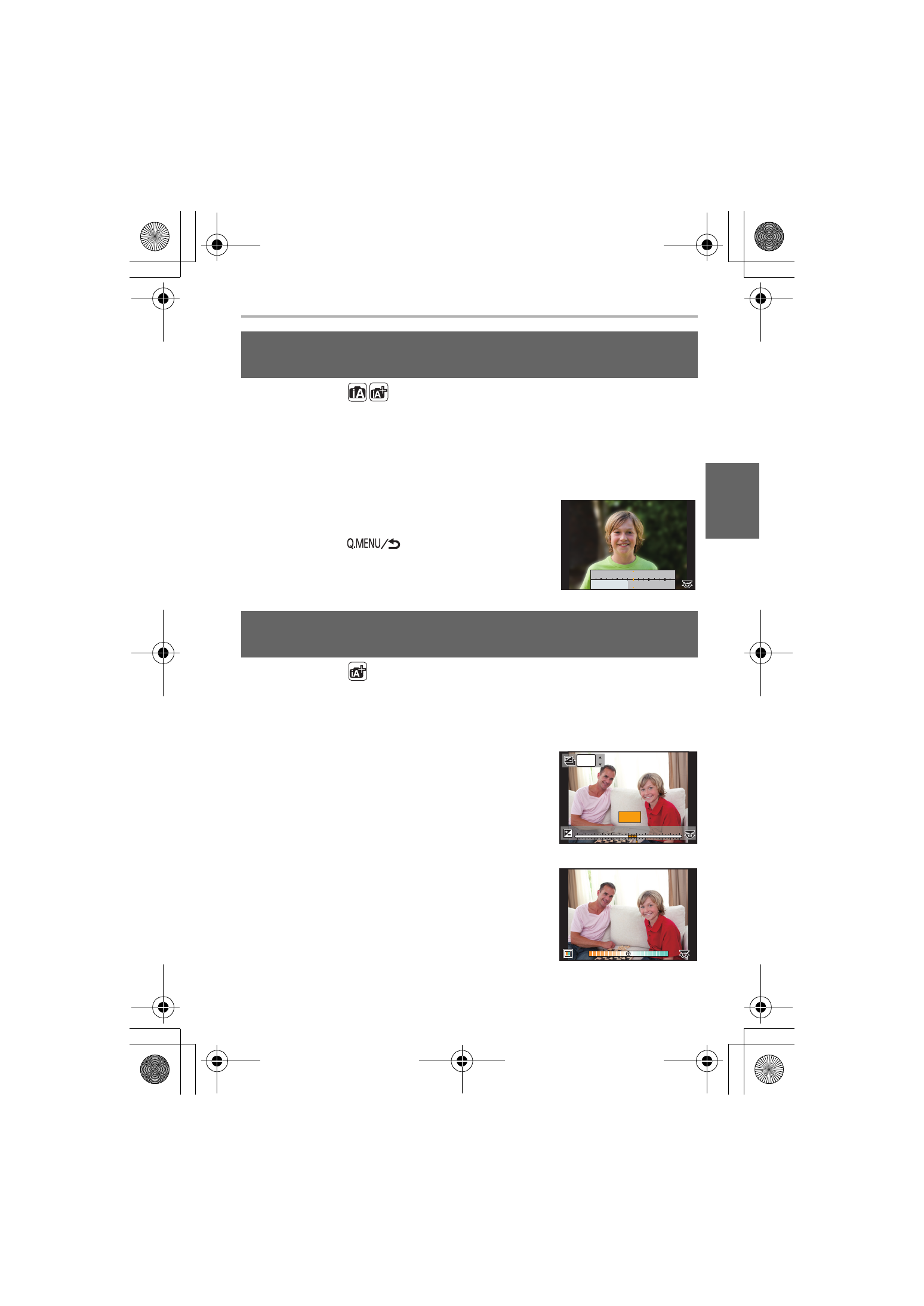
Press the rear dial to display the setting screen.
•
Each time the rear dial is pressed in Intelligent Auto Plus Mode, the camera
switches between brightness setting operation (P31), Defocus Control operation,
and normal operation.
•
Each time the rear dial is pressed in Intelligent Auto Mode, the camera switches
between Defocus Control operation and normal operation.
2
Set the blurriness by rotating the rear dial.
•
If you press [MENU/SET], you can return to the
recording screen.
•
If you press [
] while the blurriness setting
screen is displayed, the setting will be canceled.
Recording Mode:
∫ Setting brightness
1
Press the rear dial to display the setting screen.
•
Each press of the rear dial switches among brightness setting, Defocus Control
(P31) and normal operation.
2
Rotate the rear dial to adjust brightness.
∫ Setting color
1
Press 1 to display the setting screen.
2
Rotate the rear dial to adjust color.
•
Press [MENU/SET] to return to the recording
screen.
Taking a picture with a blurred background (Defocus
Control)
Recording images by changing the brightness or color
tone
SS
SS
SS
F
F
250
500
4.0
5.6
8.0
30
60
125
+1
+1 +2
+2 +3
+3 +4
+4 +5
+5
-5
-5 -4
-4 -3
-3 -2
-2 -1
-1 00
+1
+1
OFF
OFF
A
A
B
B
B
DMC-GX85KBody_PP-SQT1310_eng.book 31 ページ 2016年3月25日 金曜日 午後5時13分