Selecting pictures from 4k burst file and saving – Panasonic Lumix GX80 User Manual
Page 36
36
SQT1310 (ENG)
Recording
3
Press the shutter button to perform
recording.
•
The camera will perform burst recording of a 4K
photo and saves it as a 4K burst file in MP4 format.
•
When [Auto Review] is enabled, the picture
selection screen will be displayed automatically.
•
When the drive mode is set to [
] ([4K Pre-Burst]), the battery drains faster and the
camera temperature rises. Select [
] ([4K Pre-Burst]) only when recording.
•
When the ambient temperature is high or continuous recording is performed, the
camera may display [
] and stop the recording to protect itself. Wait until the camera
cools down.
•
The picture will be saved in JPEG format.
•
The picture will be saved with recording information (Exif information), including its
shutter speed, aperture and ISO sensitivity information.
1
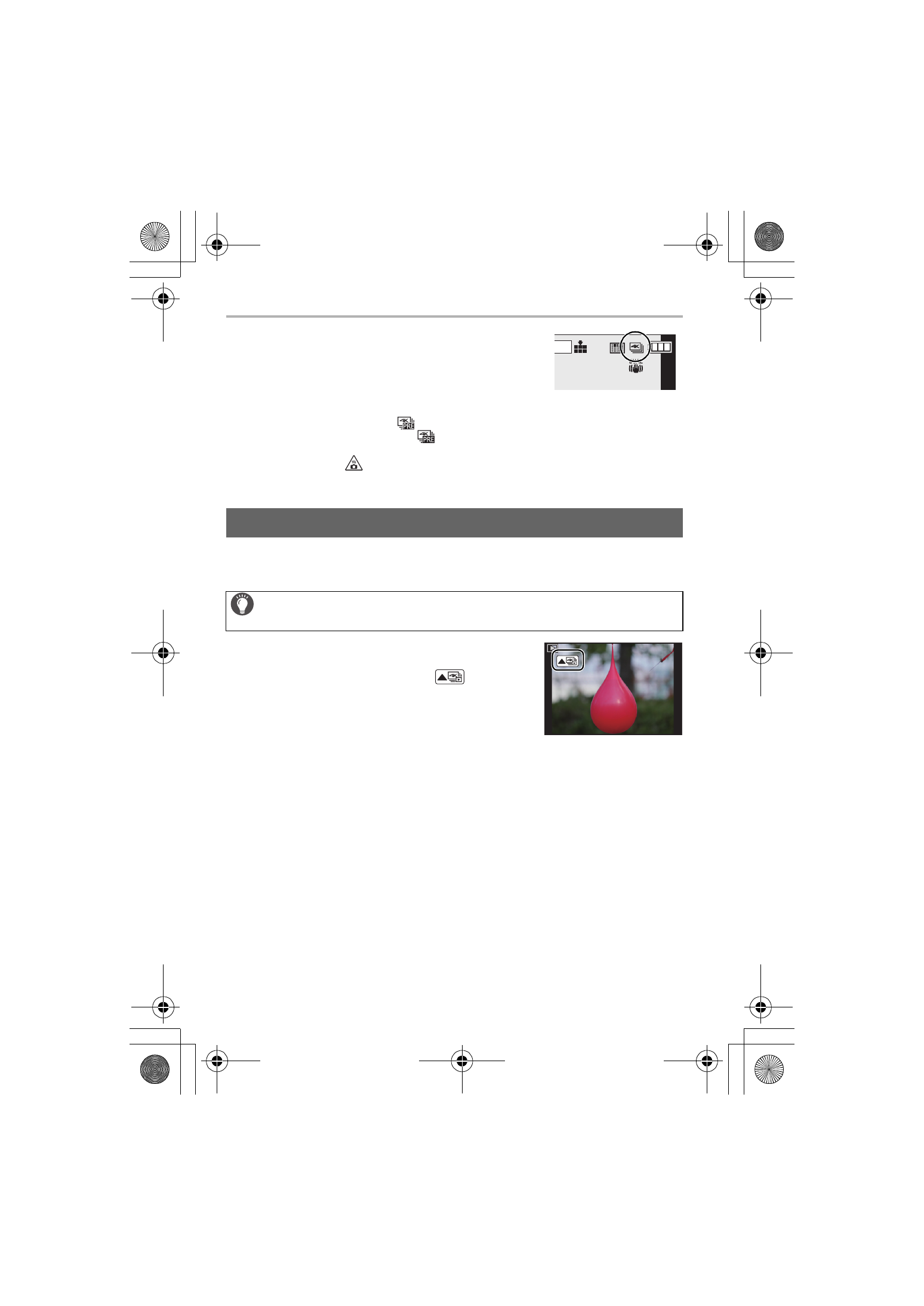
Select a 4K burst file on the playback screen,
and press 3.
•
4K burst files are displayed with [
].
•
The slide view screen for selecting pictures will be
displayed.
2
Drag the frames to select the frame you want
to save as a picture.
3
Press [MENU/SET] to save the picture.
•
For details, refer to the “Owner’s Manual for advanced features (PDF format)”.
Selecting pictures from 4K burst file and saving
Setting [Playback Mode] in the [Playback] menu to [4K PHOTO] enables
you to play back only 4K burst files and pictures created from them.
AFS
AFS
4K
4:3
DMC-GX85KBody_PP-SQT1310_eng.book 36 ページ 2016年3月25日 金曜日 午後5時13分