Panasonic Lumix GX80 User Manual
Page 67
Wi-Fi
67
(ENG) SQT1310
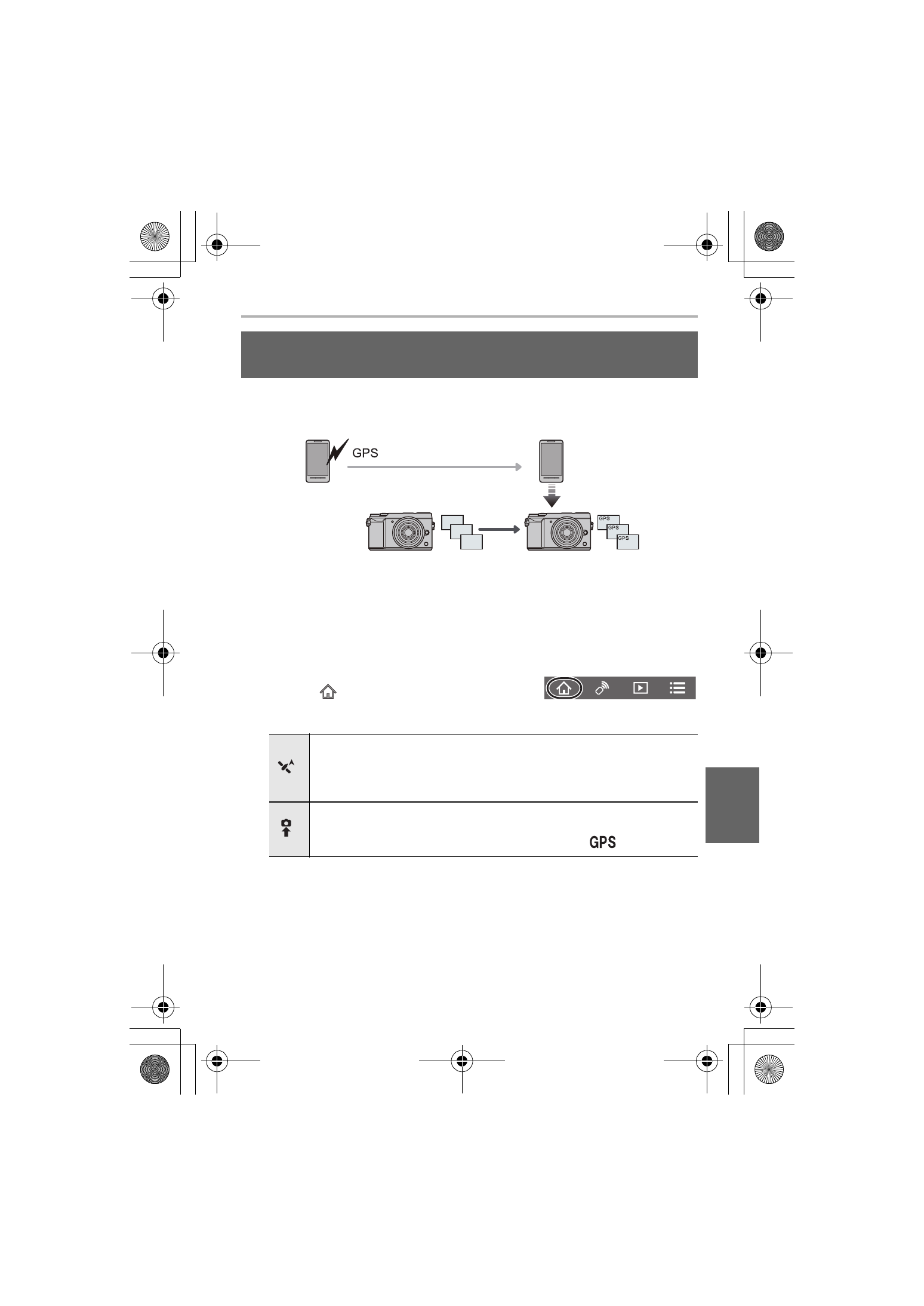
You can send location information acquired with a smartphone to the camera. After
sending the information, you can also write it on images stored in the
camera.
1 Start recording location information
2 Start recording images
3 Finish recording the location information
4 Sending and writing location information
∫ Operate the smartphone
1
Connect to a smartphone. (P64)
2
Select [
].
3
Select [Geotagging].
4
Select an icon.
Adding location information to images stored in the
camera from a smartphone/tablet
Start/stop recording location information.
•
The smartphone battery drains faster while location information is being
recorded.
When recording of location information is not necessary, stop it.
Sending and writing location information.
•
Follow the on-screen messages to operate the smartphone.
•
Images with location information are indicated with [
].
DMC-GX85KBody_PP-SQT1310_eng.book 67 ページ 2016年3月25日 金曜日 午後5時13分