Nikon D5500 User Manual
Page 40
Advertising
16 Introduction
5
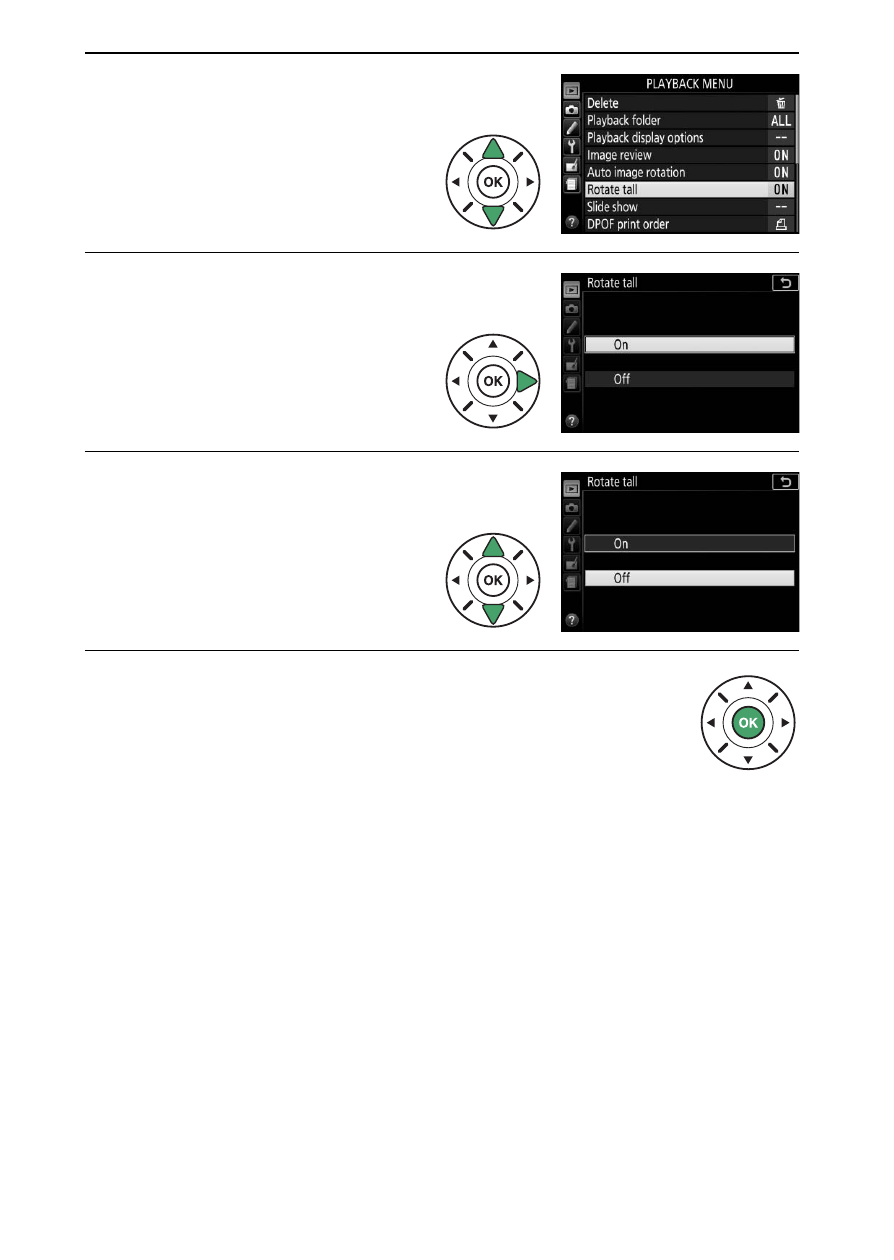
Highlight a menu item.
Press
1 or 3 to highlight a
menu item.
6
Display options.
Press
2 to display options
for the selected menu item.
7
Highlight an option.
Press
1 or 3 to highlight
an option.
8
Select the highlighted item.
Press
J to select the highlighted item. To exit
without making a selection, press the
G button.
Note the following:
• Menu items that are displayed in gray are not currently
available.
• While pressing
2 generally has the same effect as pressing J,
there are some cases in which selection can only be made by
pressing
J.
• To exit the menus and return to shooting mode, press the
shutter-release button halfway (
Advertising