Caution – Fujitsu Ricoh Fujitsu fi-7900 Image Scanner User Manual
Page 162
Advertising
●
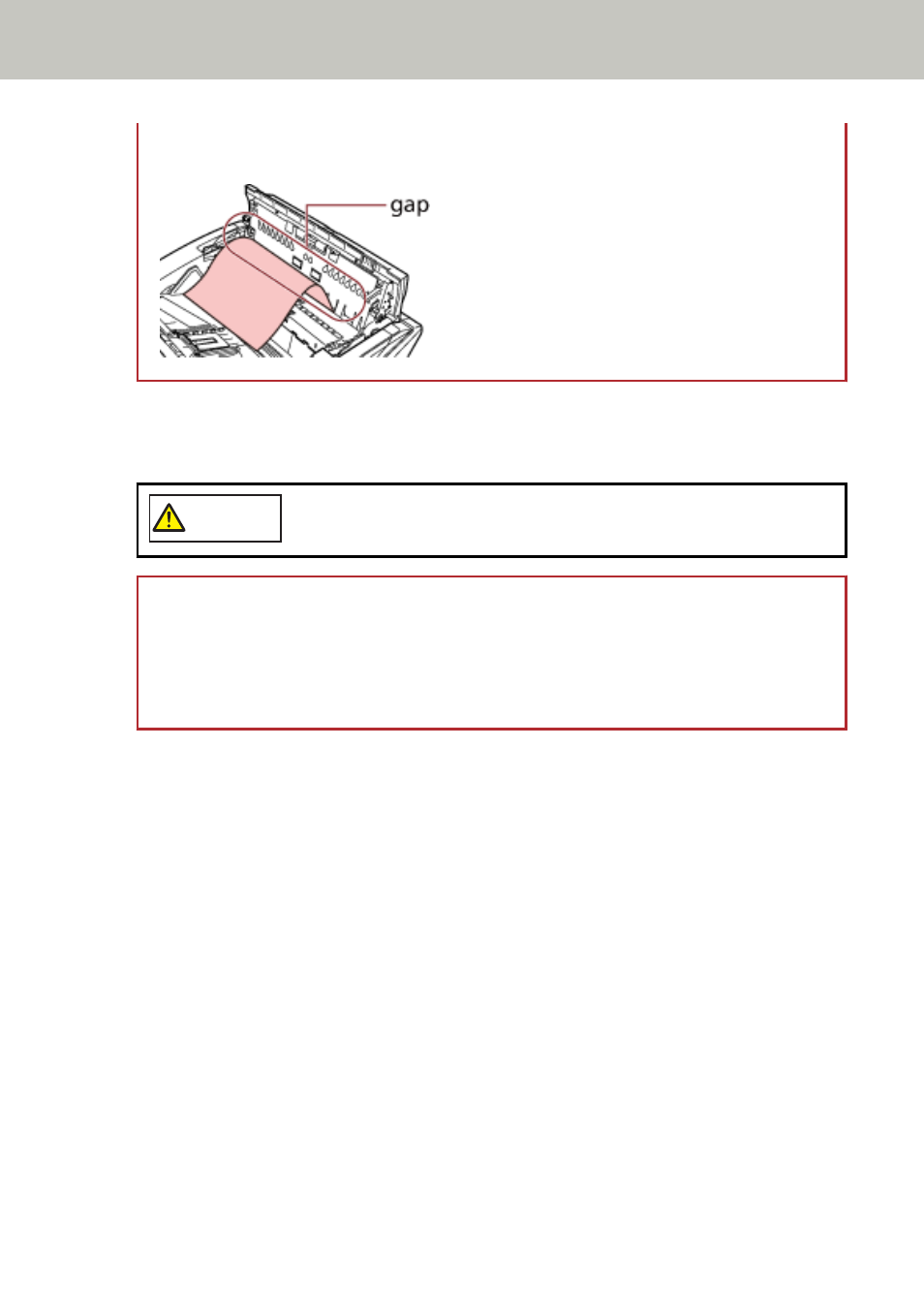
Be careful not to have the document caught in the small gap as shown in the picture below,
because there is little space in the paper path.
4
Close the ADF/top cover.
For information on how to close the ADF, refer to
How to Close the ADF (page 29)
For information on how to close the top cover, refer to
How to Close the Top Cover (page 31)
.
CAUTION
Be careful not to get your fingers caught when closing the ADF.
ATTENTION
●
Confirm that the ADF is closed properly. Otherwise, documents may not be fed into the ADF.
●
Occasionally when scanning is complete or canceled, documents may remain in the ADF
without any error message displayed. In that case, follow steps
the documents.
Troubleshooting
162
Advertising