Fujitsu Ricoh Fujitsu fi-7900 Image Scanner User Manual
Page 258
Advertising
2
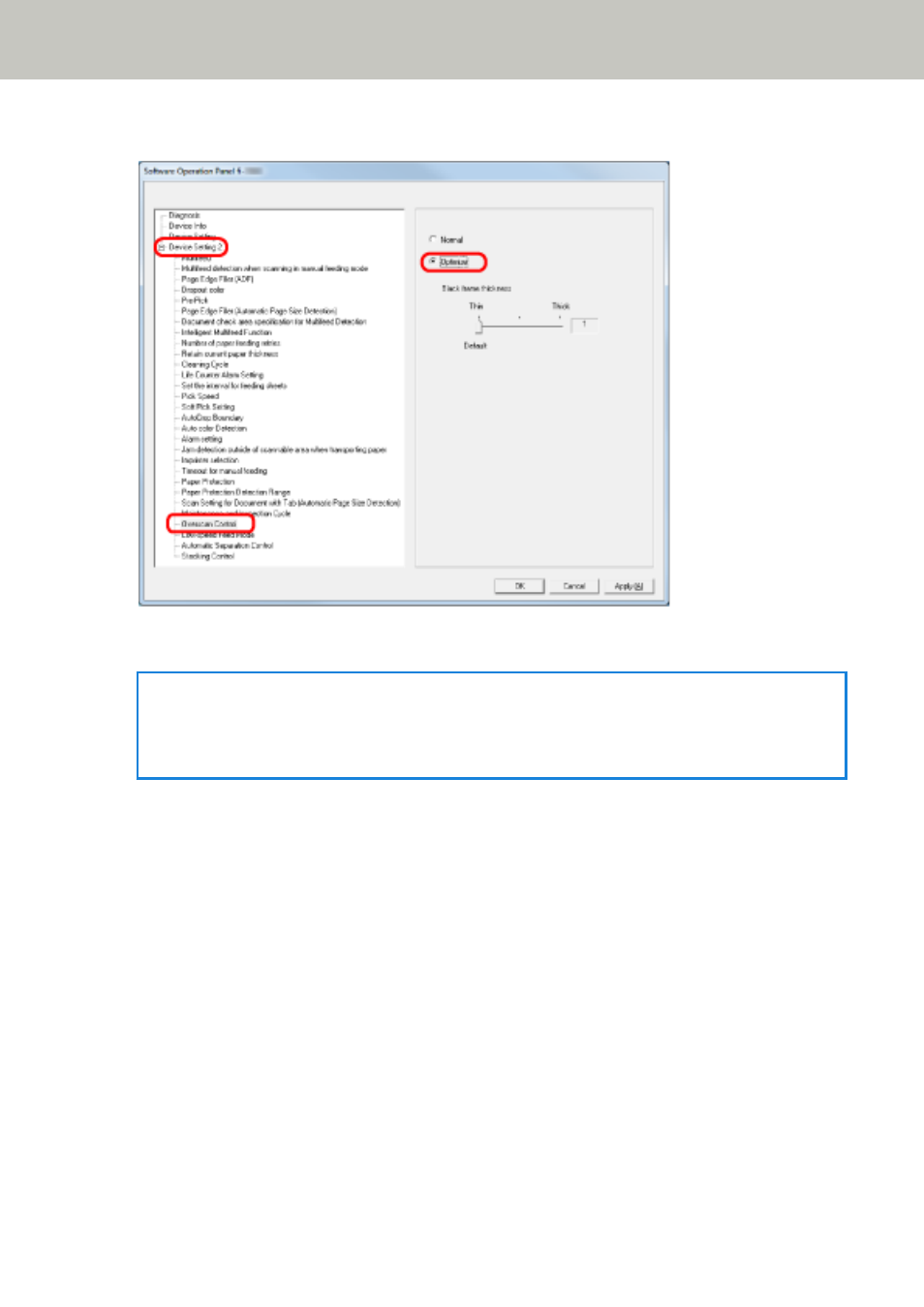
From the listing on the left, click [Device Setting 2]
→
[Overscan Control], then select [Optimize].
3
Specify the amount of [Black frame thickness] for the top and bottom.
HINT
●
This option is recommended to be used with [Set the interval for feeding sheets].
●
It is recommended that you scan in the largest available paper size.
Operational Settings
258
Advertising