How to Close the Top Cover
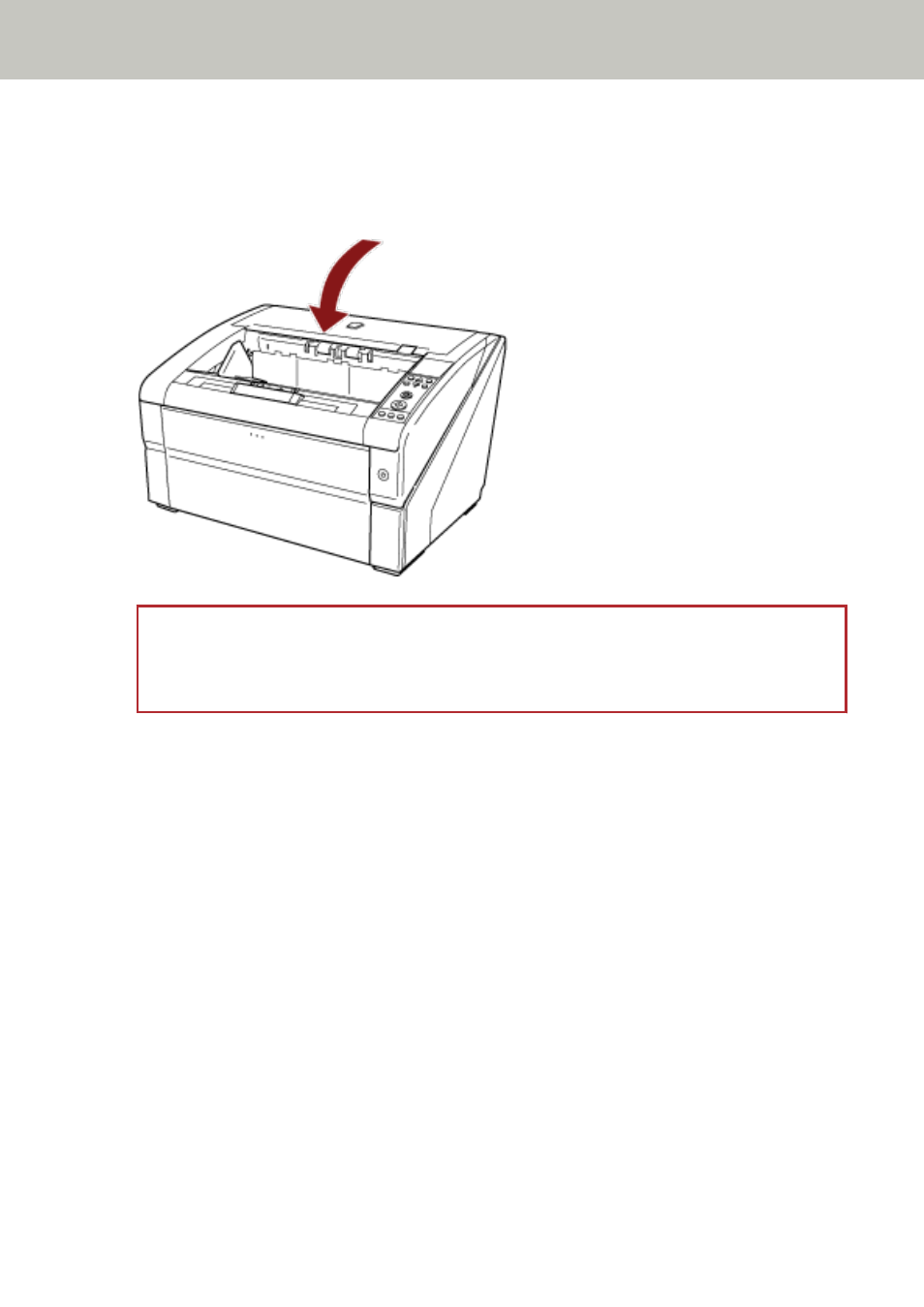
Close the top cover in the following manner:
1
Close the top cover and push it down gently until it locks.
ATTENTION
●
Make sure that there is no foreign matter caught inside the top cover.
Be careful not to get your fingers caught.
Scanner Overview
31